



3D Printing PowerPoint Template – Attention-Grabbing Design
J0400036
- Last Update 01/08/2025
- File Size 7.9MB
- # of Slides 35
- File Format PPTX
- Slide Ratio 16:9
- Color
Slide Preview








Keywords
About the Product
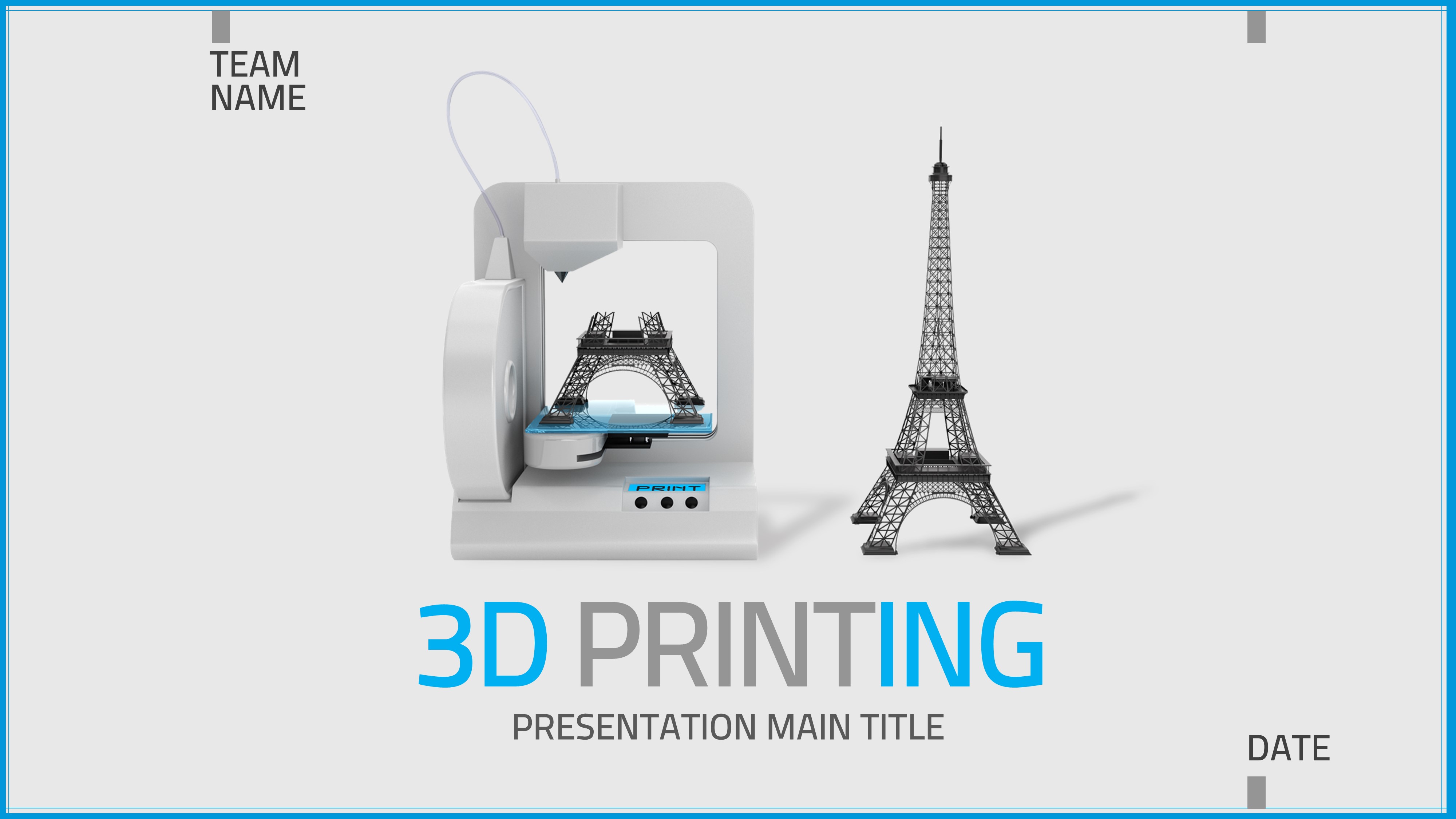
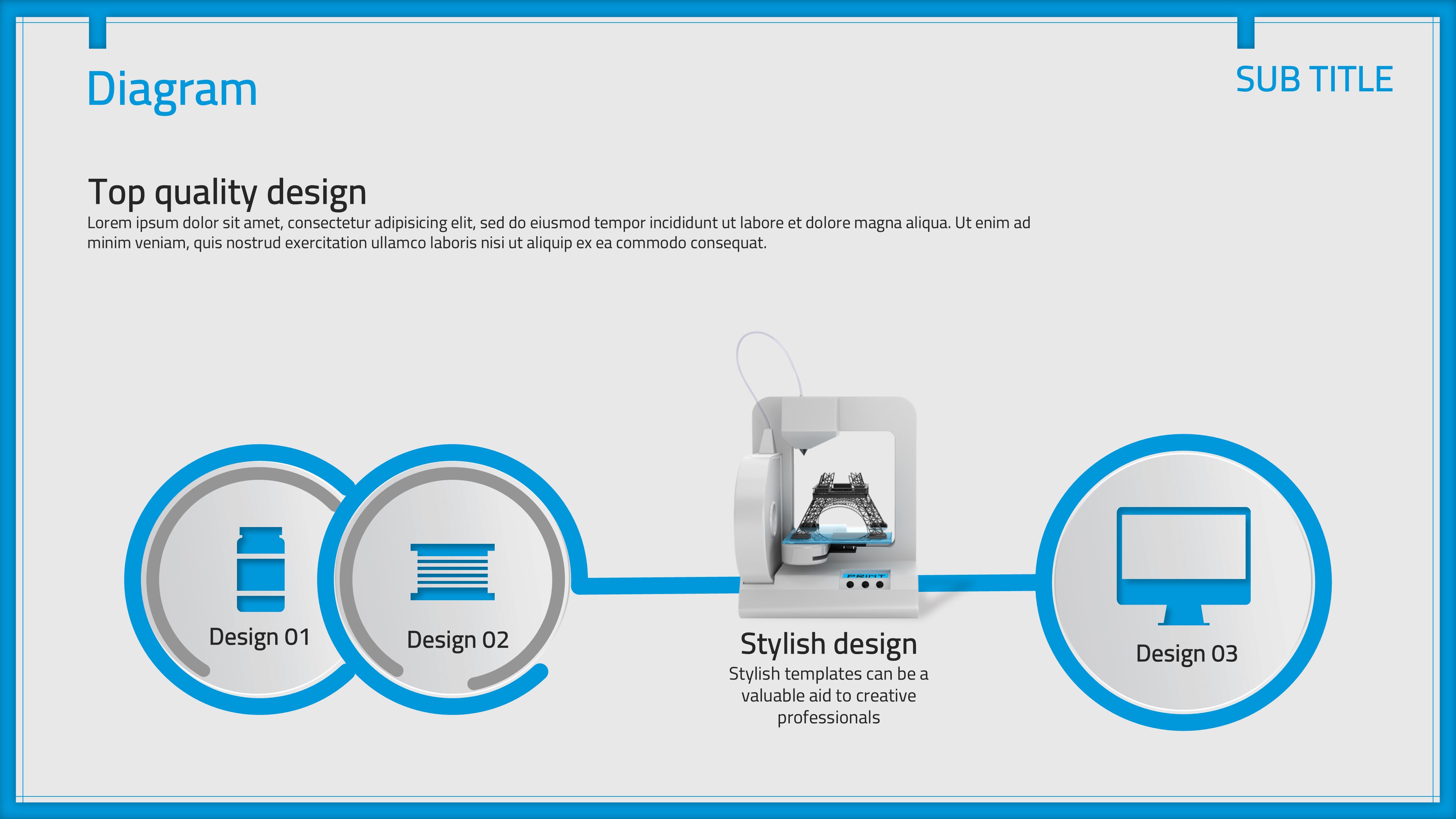
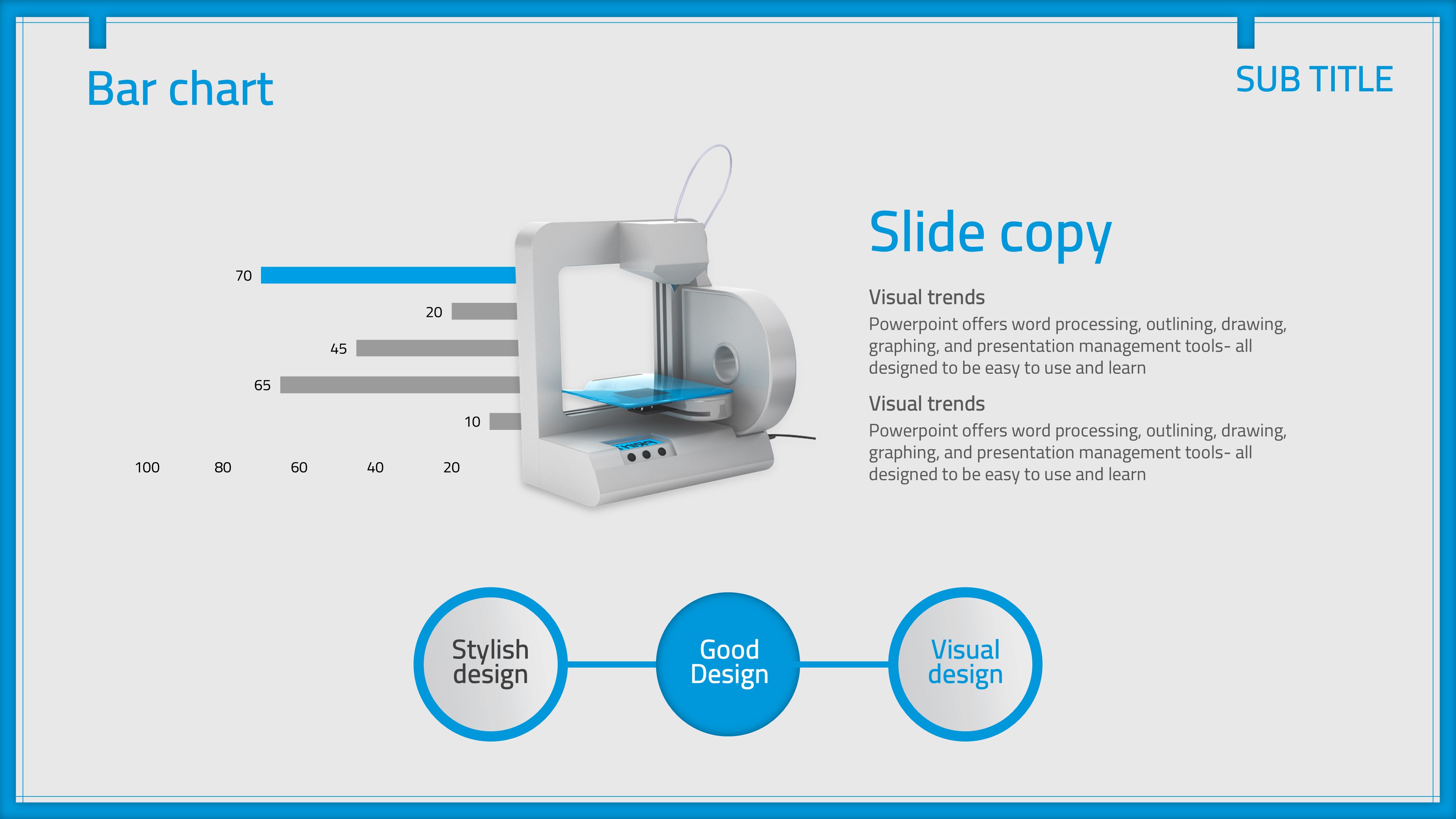
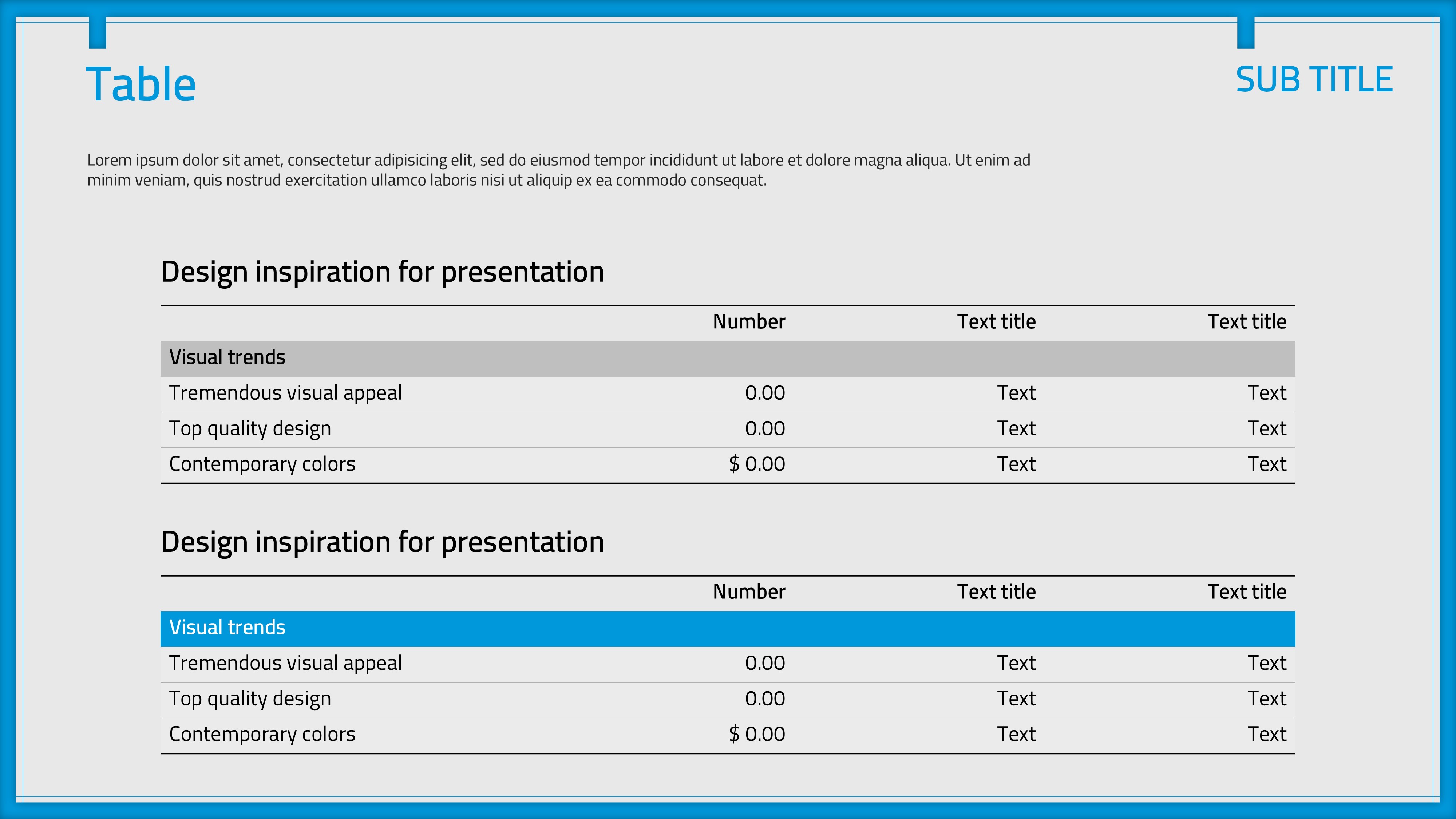
This IT and manufacturing PowerPoint template features a real 3D printer image set against a light gray background with consistent blue accent colors across charts, titles, and maps. The 35-slide deck covers every stage of a technical presentation, including a title slide, diagram and table layout, line chart, feature overview, 100% stacked bar chart, column chart with positive and negative values, and a global map slide. Designed for 3D printing technology showcases, manufacturing innovation pitches, and startup IR presentations, the clean two-column grid layout keeps data readable without visual clutter. All slides are fully editable in PPTX format — simply replace the placeholder text, update chart figures, and swap in your brand colors to create a polished presentation in minutes. Optimized for 16:9 widescreen displays and online meeting environments, this PowerPoint slide set is ideal for IT companies, research institutions, and tech-driven businesses that need a credible, data-rich presentation template.
Usage Points
-
Main Usage
Ideal for presenting 3D printing technology, manufacturing innovation roadmaps, and IT startup pitches. The structured 35-slide layout guides audiences from concept introduction through data analysis and global market overview.
-
How to Use
Download the PPTX file, replace the team name, date, and body text, then update the chart data and map pin labels with your actual figures. The blue accent color can be changed site-wide in PowerPoint's theme settings in seconds.
-
Recommended For
Best suited for 3D printing startup founders, IT product managers, R&D team leads, and manufacturing engineers who need a credible, data-driven slide deck for investor meetings, client demos, or conference presentations.
-
Slide Structure
Includes 35 slides: title cover with 3D printer visual, diagram and data table, line chart with network flow, feature overview with laptop imagery, 100% stacked column chart, positive-negative bar chart, and a blue global map with country pins.
Related Products
-
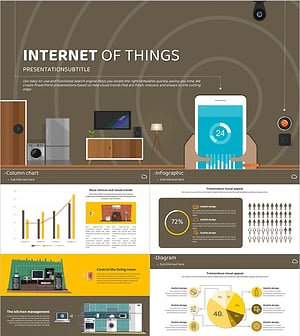
IOT Themed Portrait Presentation Template – Modern Design with Rich Visual Appeal
#IT/Computer
-
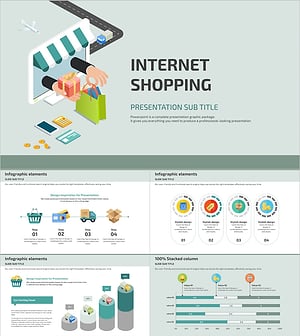
Online Shopping PPT Wide – Stylish Visual Design
#IT/Computer
-
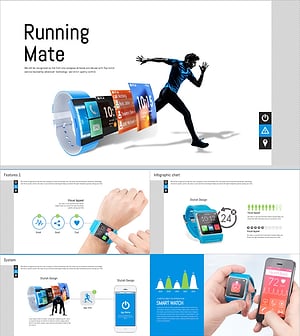
Smart Device Presentation Template – Merging Healthcare and Technology
#IT/Computer
-
Application PowerPoint Wide Template – Sleek Design and Practicality
#IT/Computer
