



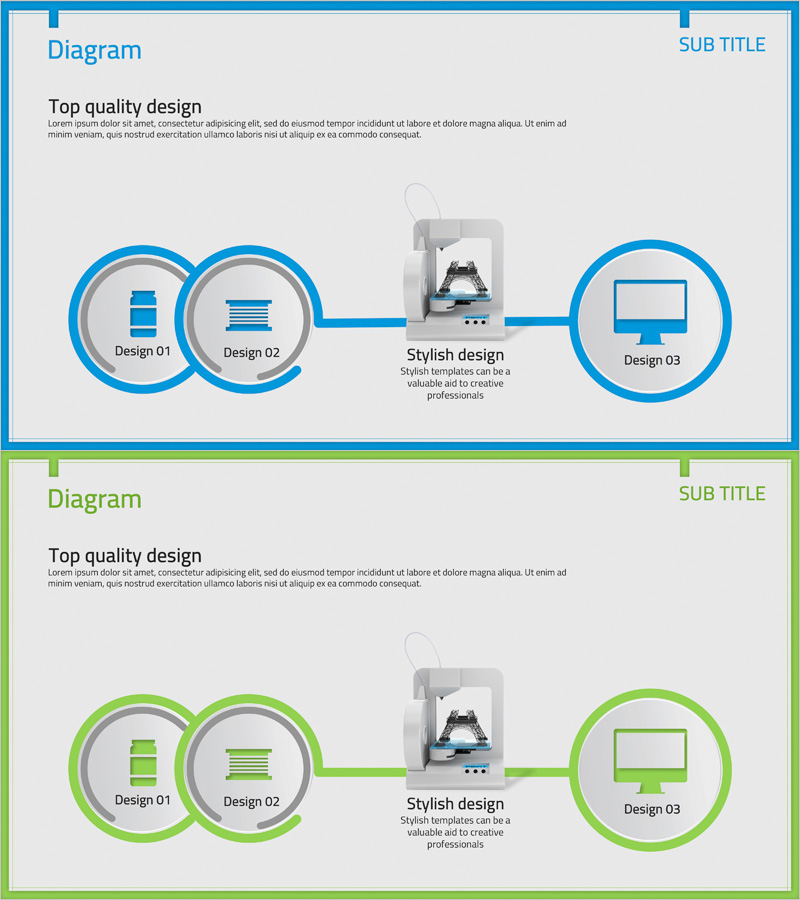
Insight into 3D Printer System Configuration Diagram
RJ0400036_8
- Last Update 05/27/2025
- File Size 0.7MB
- # of Slides 2
- File Format PPTX
- Slide Ratio 16:9
- Color
Keywords
- #Content-Based Slides
- #Design-Based Slides
- #Product/Service Introduction
- #Technical Approach
- #Diagram
- #Composition
- #System Architecture Diagram
- #Cluster
- #Chain Diagram
- #16:9
- #3-node connection diagram PowerPoint
- #system architecture slide template
- #technical flowchart presentation
- #process connection diagram
- #how to create system diagram in PowerPoint
About the Product
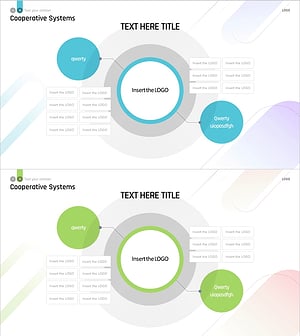
A connection-type diagram PowerPoint slide that visualizes 3D printer system configuration. The design features a three-stage flow structure where two left nodes converge to a central device and connect to a right display, clearly expressing technical processes and system integration relationships. Set against a light gray background with blue circular borders and connecting lines, each component is emphasized through icons and text labels that distinguish information hierarchy. This PPT diagram is ready to use for technology presentations, product introductions, and system architecture explanations.
Usage Points
-
Main Usage
Optimized for visually explaining technical system components and their integration relationships. Clearly expresses multi-stage system architectures such as 3D printers, manufacturing equipment, and IT infrastructure, allowing audiences to instantly grasp input/output flows and the role of central processing units.
-
How to Use
Place in the system overview section of technical presentation materials or use as a component explanation slide in product introduction presentations. Easily customize node text and icons to match your system, and color modifications are straightforward.
-
Recommended For
Ideal for technology professionals, engineers, product managers, and R&D teams presenting technical specifications or system architecture. Also effective for educational institutions delivering technical lectures or technology seminars.
-
Slide Structure
Two-slide set with blue border frame on the first slide and green border frame on the second. Each slide comprises two circular nodes on the left (Design 01, 02), a 3D printer mockup image in the center, and one circular node on the right (Design 03), with straight connecting lines representing data flow between nodes. 16:9 widescreen format, PPTX file type.
Related Products
-
Cloud Network Architecture Overview – Technical Strength and Stability
#Product/Service Introduction #Technical Approach #Diagram
-
Mobile Service System Configuration Diagram - Technical Concept Introduction
#Product/Service Introduction #Technical Approach #Diagram
-
Experimental Setup Diagram – Technology and Innovation
#Product/Service Introduction #Technical Approach #Diagram
-
Cooperative Systems Diagram – Visualizing Technical Integration
#Product/Service Introduction #Technical Approach #Diagram
