



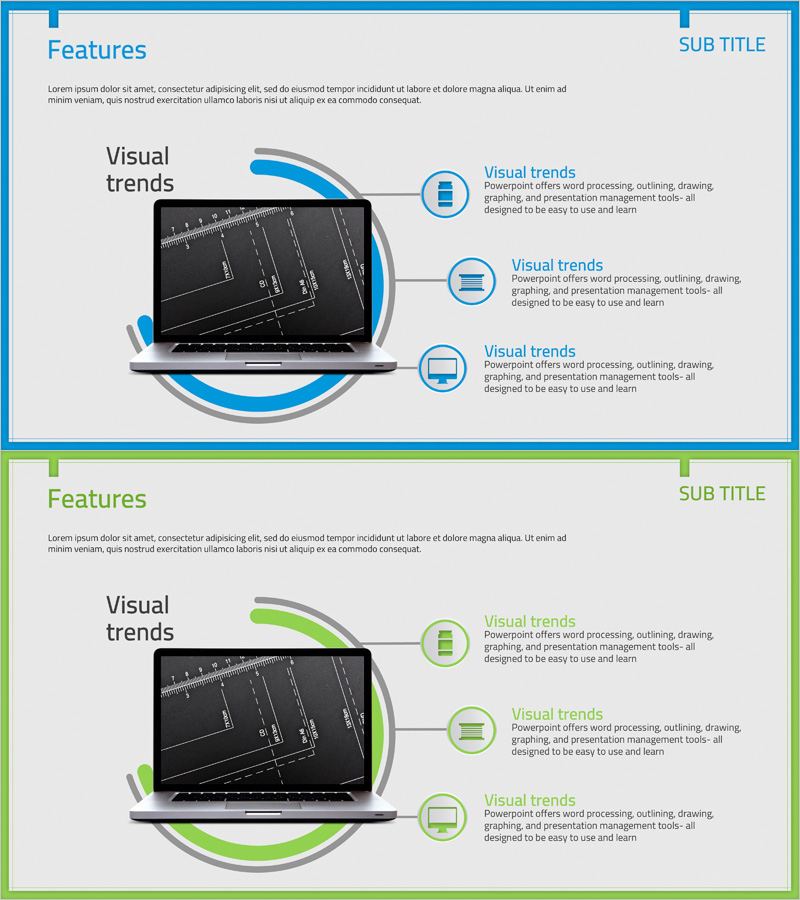
Introduction to 3D Printing Configuration – Expansive Visualization
RJ0400036_14
- Last Update 05/27/2025
- File Size 0.9MB
- # of Slides 2
- File Format PPTX
- Slide Ratio 16:9
- Color
Keywords
- #Content-Based Slides
- #Design-Based Slides
- #Product/Service Introduction
- #Diagram
- #Other
- #Product/Service Introduction
- #Composition
- #Spread
- #Radial Diagram
- #Mockup
- #16:9
- #laptop mockup PowerPoint slide
- #device mockup presentation template
- #radial infographic PPT
- #product introduction slide
- #technology explanation slides
About the Product
A 2-slide PowerPoint presentation featuring a laptop device mockup with radial information architecture. The left side displays a laptop screen with technical blueprint or UI design, while the right side arranges three circular icons and text areas in a radial pattern to communicate product features, specifications, and benefits. This slide deck is ideal for product demonstrations, technology briefings, and service component presentations. Created in 16:9 widescreen format and fully editable in PPTX.
Usage Points
-
Main Usage
Visualize core product components, technical specifications, or service elements alongside a realistic laptop mockup to enhance audience comprehension. The three-item radial layout simultaneously presents features, advantages, and benefits, making it ideal for product launches, technical briefings, and service introductions.
-
How to Use
Insert product design mockups, UI screenshots, or technical diagrams into the left laptop screen area. Add feature names, descriptions, and metrics into the three circular icon regions on the right. Maintain the blue-green-gray color scheme or customize with corporate brand colors.
-
Recommended For
Software and hardware companies presenting product features, startups pitching technology solutions, engineering teams explaining technical specifications, marketing departments showcasing product capabilities, and educational institutions delivering technology training materials.
-
Slide Structure
2-slide set. Slide 1: Blue header border + left laptop mockup + right three circular icons (blue, green, gray) + text fields. Slide 2: Green header border + identical layout with color variation. 16:9 aspect ratio with fully editable elements.
Related Products
-

Mobile Network Introduction and Configuration – Visual Appeal and Design
#Product/Service Introduction #Diagram #Other
-
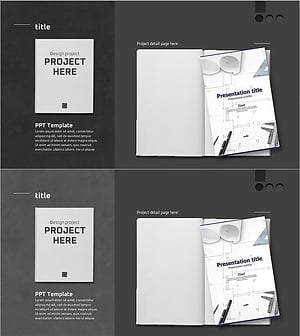
Project Book Mockup - Optimized Design for Practical Use
#Product/Service Introduction #Other #Product/Service Introduction
-
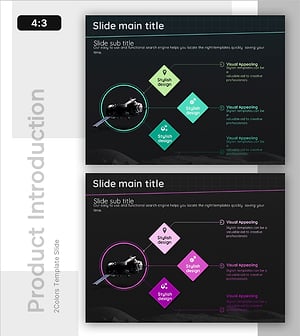
Overview of Satellite Viewer Platform Structure – Innovative Approach
#Product/Service Introduction #Diagram #Product/Service Introduction
-
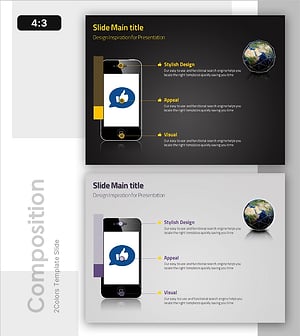
Diagram Showcasing Mobile App Service Configuration
#Product/Service Introduction #Diagram #Other
