



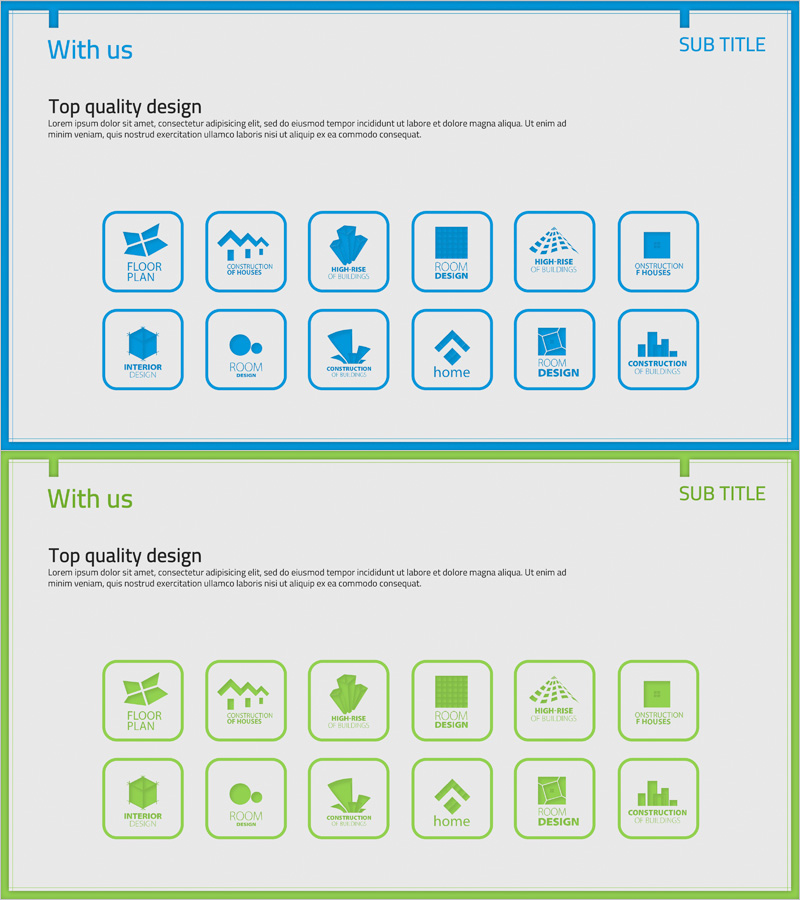
Partner Brand Logo Diagram
RJ0400036_31
- Last Update 05/27/2025
- File Size 0.3MB
- # of Slides 2
- File Format PPTX
- Slide Ratio 16:9
- Color
Keywords
- #Content-Based Slides
- #Design-Based Slides
- #Company Introduction
- #Diagram
- #Customers and Partners
- #Cluster
- #Closed Cluster Diagram
- #16:9
- #partner logo diagram PowerPoint
- #cluster diagram slide template
- #brand logo presentation slide
- #client showcase diagram
- #partnership network PPT
- #closed-form diagram slide design
About the Product
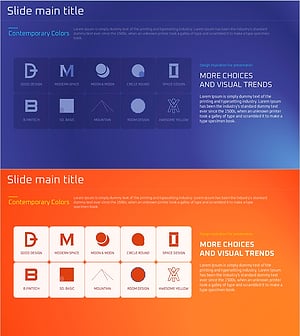
A 12-node closed-form cluster diagram PowerPoint slide designed to organize and showcase partner and collaborating company brand logos. The central hub structure positions logos around a core focal point, with each node framed in a rounded square with blue borders on a light gray background. This two-slide set provides flexible layout variations for presenting business partnerships and collaborative relationships. Ideal for company overview presentations, client portfolio sections, and partnership announcements in corporate decks.
Usage Points
-
Main Usage
Visually organize and present partner companies, collaborators, and client logos in a structured cluster format. The central hub design effectively communicates business network scale and partnership strength, enhancing company credibility in corporate presentations.
-
How to Use
Insert into company overview presentations, client portfolio sections, or partnership announcements. Replace placeholder icons with actual partner logos to create customized business decks. Suitable for investor pitches, corporate introductions, and B2B partnership proposals.
-
Recommended For
Corporate executives, sales teams, business development managers, and marketing professionals presenting client portfolios or partnership networks. Ideal for investor relations presentations, company overview decks, partnership proposals, and B2B business development materials.
-
Slide Structure
Two-slide set featuring a closed-form cluster layout with 12 rounded square nodes arranged in a circular pattern around a central focal point. Each node has a blue border frame on a light gray background, with designated input areas for logo or icon insertion. Consistent design across both slides with layout variations.
Related Products
-
A Collection of External Business Partners – The Power of Connection
#Company Introduction #Customer Success Stories #Diagram
-
List of Key Partners – Building Trust Through Client Success Stories
#Company Introduction #Customer Success Stories #Diagram
-
List of Major Clients – Introduction of Customers and Partners
#Company Introduction #Product/Service Introduction #Diagram
-
Purple Brown Affiliate Customer Success Slide – Business Case Study
#Company Introduction #Customer Success Stories #Diagram
