



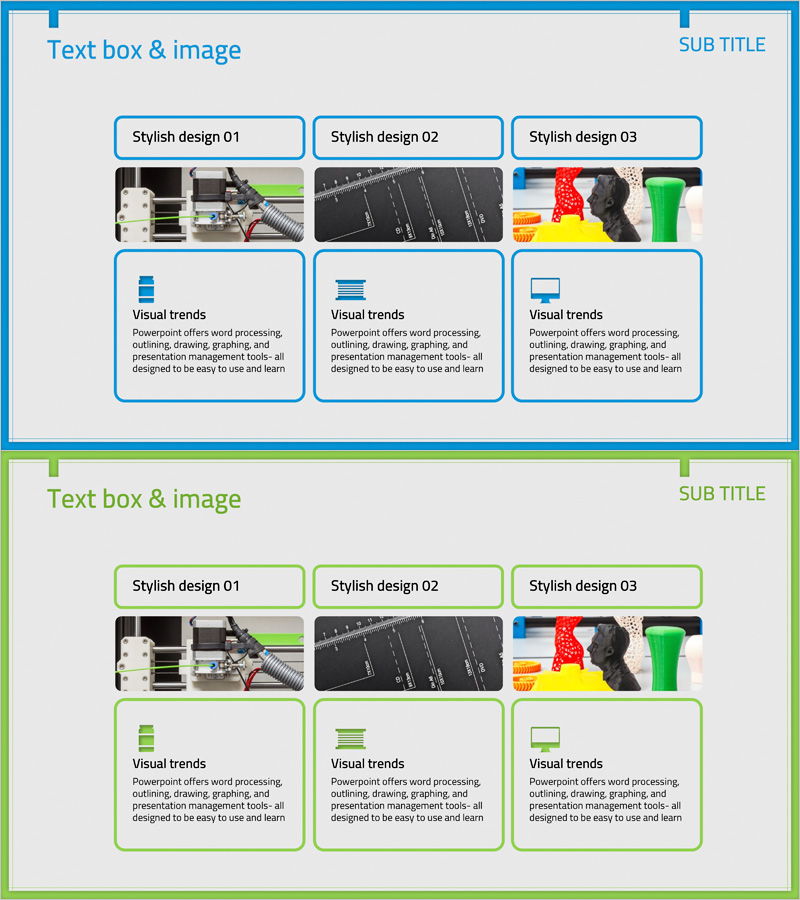
3D Printing Business Program Introduction Slide
RJ0400036_32
- Last Update 05/27/2025
- File Size 0.4MB
- # of Slides 2
- File Format PPTX
- Slide Ratio 16:9
- Color
Keywords
- #Content-Based Slides
- #Design-Based Slides
- #Product/Service Introduction
- #Business Vision and Strategy
- #Diagram
- #Program Introduction
- #Business Goals
- #Cluster
- #Closed Cluster Diagram
- #16:9
- #3D printing diagram PowerPoint
- #cluster diagram presentation
- #business program slide template
- #product introduction PPT
- #vision strategy diagram slide
About the Product
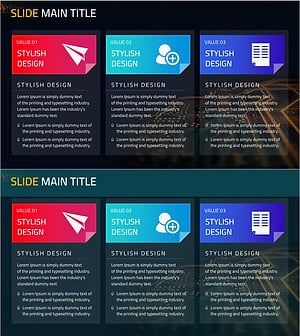
A cluster diagram PowerPoint slide that divides a 3D printing business program into three distinct areas and connects them to a central concept. Each area features stylish design variations (01, 02, 03) with combined image and text layouts to effectively communicate business vision and product introduction. Composed of 2 slides in 16:9 widescreen format, each section includes visual trend icons and descriptive text boxes. This presentation slide is ready to use for business program pitches, product introduction materials, and vision-sharing presentations.
Usage Points
-
Main Usage
Optimized for visually categorizing core areas of 3D printing business and explaining each area's characteristics through images and text. Ideal for business program presentations, investor briefings, and product introduction decks to clearly communicate business structure and vision.
-
How to Use
Replace images in each stylish design area and modify text descriptions accordingly. Edit the title and right-side subtitle to match your presentation topic, then update icons and description text in each cluster area. The 16:9 aspect ratio is optimized for modern projectors and displays.
-
Recommended For
Recommended for 3D printing company business explanations, new business division introductions, product lineup announcements, investor relations materials, and technology company vision-sharing presentations. Suitable for marketing teams, business development teams, and executive presentations.
-
Slide Structure
Composed of 2 slides, each divided into a title and subtitle area at the top and 3 cluster areas below. Each cluster contains a stylish design label, image box, visual trend icon, and descriptive text box, creating clear information hierarchy.
Related Products
-
Ringer Shape Subdivided Column Graph for Global Trade Business Objectives
#Product/Service Introduction #Business Vision and Strategy #Diagram
-
Introduction to the Transportation Program – Efficient Cluster Diagram
#Product/Service Introduction #Business Vision and Strategy #Diagram
-
Cluster Diagram Template for VR System Goals
#Product/Service Introduction #Business Vision and Strategy #Diagram
-
Mobile Business Goals Slide – Utilizing Cluster Diagram
#Product/Service Introduction #Business Vision and Strategy #Diagram
