



Botanical Garden PPT Template – Nature-Inspired Design
J0600083
- Last Update 01/13/2025
- File Size 31.9MB
- # of Slides 31
- File Format PPTX
- Slide Ratio 16:9
- Color
Slide Preview















Keywords
About the Product
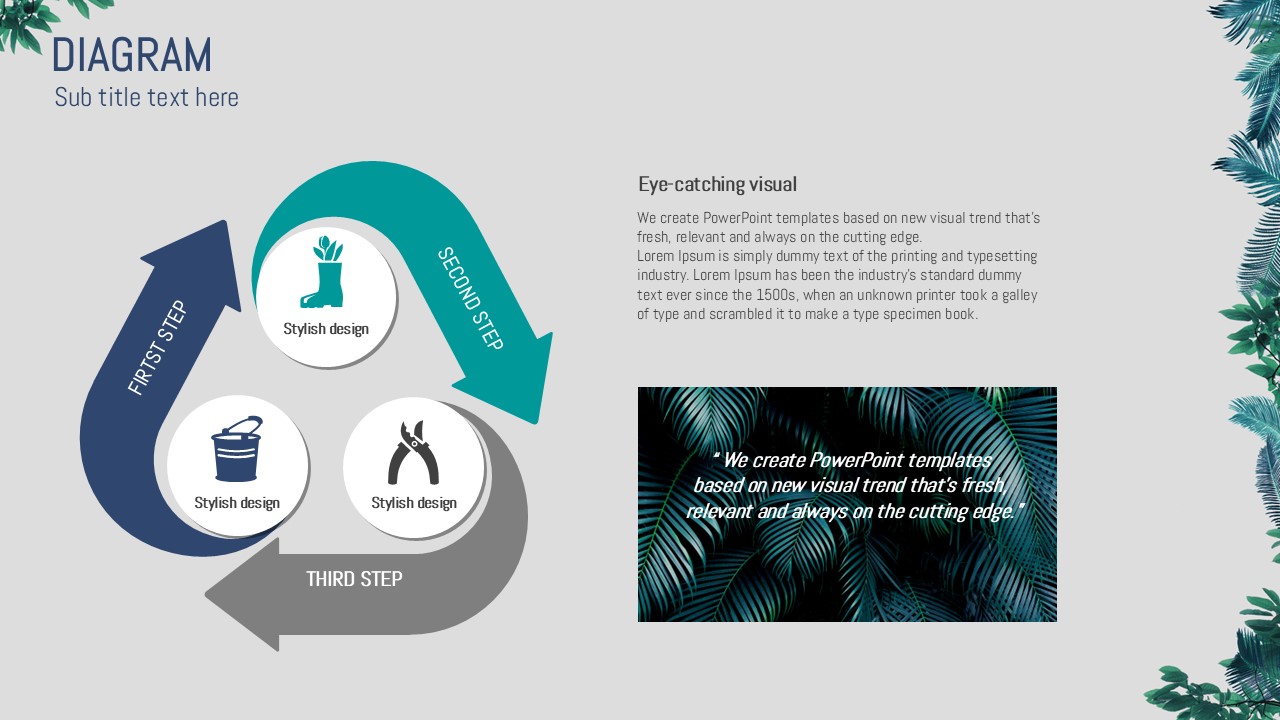
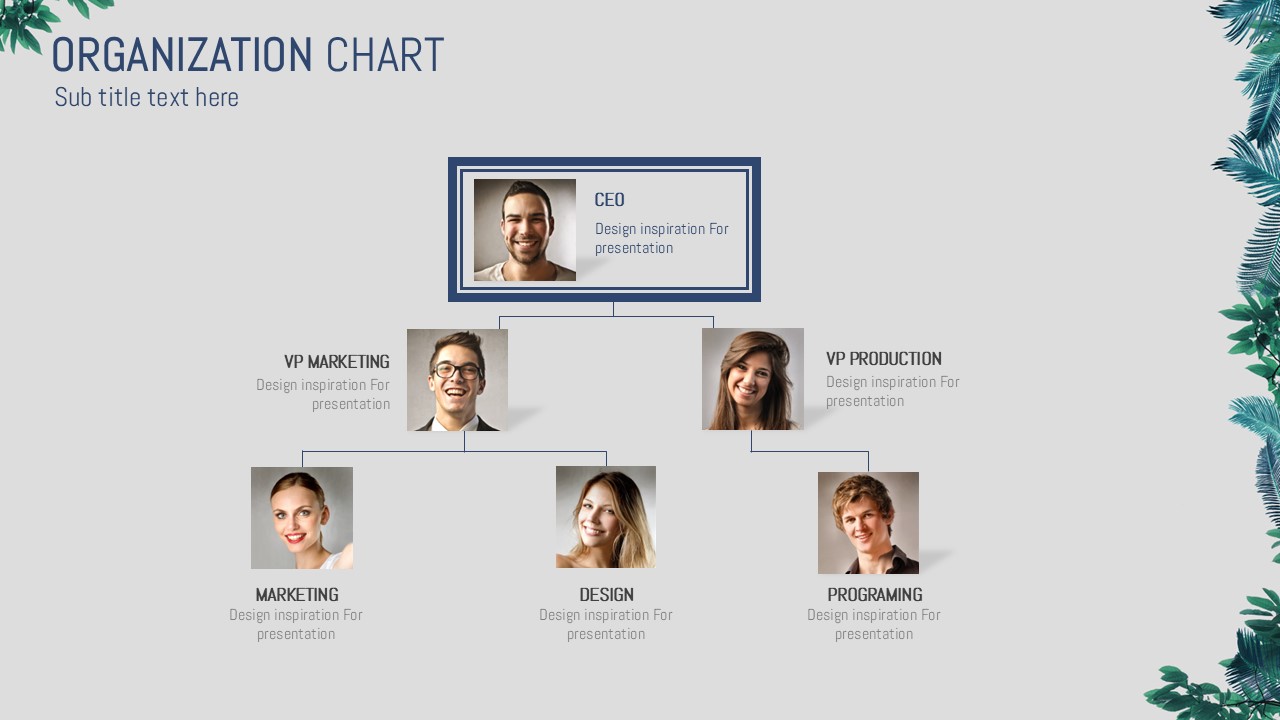
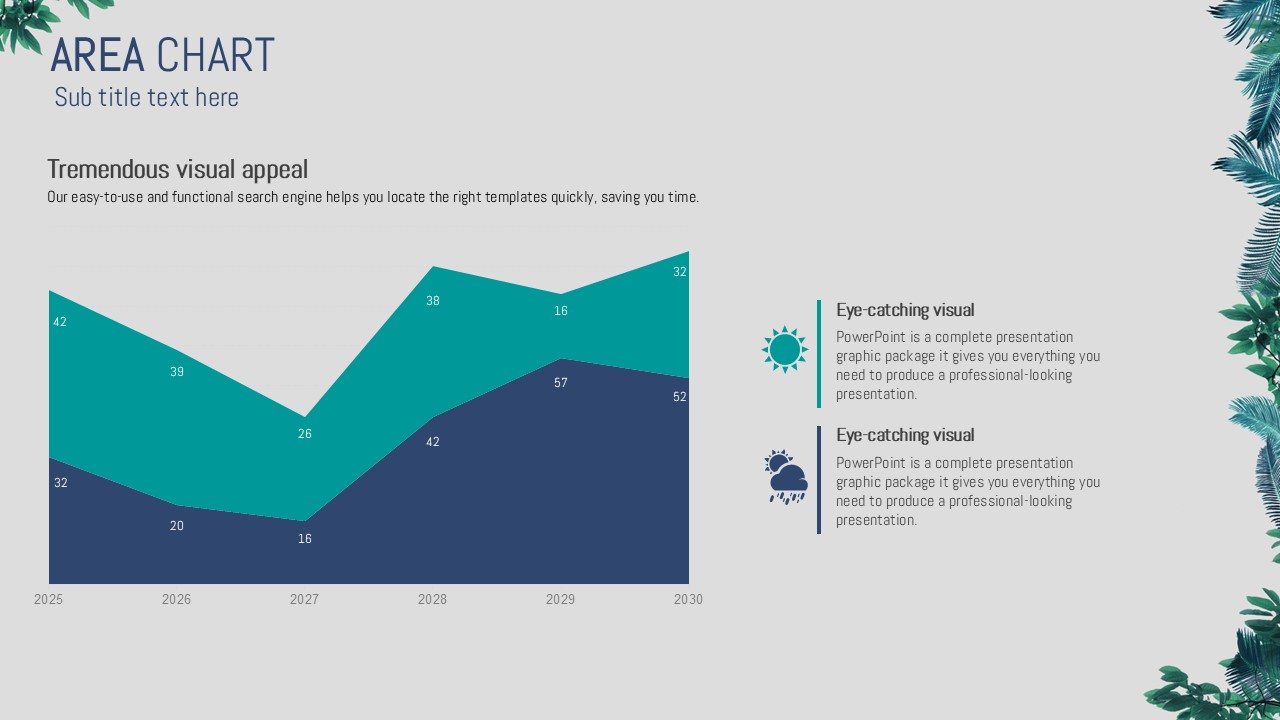
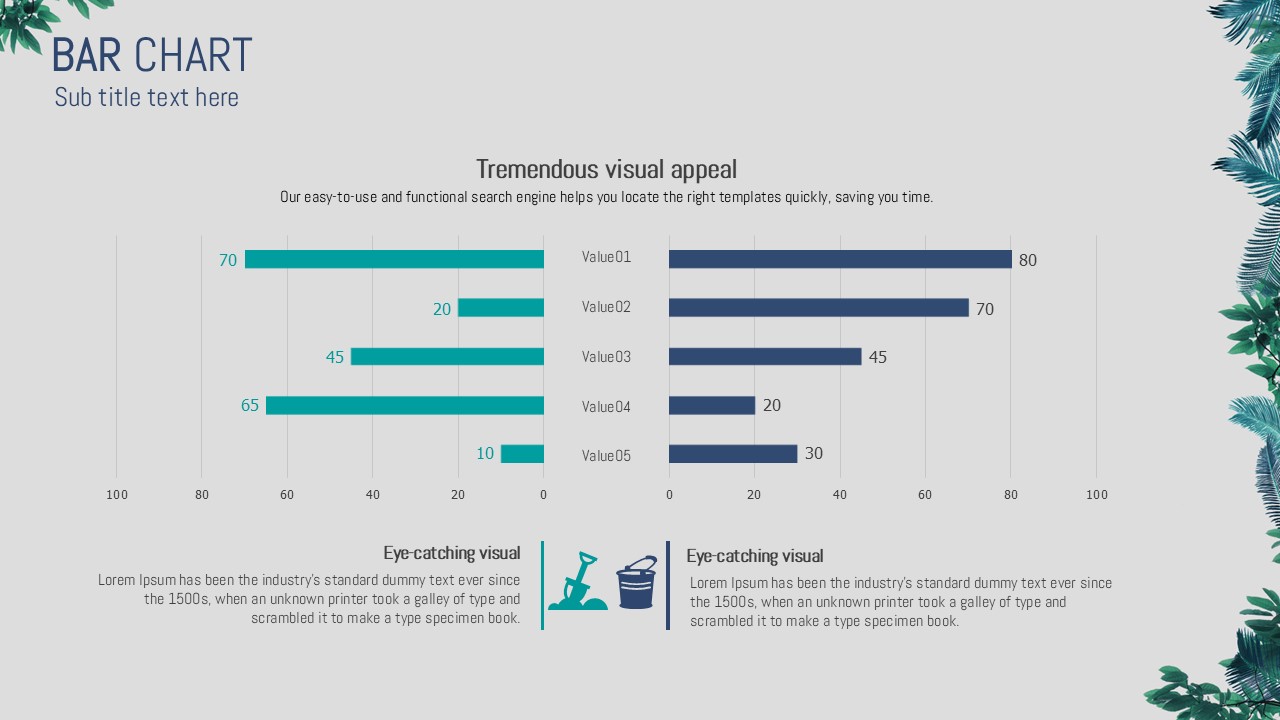
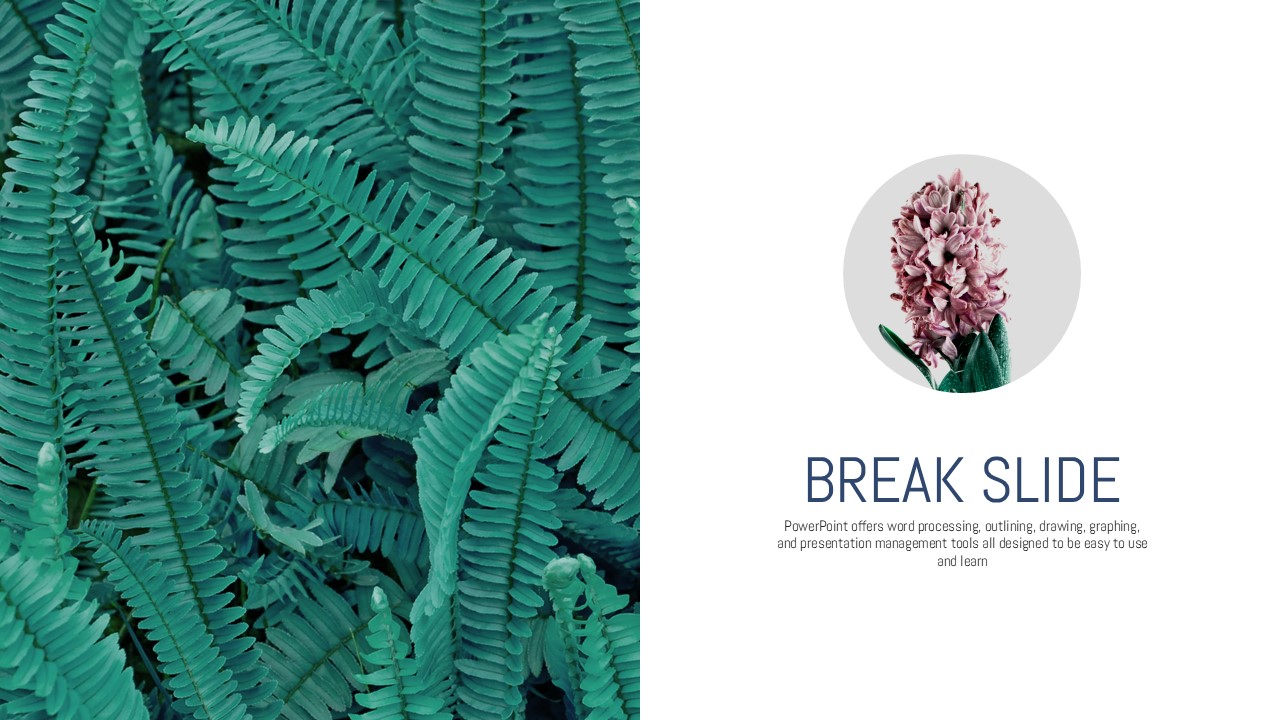
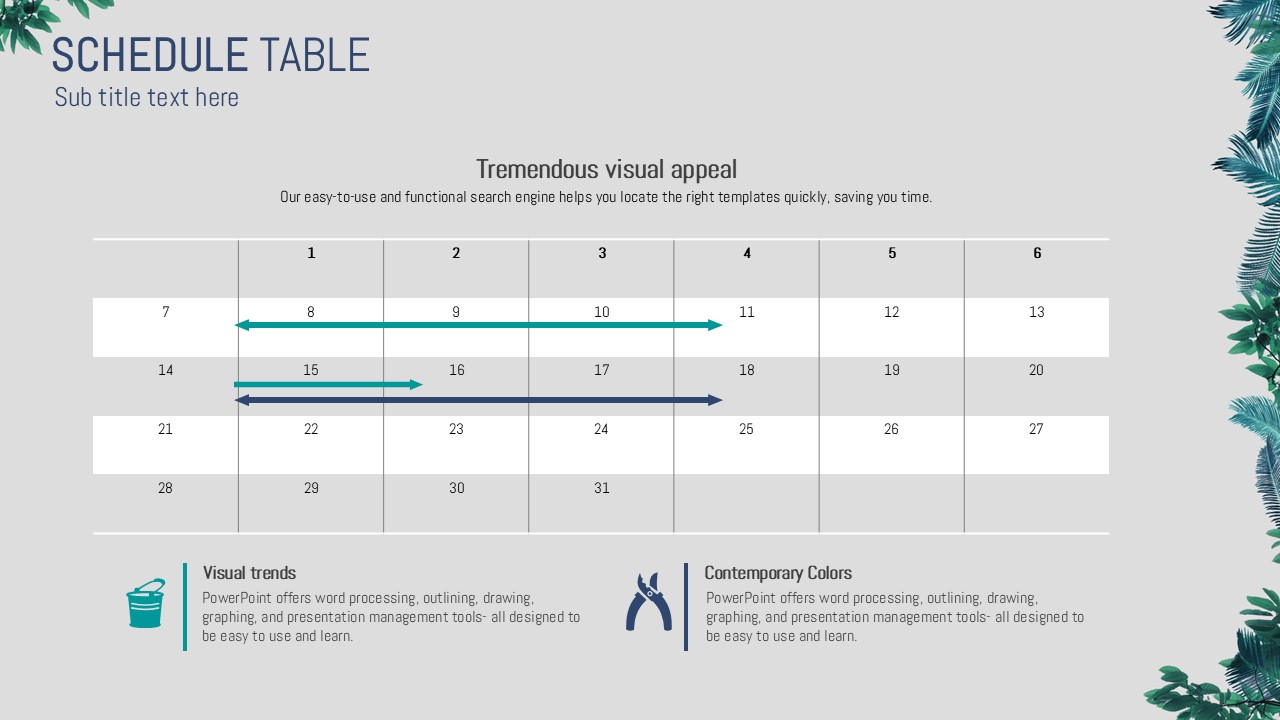
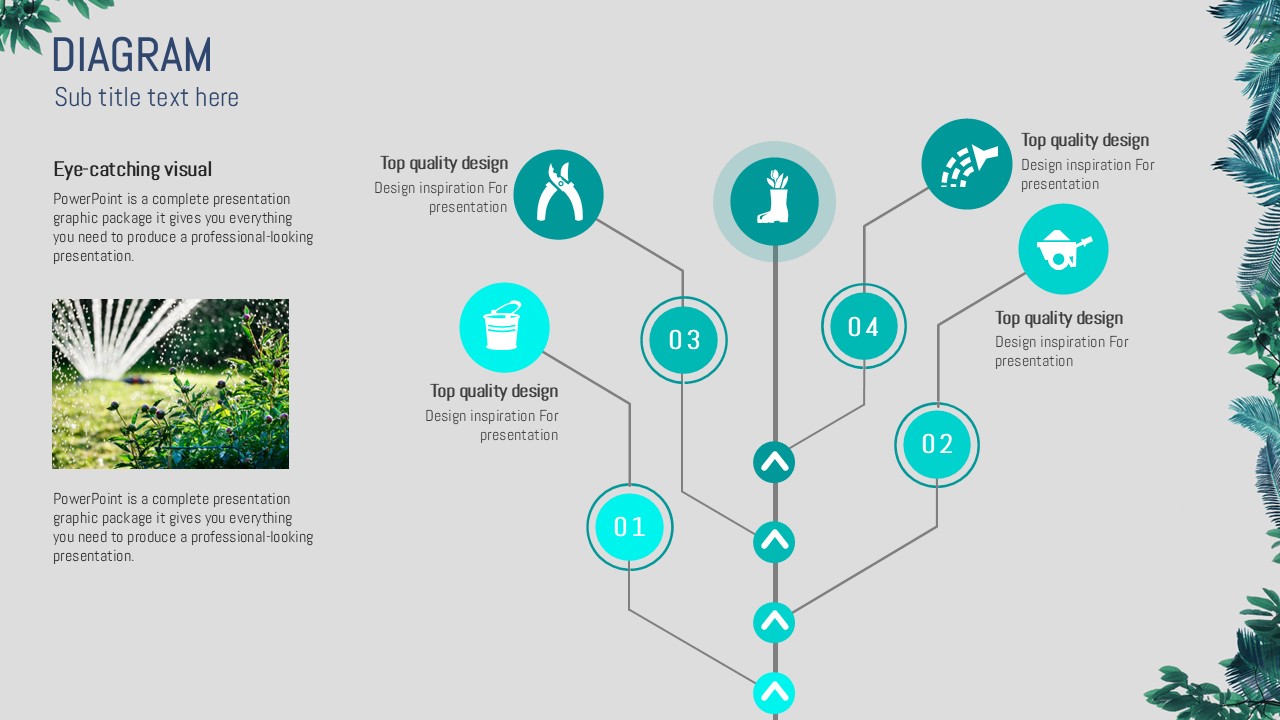
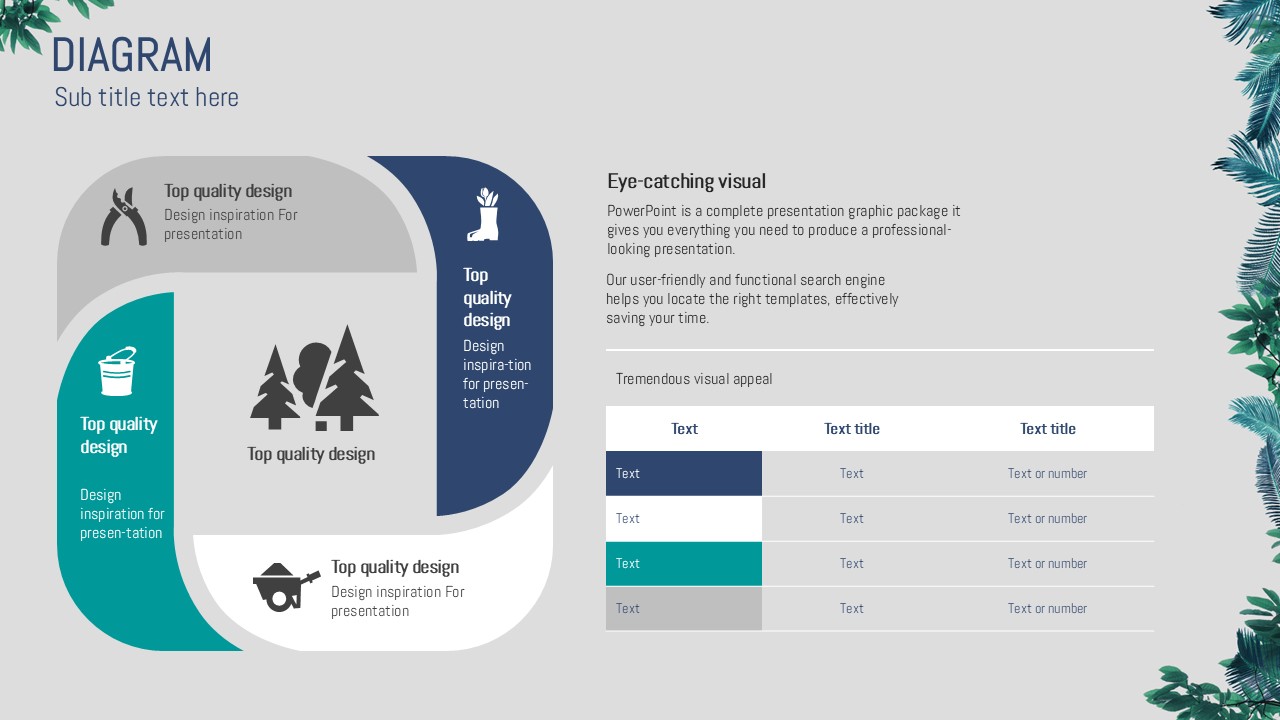
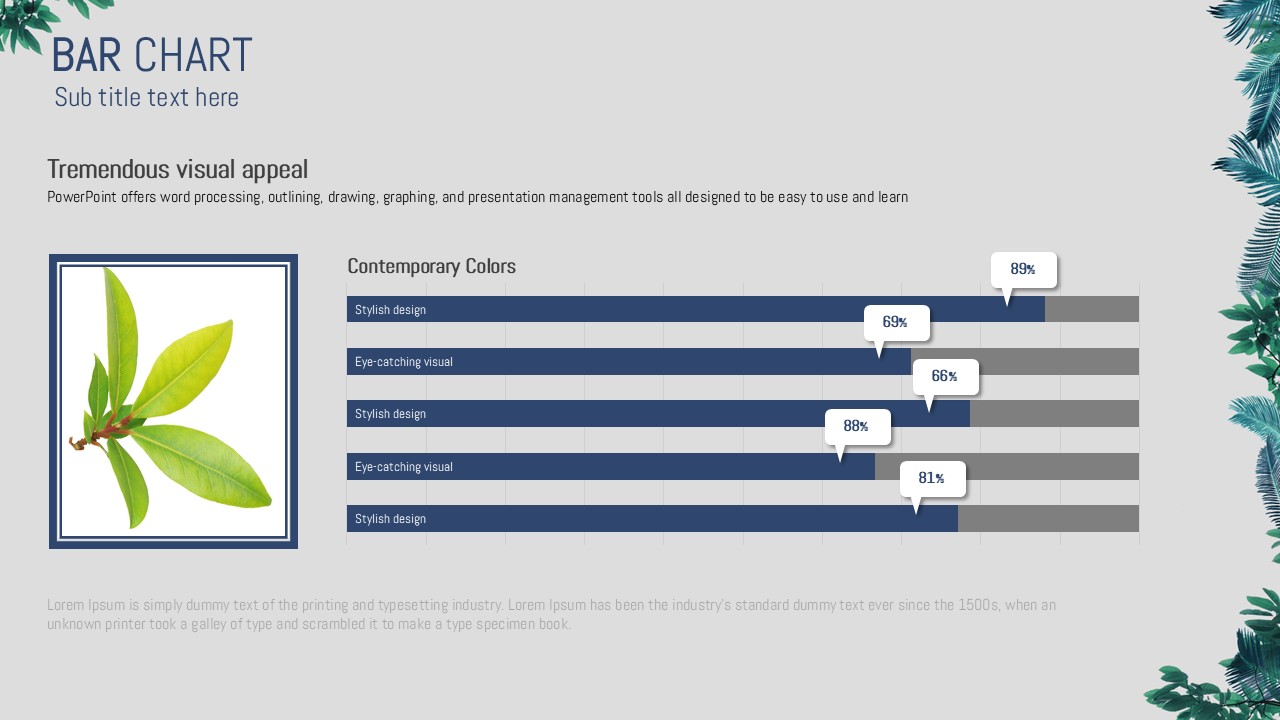
This nature-inspired PowerPoint template features full-bleed tropical plant photography—ferns and palm leaves—paired with deep navy blue box frames for a striking visual contrast. The teal green and navy color combination creates a fresh, professional atmosphere ideal for presentations on nature, environment, travel, and botanical topics. The 31-slide set includes a variety of practical layouts: a full-bleed cover slide, circular step diagrams with teal icons, doughnut charts with percentage highlights, two-column text layouts with split navy and plant backgrounds, device mockup slides, and a hierarchical organization chart with photo placeholders. Delivered in fully editable PPTX format at 16:9 widescreen ratio, this presentation template is ready to customize—simply replace text, data, and images to match your content. Perfect for eco brands, travel agencies, botanical gardens, and environmental campaigns.
Usage Points
-
Main Usage
Designed for presentations on nature, environment, travel, and botanical themes. Ideal for eco brand introductions, botanical garden promotions, travel product pitches, and environmental campaign materials where a natural, organic visual identity is essential.
-
How to Use
Open the PPTX file and replace the placeholder text, numbers, and images with your own content. The tropical plant background images can be swapped with your own photos, while the navy box frame layout maintains a consistent visual structure throughout the deck.
-
Recommended For
Recommended for nature and environment marketers, travel agency planners, botanical garden and park PR managers, eco startup founders, and researchers or students preparing academic presentations on environmental topics.
-
Slide Structure
Includes 31 slides: full-bleed fern cover with navy title box, 3-step circular diagram with teal icons, doughnut chart with percentage highlight, two-column text layout with navy and plant-photo split backgrounds, device mockup slide, and a hierarchical org chart with portrait photo placeholders and tropical plant accents.
Related Products
-
Mountain Presentation Template – Captivating Nature Visuals
#Nature/Travel
-
World Tour PowerPoint Template – Colorful Design and Stylish Composition
#Nature/Travel
-

Travel Tour Presentation Template – Vibrant Design
#Nature/Travel
-
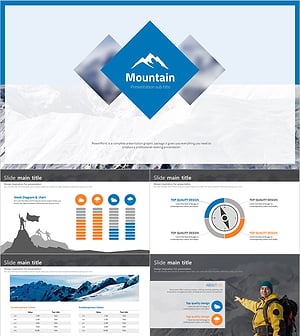
Climbing Presentation Wide – Crisp Nature-Inspired Design
#Nature/Travel
