



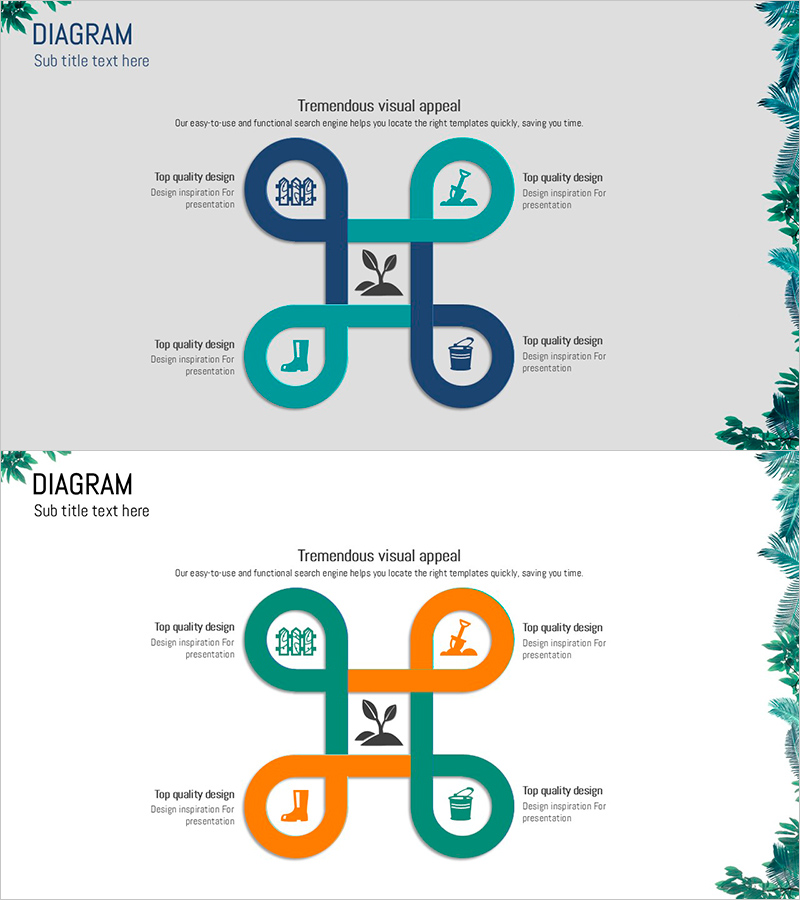
Gardening Diagram – Business Introduction and Strategy
RJ0600083_20
- Last Update 07/12/2025
- File Size 0.5MB
- # of Slides 2
- File Format PPTX
- Slide Ratio 16:9
- Color
Keywords
- #Content-Based Slides
- #Design-Based Slides
- #Business Introduction
- #Business Vision and Strategy
- #Diagram
- #Business Areas
- #Core Competencies
- #Cluster
- #Spread
- #Chain Diagram
- #Centralized Diagram
- #16:9
- #cluster diagram PowerPoint
- #central diagram template
- #4-node diagram slide
- #business strategy diagram
- #relationship chart PowerPoint template
About the Product
A cluster diagram PowerPoint slide featuring a central core element connected to four surrounding nodes in a cross layout. Designed with dual-tone color schemes—navy blue and teal, plus teal and orange—each node includes an icon to enhance information clarity. This presentation slide template is ideal for business introductions, strategy presentations, organizational structures, and process explanations. The 16:9 widescreen format includes 2 fully editable slides with flexible color options for different presentation contexts.
Usage Points
-
Main Usage
Visually represents the relationship between a central concept and four related elements during business introductions and strategy planning. The central node anchors the core message while four surrounding nodes present supporting details—such as business areas, strategic directions, implementation tasks, or performance metrics—enabling comprehensive understanding.
-
How to Use
Enter the core concept (company name, business objective, or strategic theme) in the central circular node. Fill the four surrounding nodes with supporting details and customize icons to match your categories or replace with text. Select the color combination that aligns with your presentation tone and branding.
-
Recommended For
Business planners, marketing professionals, executives preparing reports, consultants, and educators benefit from this template when explaining strategies, organizational hierarchies, or project overviews. Particularly effective for presentations requiring balanced coverage of four distinct areas.
-
Slide Structure
Cross-shaped cluster layout with one central circular node connected via straight lines to four surrounding circular nodes positioned at top, bottom, left, and right. Each node contains an icon placeholder and text input area. Both slides maintain identical structure with different color combinations.
Related Products
-
Core Competency Diagram for Innovative Experiments – Business Vision and Strategy
#Business Introduction #Business Vision and Strategy #Diagram
-
Core Capabilities for Sustainable Operations – Stylish Cluster Diagram
#Business Introduction #Business Vision and Strategy #Diagram
-
Communicating Business Vision with Diet Diffusion Diagram
#Business Introduction #Business Vision and Strategy #Diagram
-
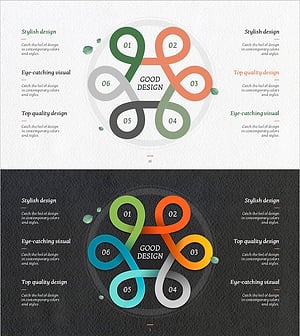
Flower-shaped Connecting Diagram – Business Vision and Strategy
#Business Introduction #Business Vision and Strategy #Diagram
