



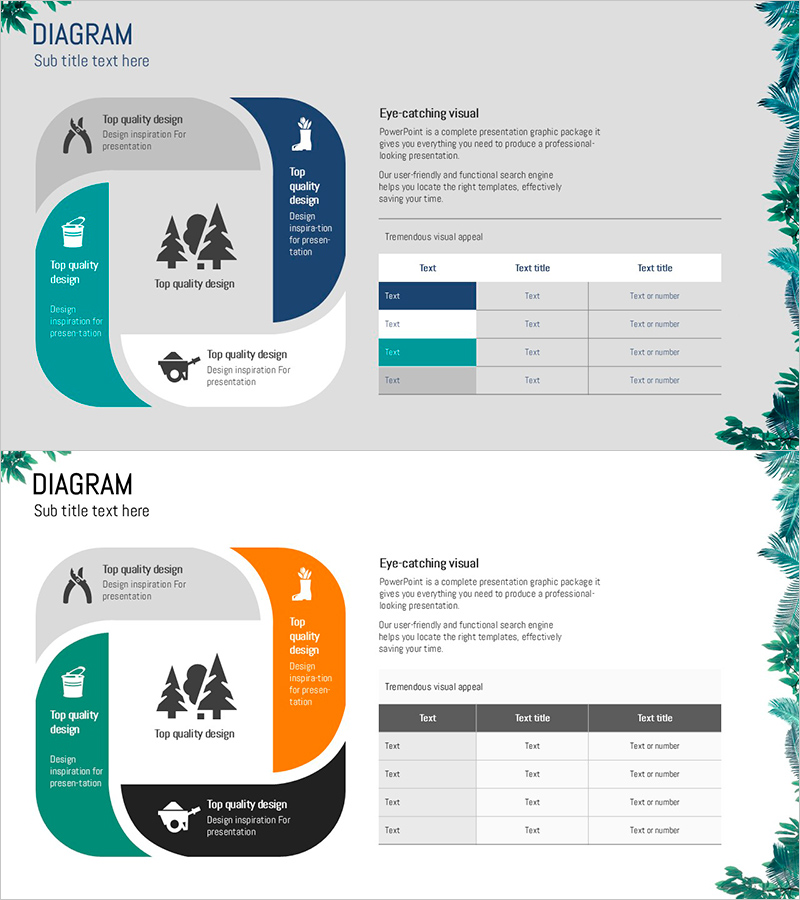
Gardening System - Effective Service Operation Diagram
RJ0600083_23
- Last Update 07/12/2025
- File Size 0.5MB
- # of Slides 2
- File Format PPTX
- Slide Ratio 16:9
- Color
Keywords
- #Content-Based Slides
- #Design-Based Slides
- #Technical Approach
- #Diagram
- #Service Operation Plan
- #Service Implementation Plan
- #Cluster
- #Table
- #Chain Diagram
- #16:9
- #cluster diagram PowerPoint
- #connection diagram slide
- #service operation structure
- #5-node diagram PowerPoint
- #business process diagram template
- #organizational structure slide
About the Product
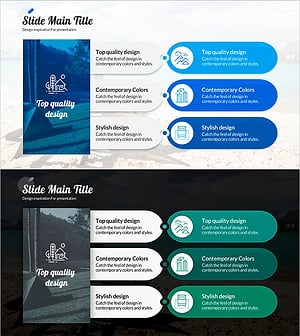
A cluster connection diagram PowerPoint slide that visualizes the service operation strategy for a gardening system. The design features a central core element with four surrounding nodes radiating outward, each marked with icons and text labels. The layout combines teal on the left, navy blue on the right, and orange accent areas, with an information table positioned on the right side. This 2-slide set includes a variant version of the same layout, making it immediately applicable for explaining various service operation processes and organizational structures.
Usage Points
-
Main Usage
Optimized for explaining an organization's core service operation system using a centralized structure. Clearly expresses relationships and hierarchy among five key elements, with icons conveying each node's role and function intuitively. Ideal for technical department presentations, operational strategy discussions, and process improvement briefings.
-
How to Use
Enter the core service name in the central node and assign operational items (technology, marketing, customer management, quality assurance, etc.) to the four surrounding nodes. Use the right-side table to input detailed descriptions or numerical data for each item, strengthening information delivery. Both slides share the same structure, allowing side-by-side comparison of multiple service operation approaches.
-
Recommended For
Service operation managers, technical team leads, business planners, and consultants explaining organizational structures, processes, and operational systems. Applicable beyond gardening and agriculture industries to manufacturing, distribution, and IT service operation presentations.
-
Slide Structure
Each slide comprises a left cluster area (1 central + 4 surrounding nodes with icons) and a right information table (3 columns × 4 rows). Slide 1 uses teal, navy, and gray; Slide 2 uses teal, orange, and black for visual variation.
Related Products
-
Connection Diffusion Composite Diagram for Service Operations
#Technical Approach #Diagram #Service Operation Plan
-
Triangular Connection Diffusion Diagram – Clear Presentation of Services
#Technical Approach #Diagram #Service Operation Plan
-
Natural Environment Expected Effect Diagram – Service Operations
#Technical Approach #Diagram #Service Operation Plan
-
Accommodation Slide for Travel – Cluster Diagram Design
#Technical Approach #Diagram #Service Operation Plan
