




Garden Management Circulation Diagram – Operational Planning and Technical Strategy
RJ0600083_9
- Last Update 07/13/2025
- File Size 2.4MB
- # of Slides 2
- File Format PPTX
- Slide Ratio 16:9
- Color
Keywords
- #Content-Based Slides
- #Design-Based Slides
- #Operational Plan
- #Diagram
- #Production and Technology Development Strategy
- #Business Processes
- #Flow
- #Spread
- #Circular Flow
- #Decentralized Diagram
- #16:9
- #circular diagram PowerPoint
- #3-step cycle diagram
- #process flow slide
- #operational planning diagram
- #how to create circular diagram in PowerPoint
About the Product
A 3-step circular diagram PowerPoint slide that visualizes garden management and operational planning processes. The diagram uses three distinct colors—dark blue, orange, and green—to differentiate each stage, with icon placeholders in central circular nodes and arrows indicating clockwise flow. The 2-slide set provides the same structure in different color variations, allowing you to select based on presentation context and brand tone. This PowerPoint resource is ready for immediate use in explaining technical strategies, business processes, and operational cycles.
Usage Points
-
Main Usage
Clearly expresses cyclical processes such as garden management, operational planning, and technical strategy in three stages. The central circular nodes and arrows intuitively convey the interconnection and repetitive structure of each stage, making it effective for explaining business cycles and continuous improvement processes.
-
How to Use
Double-click text and icons within the slide to replace with your own content. Enter stage-specific descriptions and adjust colors as needed to match your corporate brand. Insert into various business presentations such as operational planning pitches, technical strategy explanations, and process training sessions.
-
Recommended For
Operations managers, technical strategy teams, project managers, educators, and consultants explaining cyclical processes or continuous improvement cycles. Suitable for business plans, operational reports, technical proposals, training materials, and other business documents.
-
Slide Structure
Two-slide set featuring identical 3-step circular diagram structures, each rendered in dark blue, orange, and green color combinations. Three circular nodes are positioned centrally with icon areas inside each node, and arrows indicate clockwise circular flow. A text description area on the right allows detailed content input for each stage.
Related Products
-
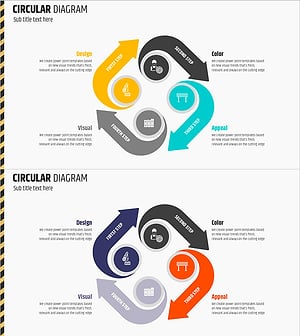
Circular Diagram Visualizing the Construction Work Process
#Operational Plan #Diagram #Production and Technology Development Strategy
-
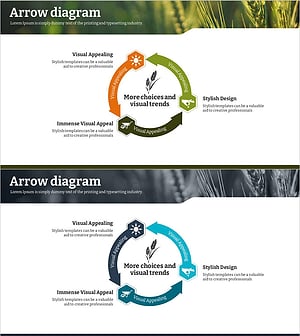
Agricultural Aftercare and Maintenance Strategy Circular Icon
#Operational Plan #Diagram #Production and Technology Development Strategy
-
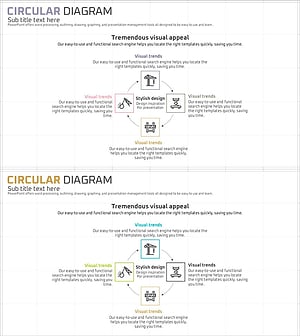
Circular Diagram Slide Visualizing Construction Process and Strategy
#Operational Plan #Diagram #Production and Technology Development Strategy
-
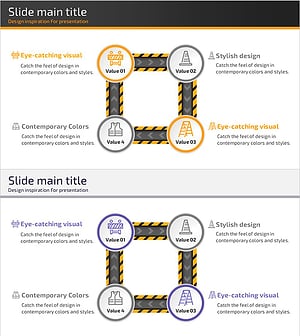
Safety Management System Process Slide – Efficient Operation and Management
#Operational Plan #Technical Approach #Diagram
