



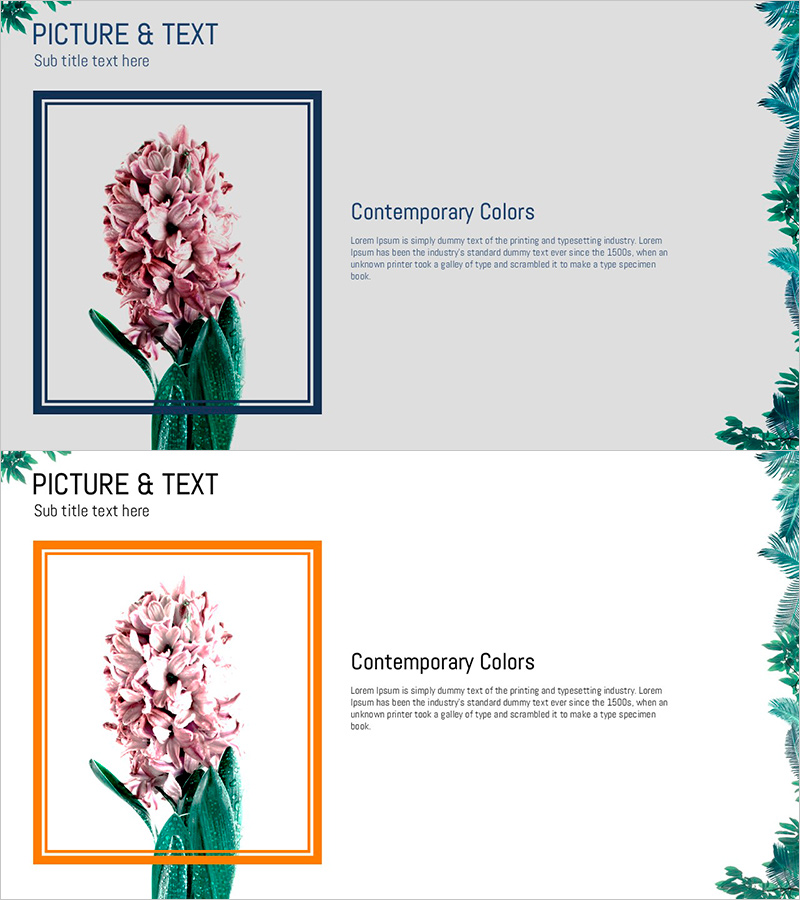
Visual Presentation Slide Highlighting Petal Features
RJ0600083_13
- Last Update 07/12/2025
- File Size 0.9MB
- # of Slides 2
- File Format PPTX
- Slide Ratio 16:9
- Color
Keywords
About the Product
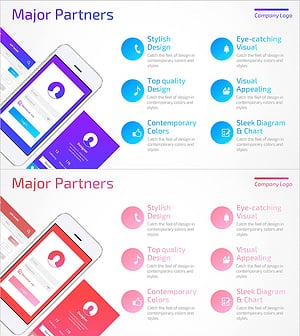
A two-slide PowerPoint set designed to visually communicate key product or service features. The layout features a high-resolution image on the left and descriptive text on the right, optimized for the feature-highlight section of product introduction presentations. Two color variations—navy border and orange border—are included to match your brand guidelines. In 16:9 widescreen PPTX format, the slides are ready to edit immediately with clearly separated text and image areas for easy content input.
Usage Points
-
Main Usage
Designed to visually explain key product or service features to customers or investors. The left-aligned image and right-aligned text create balanced information delivery, enhancing credibility and comprehension in the feature-highlight section of product presentations.
-
How to Use
Insert product photos or diagrams in the left image area, then add your title and description text in the right text section. Choose between navy or orange border versions to match your brand colors and create a cohesive presentation.
-
Recommended For
Ideal for product marketing managers, sales presenters, and product planning teams presenting product features in client meetings or pitch decks. Also effective for company profile presentations and product catalog-style decks.
-
Slide Structure
Two slides, each with a left image frame (navy or orange border) and right text area (one-line title plus three to four lines of body text). A 'PICTURE & TEXT' label and subtitle space at the top left provide clear section separation.
Related Products
-
Mobile System Characteristics Configuration Diagram – Visualization of Service Operation Plans
#Product/Service Introduction #Business Management #Technical Approach
-
Characteristics Introduction Square Diagram – Showcasing Business Features
#Product/Service Introduction #Business Introduction #Diagram
-
Legal Advice Area Diagram – Effective Flow Presentation
#Product/Service Introduction #Diagram #Product/Service Introduction
-
UX UI Program Introduction Slides – Modern Design and Visual Appeal
#Product/Service Introduction #Diagram #Features
