



Total Templates Available : 274
- View 12 each
- View 24 each
- View 36 each
- View 48 each
- View 60 each
- Recently added
- Popular
- Oldest
-
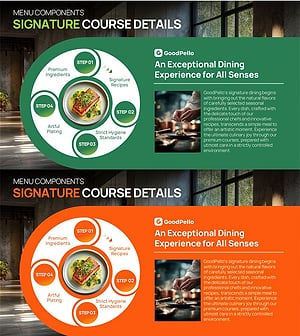
F&B Menu PowerPoint Slide – Circular 4-Step Process Layout
#Diagram #Flow #Circular Flow
-
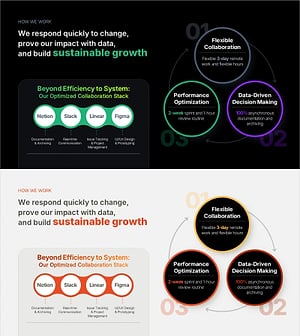
Work Principles & Collaboration Stack Slide – Dark & Light
#Diagram #Cluster #Circular Flow
-
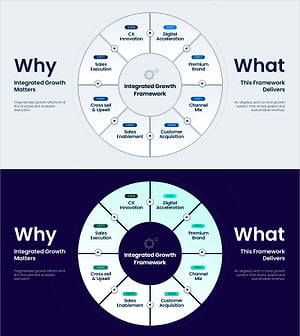
Integrated Growth Framework Slide – 8-Step Growth Strategy
#Diagram #Flow #Circular Flow
-
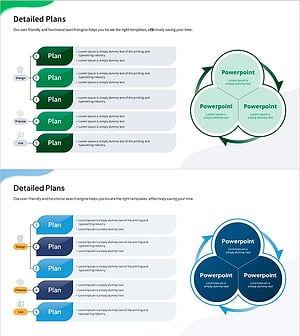
Slide Template Visualizing Detailed Plans - Collaboration and Process
#Diagram #Text Box #Flow
-
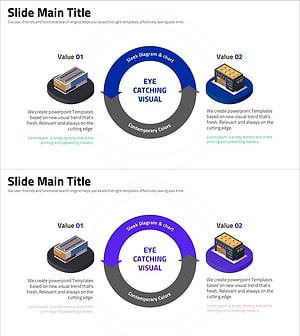
Sleek Infographic Diagram for Value Presentation – Visually Appealing Slide
#Diagram #Flow #Circular Flow
-
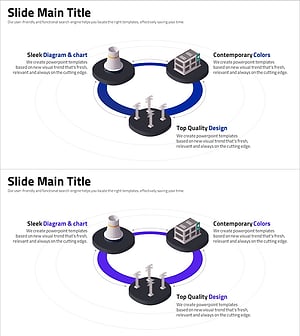
Presentation Slides Using Diagrams and Charts – Innovation and Efficiency
#Diagram #Flow #Spread
-
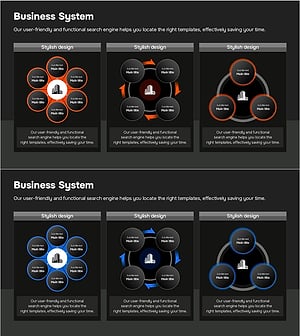
Business Model Structure – Visualization of Service Operations
#Diagram #Flow #Cluster
-
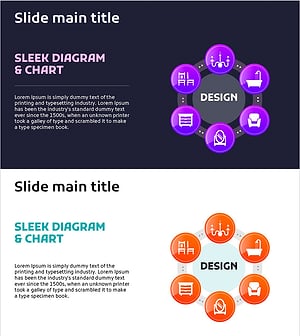
Interior Design Work System – Engaging Diagram Utilization
#Diagram #Flow #Spread
-
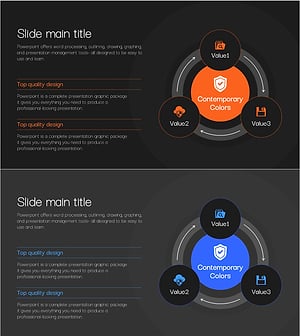
Cybersecurity Business Area Diagram – Safe Directions
#Diagram #Flow #Spread
-
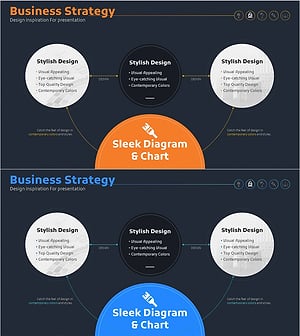
Interior Progress Process – Visualization of Business Strategy
#Diagram #Flow #Cluster
-
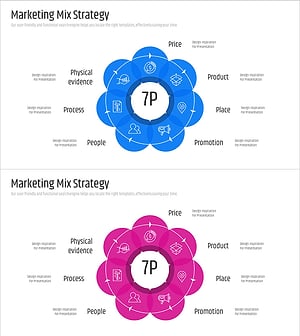
7P Marketing Overlay Diagram – Innovation in Business Strategy
#Diagram #Flow #Cluster
-
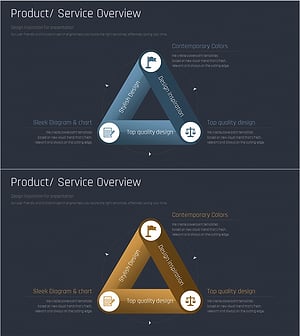
Premium Diagram for Business Overview Visualization – Stylish Design
#Diagram #Flow #Cluster
Visualizing Continuous Processes with Circular Flow Diagrams
Frequently Asked Questions
A circular flow diagram is best for processes that repeat without a fixed endpoint, such as agile sprints, marketing funnels, or quality improvement cycles. If your process has a definitive finish line, a linear diagram is a better fit. Browse circular flow slides on GoodPello now.
Filter
Template
- Category
-
- Color
-
- Slide Ratio
-
