



Total Templates Available : 2,590
- View 12 each
- View 24 each
- View 36 each
- View 48 each
- View 60 each
- Recently added
- Popular
- Oldest
-
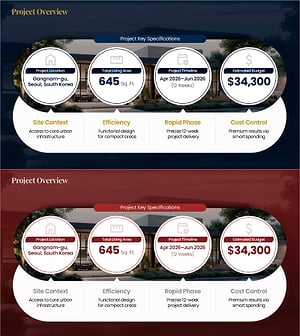
Project Overview PowerPoint Slide – 4-Spec Dark Real Estate
#Diagram #Cluster #Closed Cluster Diagram
-
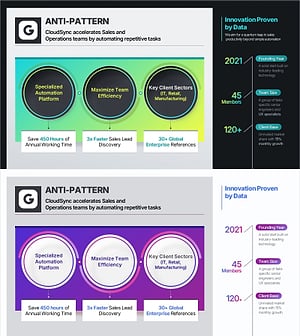
Company Capabilities PowerPoint Slide – 3-Circle Icon Layout
#Diagram #Flow #Cluster
-
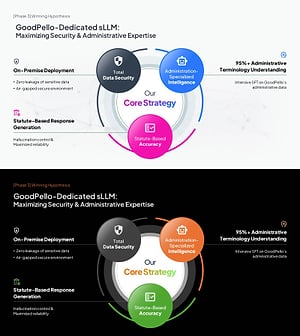
AI sLLM Core Strategy PowerPoint Slide – Venn Diagram Layout
#Diagram #Cluster #Closed Cluster Diagram
-

Healthcare Technology PowerPoint – 4 Feature Cards with KPI
#Diagram #Cluster #Closed Cluster Diagram
-
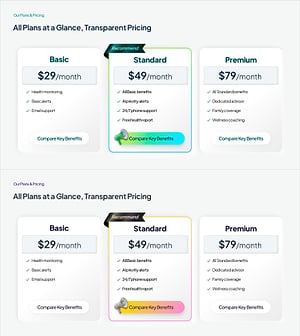
Pricing Plan PowerPoint Slide – 3-Card with Recommend Badge
#Diagram #Cluster #Closed Cluster Diagram
-
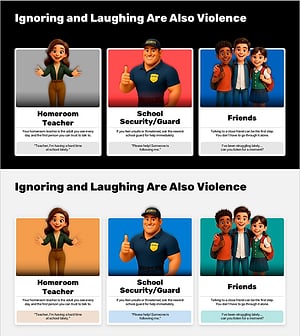
Help-Seeking Guide PowerPoint Slide - School Violence Response PPT
#Cluster #Closed Cluster Diagram
-
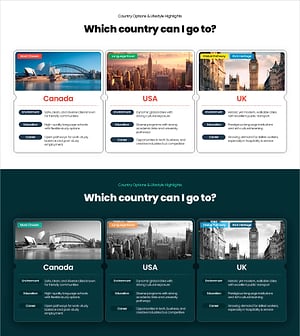
PowerPoint Slide for Study Abroad Country Comparison
#Cluster #Closed Cluster Diagram
-
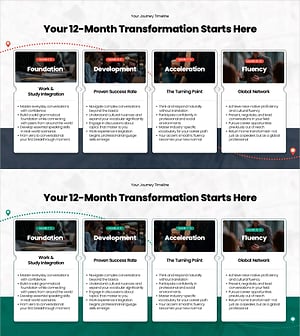
12-Month Roadmap PowerPoint– Structured Learning & Career Integration Timeline
#Cluster #Closed Cluster Diagram
-
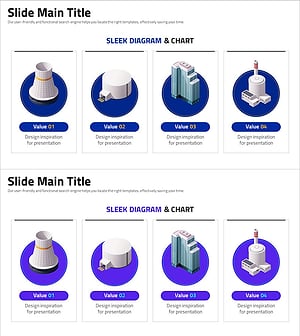
Sleek Diagrams and Charts – Optimized Design for Business Presentations
#Diagram #Cluster #Closed Cluster Diagram
-
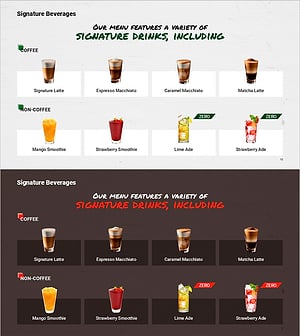
Introduction of Premium Cafe Signature Beverages
#Diagram #Cluster #Closed Cluster Diagram
-
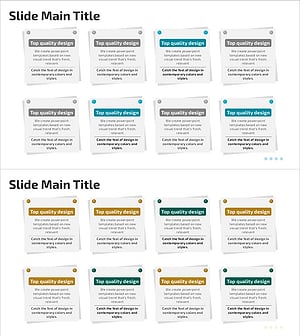
Post-it Tweezers Message for Visualizing Customer Feedback
#Diagram #Text Box #Cluster
-
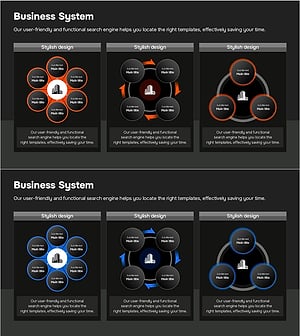
Business Model Structure – Visualization of Service Operations
#Diagram #Flow #Cluster
Defining Groups and Boundaries with Closed Cluster Diagrams
Frequently Asked Questions
A closed cluster diagram is best when you want to show that items belong to a defined group and that the boundary itself carries meaning — for instance, separating internal capabilities from external dependencies. Explore closed cluster slides on GoodPello now.
Filter
Template
- Category
-
- Color
-
- Slide Ratio
-
