



Total Templates Available : 21
- View 12 each
- View 24 each
- View 36 each
- View 48 each
- View 60 each
- Recently added
- Popular
- Oldest
Filter
- Slide Type
- Company Introduction
- Product/Service Introduction
- Business Introduction
- Business Vision and Strategy
- Business Strategy
- Business Management
- Operational Plan
- Technical Approach
- Market and Competitor Analysis
- Marketing Plan and Strategy
- Financial Plans and Performance
- Customer Success Stories
- Corporate Social Responsibility
- Risk Management and Regulatory Compliance
- Emotional Messages
- Color
- Slide Ratio
-
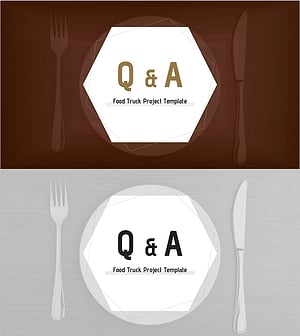
Hexagonal Q&A Slide – Food Truck Project
#Slide Type #Q&A
-
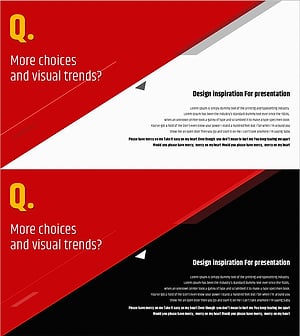
Enhance Customer Communication through Q&A - Diagonal Template
#Slide Type #Q&A
-
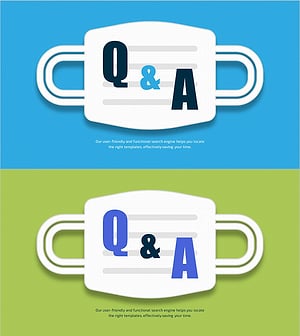
COVID-19 Prevention Template Q&A – Safe Information Guide
#Slide Type #Q&A
-

Rocket Cloud Illustration Q&A – Engaging Questions and Answers
#Slide Type #Q&A
-

Artificial Intelligence Analysis Template Q&A
#Slide Type #Q&A
-
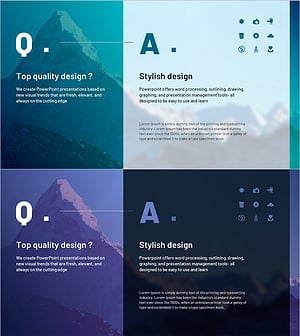
Natural Q&A Slide – Harmony of Teal and Purple
#Slide Type #Q&A
-

Star Observation Slide – Presented in Q&A Format
#Slide Type #Q&A
-

Online Learning Illustration Template – Q&A
#Slide Type #Q&A
-

Q&A Template – A Warm Start to Communication
#Slide Type #Q&A
-
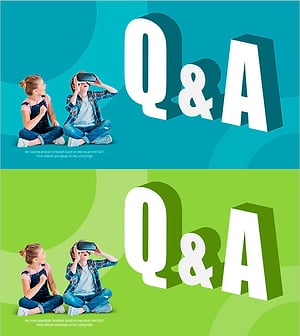
VR Education Template Q&A – Harmony of Teal and Green
#Slide Type #Q&A
-
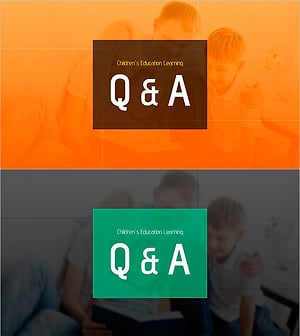
Q&A with Happy Family Background
#Slide Type #Q&A
-
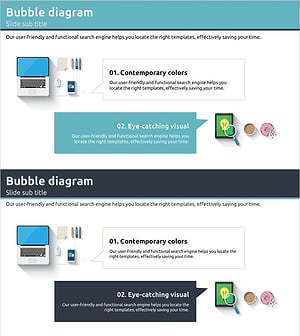
Digital Marketing Example and Q&A Slide
#Slide Type #Q&A #Reference
How to Use a Q&A Slide Effectively
Frequently Asked Questions
A Q&A slide should include a clear prompt such as "Questions?" or "Open for Discussion," and optionally the presenter's contact information for follow-up. Keep the design minimal — the Q&A slide's purpose is to signal a mode shift, not to deliver content. A consistent visual style that matches the rest of your deck keeps the transition feeling seamless.
Filter
Template
- Category
-
- Color
-
- Slide Ratio
-
