



Total Templates Available : 907
- View 12 each
- View 24 each
- View 36 each
- View 48 each
- View 60 each
- Recently added
- Popular
- Oldest
-
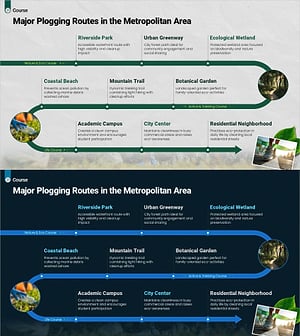
Plogging Route Presentation Slide – 9-Point S-Curve Timeline
#Diagram #Flow #Linear Flow
-
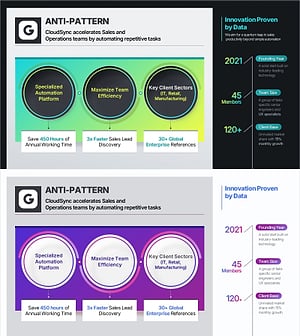
Company Capabilities PowerPoint Slide – 3-Circle Icon Layout
#Diagram #Flow #Cluster
-
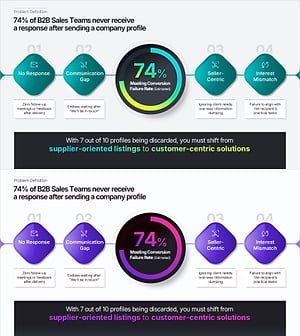
Problem Definition PowerPoint Slide – 4-Step Flow Diagram
#Diagram #Graph #Flow
-
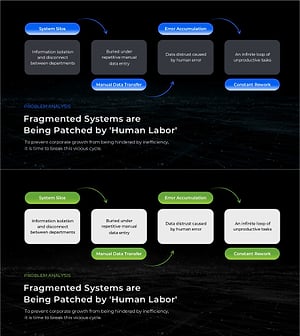
Business Problem Analysis PowerPoint Slide – 4-Node Cycle
#Diagram #Flow #Linear Flow
-
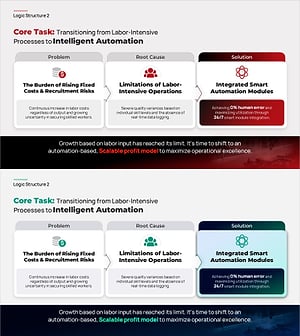
Core Task PowerPoint Slide – Linear Problem-Solution Flow
#Diagram #Flow #Linear Flow
-
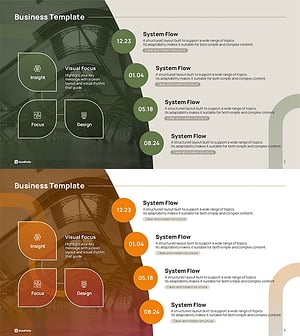
Icon Box Roadmap Slide – Three-Stage Milestone PowerPoint
#Diagram #Flow #Spread
-
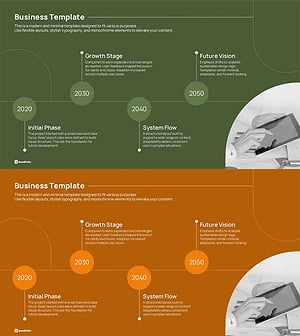
Horizontal Timeline Slide – Year-by-Year Business Roadmap
#Diagram #Flow #Linear Flow
-

Dark AI 2-Step Flow Slide – 6-Card Feature Grid PowerPoint
#Diagram #Flow #Linear Flow
-
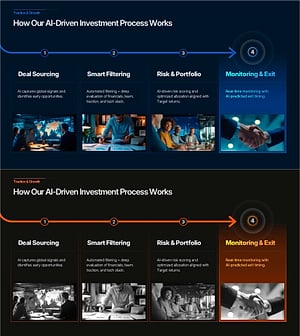
Dark 4-Step Investment Process PowerPoint – Timeline Cards
#Diagram #Flow #Linear Flow
-

Dark 3-Node Cluster Slide – Market Analysis PowerPoint
#Diagram #Flow #Linear Flow
-

Healthcare Process Flow PowerPoint – 4-Step Linear Diagram
#Diagram #Flow #Linear Flow
-

Mental Wellness Process Flow Diagram Slide
#Diagram #Flow #Linear Flow
When to Use a Linear Flow Diagram in Your Presentation
Frequently Asked Questions
A linear flow diagram is best when your process has a clear start and end point — such as a hiring process, product launch sequence, or approval workflow. Use a circular diagram when the process repeats indefinitely. Explore linear flow slides on GoodPello now.
Filter
Template
- Category
-
- Color
-
- Slide Ratio
-
