



Presentation Slides Using Diagrams and Charts – Innovation and Efficiency
RJ0300079_18
- Last Update 11/06/2025
- File Size 0.2MB
- # of Slides 2
- File Format PPTX
- Slide Ratio 16:9
- Color
Keywords
- #Content-Based Slides
- #Design-Based Slides
- #Company Introduction
- #Business Introduction
- #Diagram
- #Business Areas
- #Business Areas
- #Flow
- #Spread
- #Circular Flow
- #Decentralized Diagram
- #16:9
- #radial diagram PowerPoint slide
- #3-node central diagram
- #concept expansion chart
- #business relationship diagram PowerPoint
- #process flow presentation template
About the Product
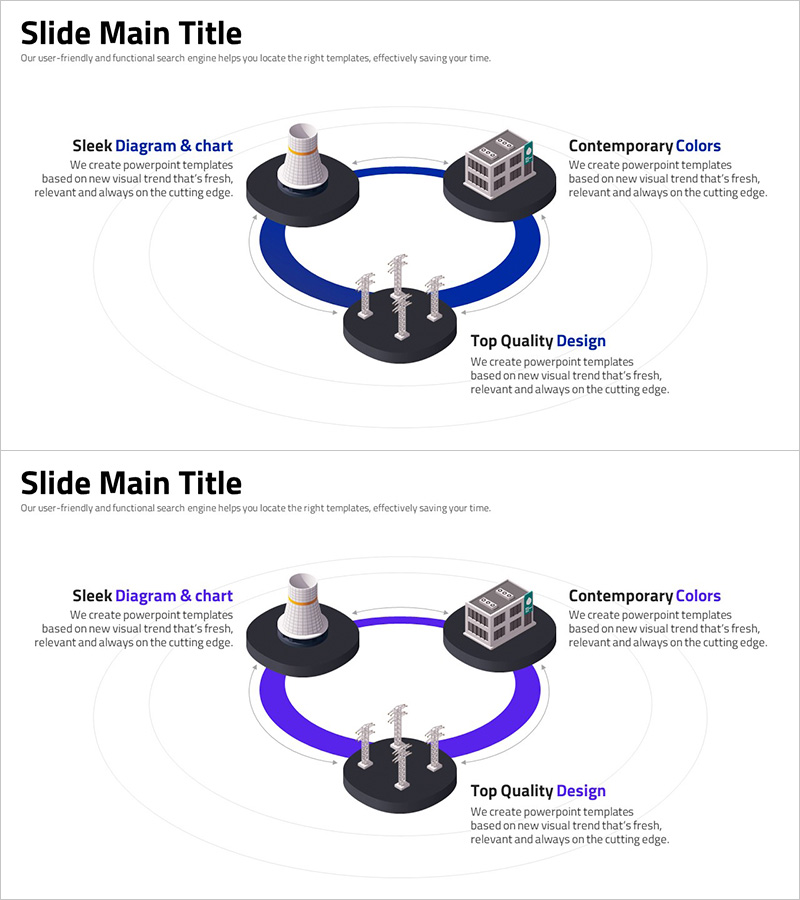
A radial diagram PowerPoint slide with three nodes radiating from a central platform, connected by dark blue and purple curved lines. This design visualizes hierarchical relationships and concept expansion from core to peripheral elements. The 2-slide set includes color variations (blue and purple curves) suitable for architecture, technology, and business presentations. Use it to illustrate strategy expansion, organizational structure, and service connectivity. Delivered in 16:9 widescreen PPTX format, fully editable and ready to customize.
Usage Points
-
Main Usage
Visualizes hierarchical expansion from a central concept to three primary branches. Perfect for illustrating organizational structures, service ecosystems, strategic divisions, and technology architectures where relationships radiate outward from a core element.
-
How to Use
Place your core concept (company, strategy, or technology) at the center, then add three key items (departments, services, or functions) at the outer nodes. The curved connections emphasize relationship strength, and color variations allow you to adjust presentation tone.
-
Recommended For
Executive reports, technology architecture presentations, organizational restructuring announcements, service portfolio introductions, marketing strategy analysis, and investor pitch decks. Ideal for professionals in management, planning, marketing, and technology roles who need to emphasize concept expansion.
-
Slide Structure
Central circular platform with three building/technology icon nodes connected by curved lines on a dark background. Slide 1 features blue curves; Slide 2 offers purple curves for flexible color selection based on presentation context.
Related Products
-
Travel Business Relationship Diagram – Innovative Business Model
#Company Introduction #Business Introduction #Diagram
-
Fintech Business Area Diagram – Visualizing Business Overview
#Company Introduction #Business Introduction #Diagram
-
Architectural Engineering Business Area Diagram – Aesthetics of Information Delivery
#Company Introduction #Business Introduction #Diagram
-
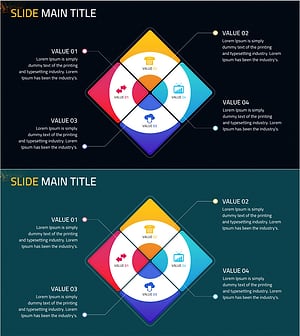
Business Introduction with Square Connection Diagram
#Company Introduction #Business Introduction #Diagram
