



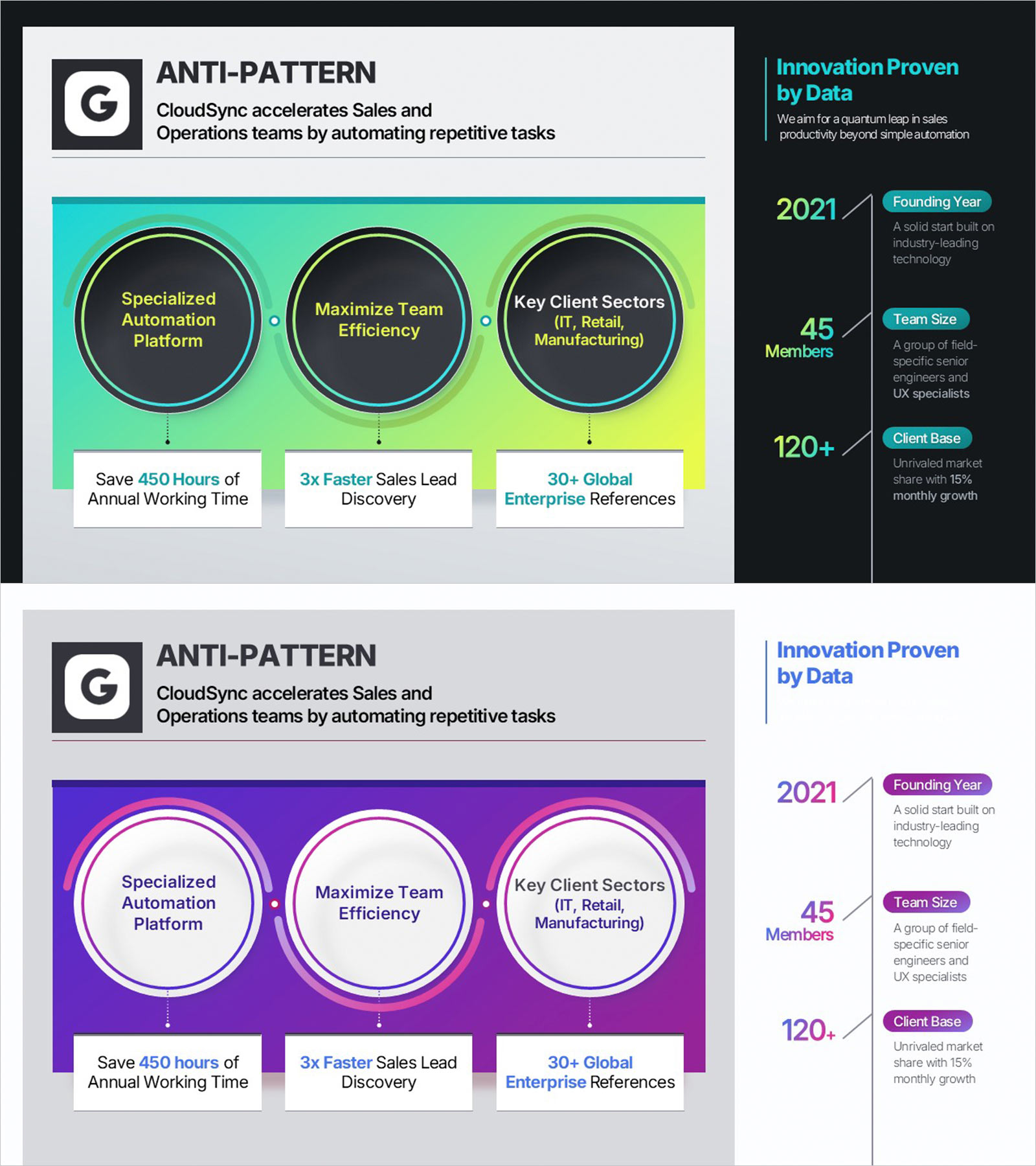
Company Capabilities PowerPoint Slide – 3-Circle Icon Layout
RBTK0500003_3
- Last Update 05/22/2026
- File Size 13.6MB
- # of Slides 2
- File Format PPTX
- Slide Ratio 16:9
- Color
Keywords
- #Content-Based Slides
- #Design-Based Slides
- #Company Introduction
- #Product/Service Introduction
- #Business Vision and Strategy
- #Diagram
- #Key Achievements
- #Product/Service Introduction
- #Core Competencies
- #Flow
- #Cluster
- #Linear Flow
- #Closed Cluster Diagram
- #16:9
- #company capabilities PowerPoint slide
- #business profile presentation template
- #circular icon metrics sidebar slide
- #B2B company overview presentation
- #key metrics PowerPoint slide deck
About the Product
This Company Capabilities PowerPoint slide is ideal for B2B sales presentations, investor meetings, and company profiles. Three large circular icons arranged horizontally each hold a capability label and a quantitative metric below. The right dark sidebar displays three company key figures — founding year, team size, and client count — in a vertical layout with bold numbers. A logo and tagline area sits at the top. Two color versions are included: lime-green and purple. All text, icons, and colors are fully editable in PowerPoint.
Usage Points
-
Main Usage
Use this slide to present company capabilities and key metrics in B2B sales pitches, investor meetings, and company profiles — pairing feature highlights with quantitative proof.
-
How to Use
Enter a capability keyword in each circular icon, add a quantitative result below, fill the right sidebar with three company metrics, and place a brand logo at the top.
-
Recommended For
Best for B2B sales reps, startup founders, and IR presenters who need to communicate company strengths and data-backed results to investors, partners, or prospective clients.
-
Slide Structure
Two slides — lime-green and purple — sharing the same layout: a header, 3-circle icon panel with result metrics below, and a dark right sidebar with three company data points.
Related Products
-
AI Service Core Service - Strategic Vision and Marketing Goals
#Business Vision and Strategy #Marketing Plan and Strategy #Diagram
-
Electronic Chip Shape Diagram – Introduction to Business Vision and Strategy
#Product/Service Introduction #Business Vision and Strategy #Diagram
-
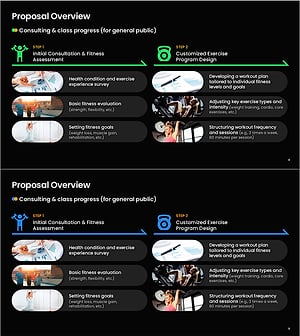
Overview of Health Fitness Expert Program Proposal – Tailored Fitness Class Guidance
#Product/Service Introduction #Diagram #Product/Service Introduction
-
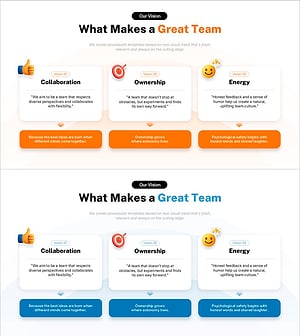
3 Key Elements of a Great Team – Collaboration, Ownership, Energy
#Business Vision and Strategy #Diagram #Business Goals
