Court Presentation Template – Stylish and Contemporary Design
J0800035
- Last Update 02/28/2025
- File Size 0.9MB
- # of Slides 30
- File Format PPTX
- Slide Ratio 16:9
- Color
Slide Preview







Keywords
About the Product
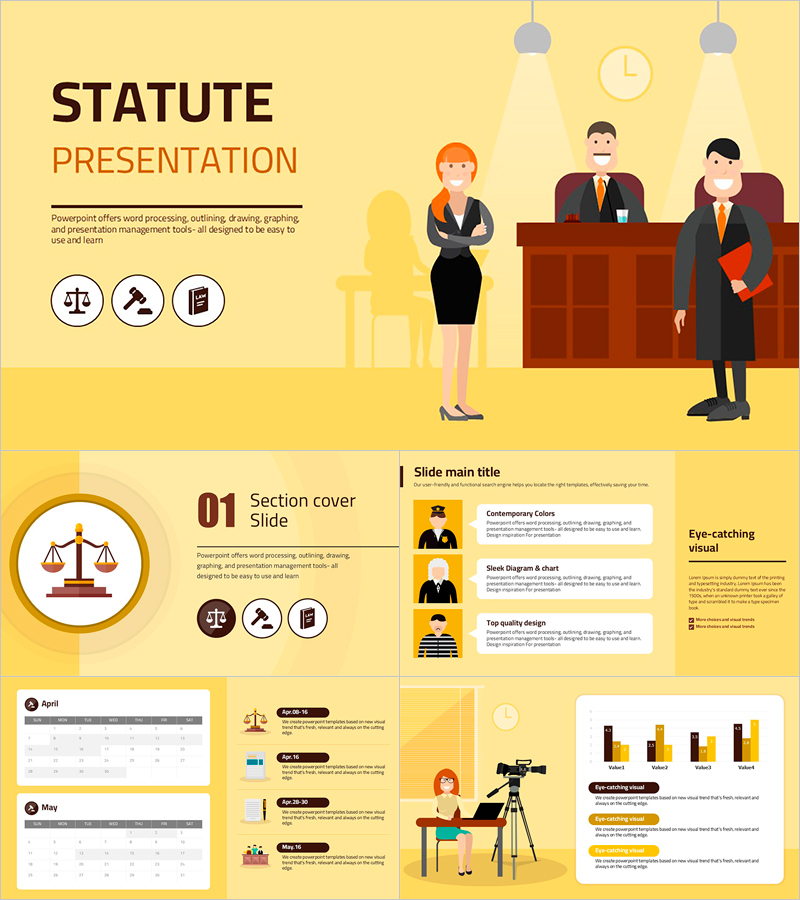
A professional PowerPoint template set designed for legal, judicial, and law-related presentations. Built on a bright yellow background with dark brown typography and orange accent colors, this flat-design deck features law-specific icons including scales of justice, gavels, law books, and courthouse illustrations throughout. The 30-slide set covers a wide range of slide types: title slide with courtroom illustration, section covers, multi-column icon-and-text layouts, sidebar body slides, monthly calendar slides, timeline slides, four-column icon card layouts, bar charts, and two-column feature slides. Ideal for law firm pitches, courtroom procedure guides, legal education sessions, and corporate legal team reports. Delivered in fully editable PPTX format at 16:9 ratio, allowing you to customize text, colors, and icons to fit your specific presentation needs. A complete presentation resource for anyone working in the legal field.
Usage Points
-
Main Usage
Designed for legal professionals who need to present courtroom procedures, law firm services, legal education content, or judicial process overviews. Delivers authority and clarity in any law-related presentation setting.
-
How to Use
Open the PPTX file and replace placeholder text with your content. Use the calendar and timeline slides to outline legal schedules or case timelines. Apply the four-column icon card slides to showcase legal service categories or key legal concepts.
-
Recommended For
Attorneys and lawyers at law firms, law school professors and instructors, judicial and prosecutorial staff, corporate legal departments, and organizers of legal seminars or compliance training programs.
-
Slide Structure
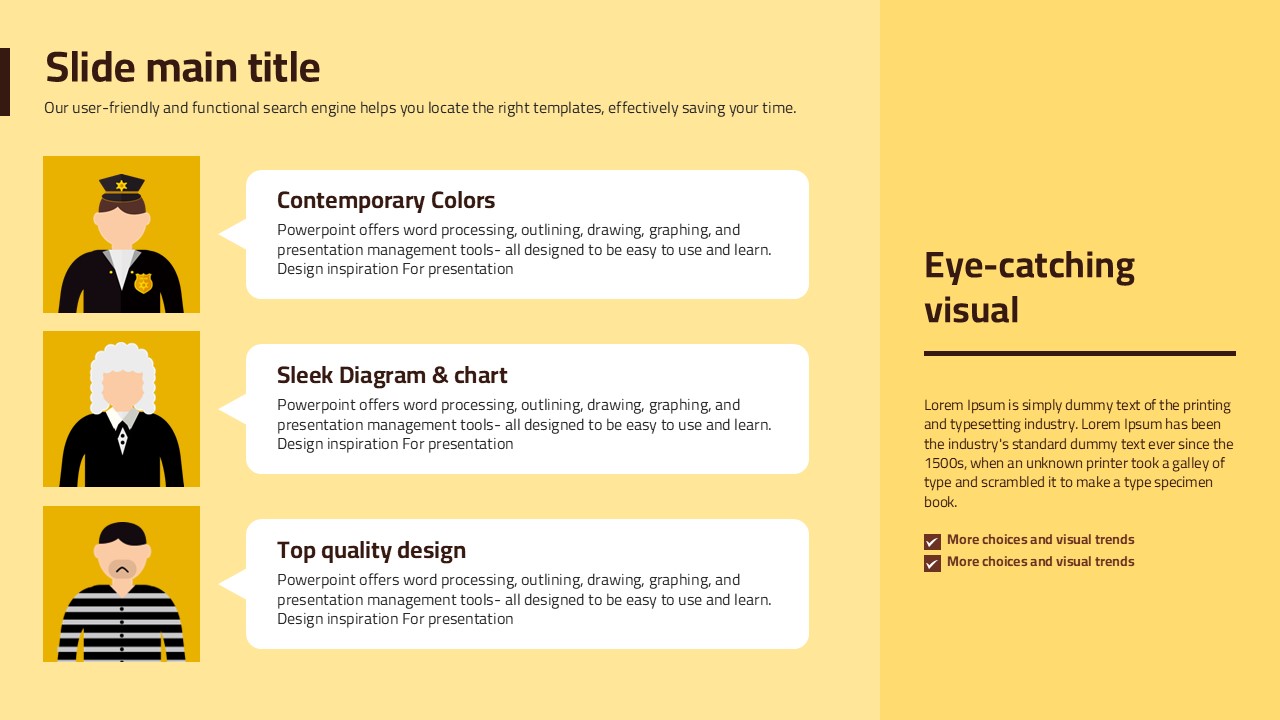
30 slides total: courtroom illustration title slide, section cover slides, 3-column icon-and-text body slides, sidebar layout slides, monthly calendar slides (April, May), timeline slides, 4-column icon card slides (scales, courthouse, gavel, judge), bar chart slides, and 2-column feature slides.