



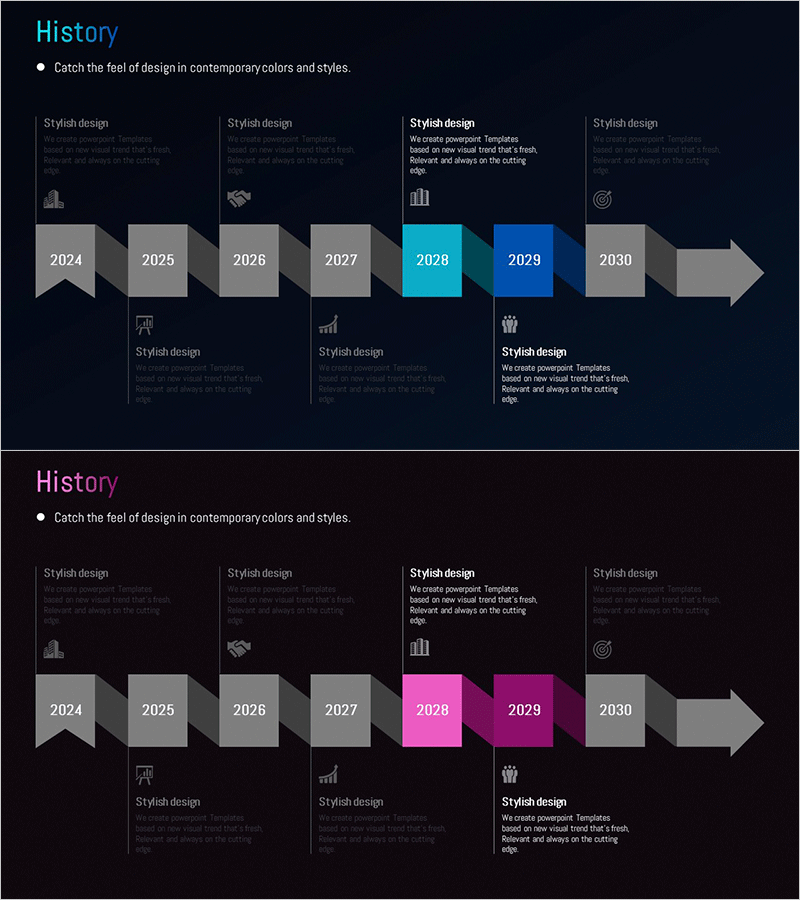
Arrow Connection History Diagram – Step-by-Step Business Strategy
RM0500005_6
- Last Update 10/05/2025
- File Size 0.3MB
- # of Slides 2
- File Format PPTX
- Slide Ratio 16:9
- Color
Keywords
- #Content-Based Slides
- #Design-Based Slides
- #Company Introduction
- #Business Strategy
- #Diagram
- #History
- #Step-by-Step Schedule Plan
- #Flow
- #Cluster
- #Linear Flow
- #Chain Diagram
- #16:9
- #arrow timeline diagram PowerPoint
- #timeline slide template
- #business roadmap presentation
- #how to create timeline in PowerPoint
- #8-year strategy slide download
About the Product
An 8-year timeline diagram PowerPoint slide with arrow-connected nodes spanning 2024 to 2030. This presentation template visualizes business strategy milestones, project phases, and corporate milestones with a dark background, gray flag-shaped nodes, and cyan or magenta accent colors for key points. Each year node includes space for icons and descriptive text, making it ideal for executive presentations, investor pitches, and strategic planning decks. Fully editable colors and text for immediate use.
Usage Points
-
Main Usage
Effectively communicate multi-year business strategies, company milestones, and project timelines in a clear, chronological format. Ideal for presenting corporate evolution, product development phases, marketing campaign schedules, and strategic roadmaps.
-
How to Use
Insert text and icons into each year node to highlight key events or achievements. Customize colors to emphasize critical milestones and draw audience attention. Add animations to timeline progression for enhanced presentation impact during live delivery.
-
Recommended For
Executive presentations, investor pitch decks, company overview materials, business plans, and strategic planning meetings. Perfect for startups showcasing growth trajectory, enterprises presenting long-term vision, and project teams sharing timelines with stakeholders.
-
Slide Structure
2-slide template featuring a dark navy background with 8 connected nodes (2024–2030) arranged left-to-right. Each node includes icon and text areas above and below. Second slide applies magenta accent color variation for visual emphasis on specific milestones.
Related Products
-
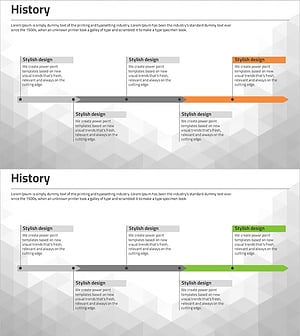
Business Plan History Diagram – Stepwise Flow Representation
#Company Introduction #Business Strategy #Diagram
-
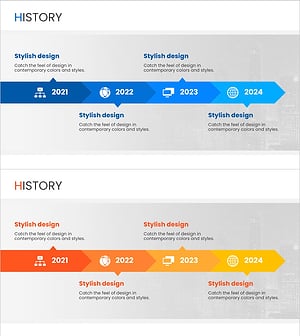
Social Media Linear Diagram – Stages of Business Growth
#Company Introduction #Business Strategy #Diagram
-
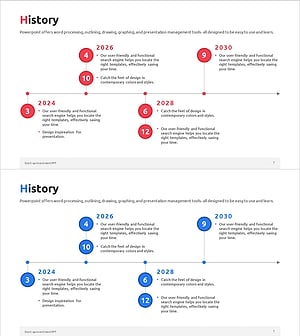
Diagram Introducing the History of All Time – Business Growth and Development
#Company Introduction #Business Strategy #Diagram
-
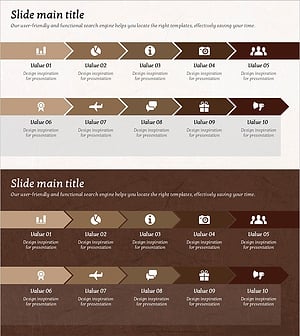
Business Arrow Flowchart – A Tool for Strategic Business Advancement
#Business Strategy #Diagram #Step-by-Step Schedule Plan
