



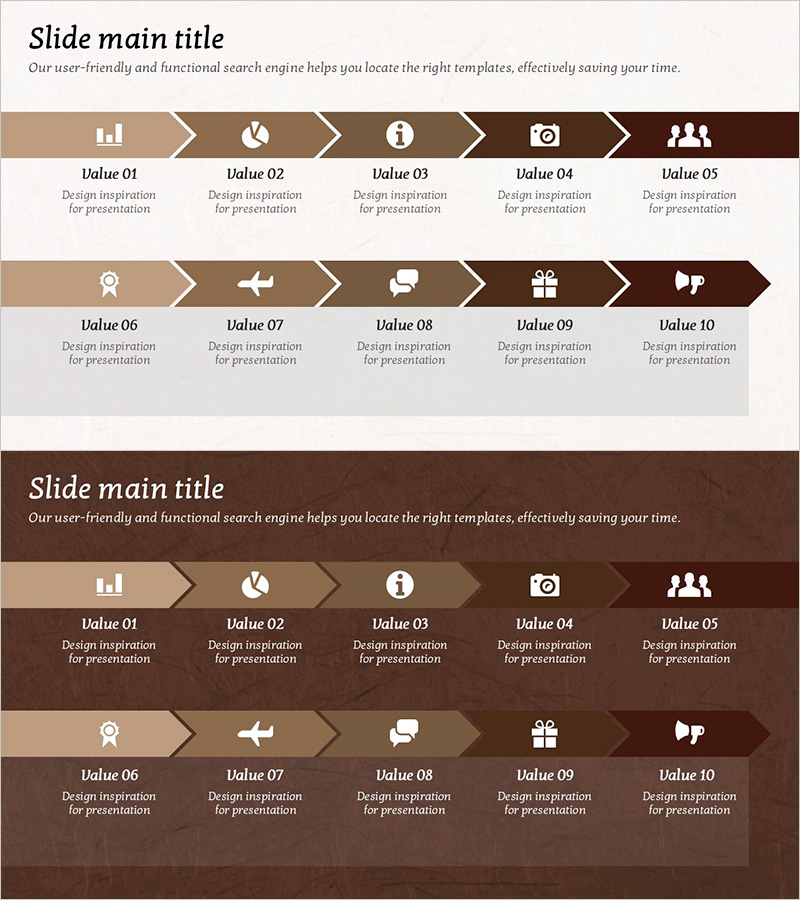
Business Arrow Flowchart – A Tool for Strategic Business Advancement
RJ0800030_12
- Last Update 08/08/2025
- File Size 3.6MB
- # of Slides 2
- File Format PPTX
- Slide Ratio 16:9
- Color
Keywords
- #Content-Based Slides
- #Design-Based Slides
- #Business Strategy
- #Diagram
- #Step-by-Step Schedule Plan
- #Flow
- #Cluster
- #Linear Flow
- #Chain Diagram
- #Project Progress
- #16:9
- #arrow flowchart PowerPoint
- #5-step diagram slide
- #business process flowchart template
- #strategic process visualization
- #how to create process diagram in PowerPoint
About the Product
A 5-step arrow flowchart PowerPoint slide designed to visualize business advancement strategies in sequential stages. The warm brown and beige color palette conveys professionalism and trust in corporate presentations. Each stage features dedicated icon and text areas to clearly articulate strategic objectives, implementation plans, and progress tracking. The 2-slide set accommodates various process flows and is optimized for 16:9 widescreen format in modern presentation environments. Provided in fully editable PPTX format, allowing customization to match corporate branding and data requirements.
Usage Points
-
Main Usage
Presents business advancement strategies and organizational execution plans in a clear, sequential flow. Ideal for executive briefings, strategic planning meetings, and business presentations where complex processes require visual clarity and stakeholder understanding.
-
How to Use
Input business objectives, strategic initiatives, implementation tasks, and performance metrics into each arrow stage. Customize icons and text colors to match organizational branding, and adjust the number of stages based on presentation requirements.
-
Recommended For
Executives, business planning teams, project managers, and strategy officers presenting business advancement plans. Suitable for quarterly business reviews, new project kickoffs, organizational restructuring presentations, and cross-functional strategy communications.
-
Slide Structure
Two-slide layout featuring a horizontal 5-node arrow flowchart in the upper section with left-to-right sequential connections, and a lower section with 5 icon-based stage descriptions. Brown background with beige arrows and white text creates clear visual hierarchy and information flow.
Related Products
-
Horticultural Flow Step Analysis – Business Strategy Diagram
#Business Strategy #Diagram #Step-by-Step Schedule Plan
-
Business Direction Illustrated with Camping Infographic
#Business Strategy #Diagram #Step-by-Step Schedule Plan
-
Step-by-step Goal Diagram – Visualizing Business Strategies and Marketing Goals
#Business Strategy #Marketing Plan and Strategy #Diagram
-
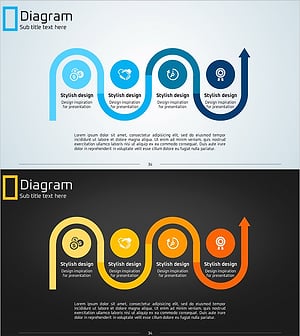
Eco-friendly Business Strategy Arrow Connection Diagram – Roadmap for Sustainable Development
#Business Strategy #Diagram #Step-by-Step Schedule Plan
