



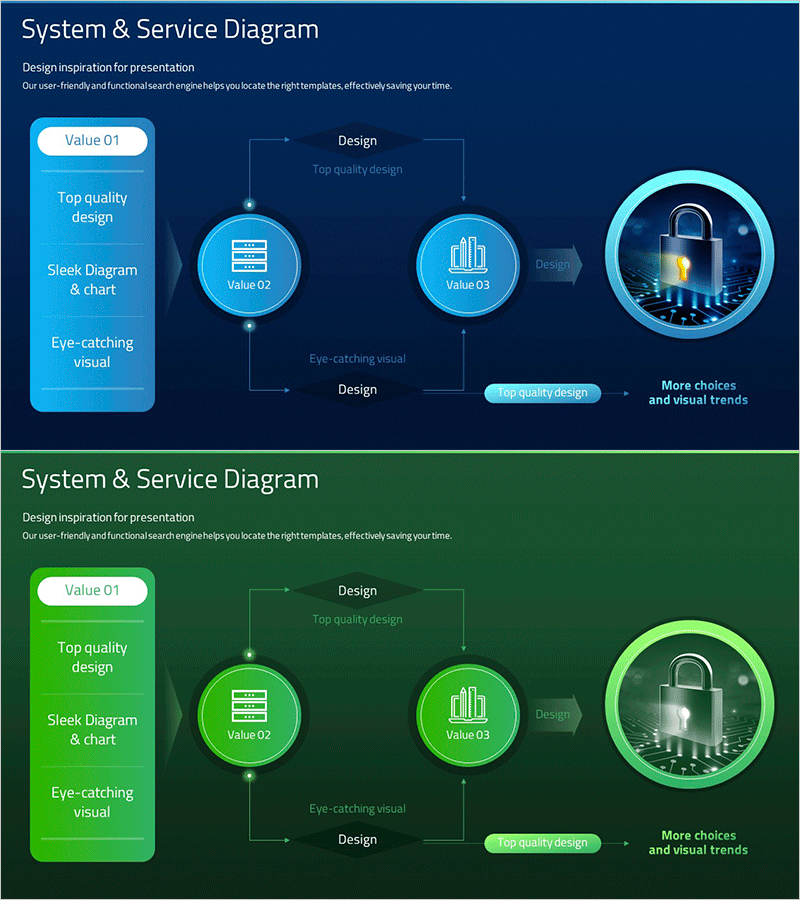
Security Technology System Configuration Diagram – Circular Service Model
RM0200013_20
- Last Update 02/05/2025
- File Size 1.5MB
- # of Slides 2
- File Format PPTX
- Slide Ratio 16:9
- Color
Keywords
- #Content-Based Slides
- #Design-Based Slides
- #Business Management
- #Technical Approach
- #Diagram
- #Service Architecture Diagram
- #System Architecture Diagram
- #Flow
- #Circular Flow
- #16:9
- #circular diagram PowerPoint
- #system architecture slide
- #service model diagram
- #3-node cycle diagram
- #security technology presentation
- #how to create circular diagram in PowerPoint
About the Product
A circular diagram PowerPoint slide that visualizes security technology and system architecture with three interconnected nodes. The design features bright cyan circular nodes connected by bidirectional arrows on a dark blue gradient background, representing service flow and mutual interactions. Each node includes icons and text labels, with a left-side information panel highlighting key concepts. This presentation slide is ready to use for technology briefings, IT system explanations, security solution pitches, and enterprise architecture discussions.
Usage Points
-
Main Usage
Effectively visualizes system architecture, service workflows, and security technology components through a circular relationship model. The three-node structure clearly demonstrates mutual interactions and data flow, making complex technical concepts accessible to both technical teams and business executives.
-
How to Use
Use in IT technology presentations, system architecture briefings, security solution pitches, and service model demonstrations. Simply replace node text and icons with your own content, and adjust colors and backgrounds to match your corporate branding. The template is fully editable and ready for immediate deployment.
-
Recommended For
IT engineers, system architects, security professionals, technology marketing managers, and solution consultants presenting technical explanations and system configurations. Ideal for startup pitches, technical seminars, internal training materials, and enterprise architecture reviews.
-
Slide Structure
Two-slide set featuring a dark blue gradient background with three circular nodes arranged in a cycle pattern. Bidirectional arrows connect the nodes to show continuous flow. Left panel contains information hierarchy, right side displays security-related icons. Second slide provides the same structure in green for color variation and design flexibility.
Related Products
-
Future Technology System Configuration Diagram – Efficient Development Flow
#Business Management #Technical Approach #Diagram
-
Introduction to Financial Technology Systems – Efficient Business Management
#Business Management #Technical Approach #Diagram
-
Startup Business Activity Structure Diagram – Efficient Operational Planning
#Business Management #Operational Plan #Technical Approach
-
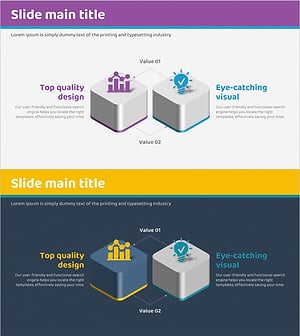
Mobile Service System Configuration Diagram - Technical Concept Introduction
#Product/Service Introduction #Technical Approach #Diagram
