



Introduction to Financial Technology Systems – Efficient Business Management
RM0200013_23
- Last Update 02/05/2025
- File Size 0.3MB
- # of Slides 2
- File Format PPTX
- Slide Ratio 16:9
- Color
Keywords
- #Content-Based Slides
- #Design-Based Slides
- #Business Management
- #Technical Approach
- #Diagram
- #Service Architecture Diagram
- #System Architecture Diagram
- #Cluster
- #Closed Cluster Diagram
- #16:9
- #service composition diagram PowerPoint
- #three-section system slide
- #financial technology presentation
- #business management PPT slide
- #icon infographic template
About the Product
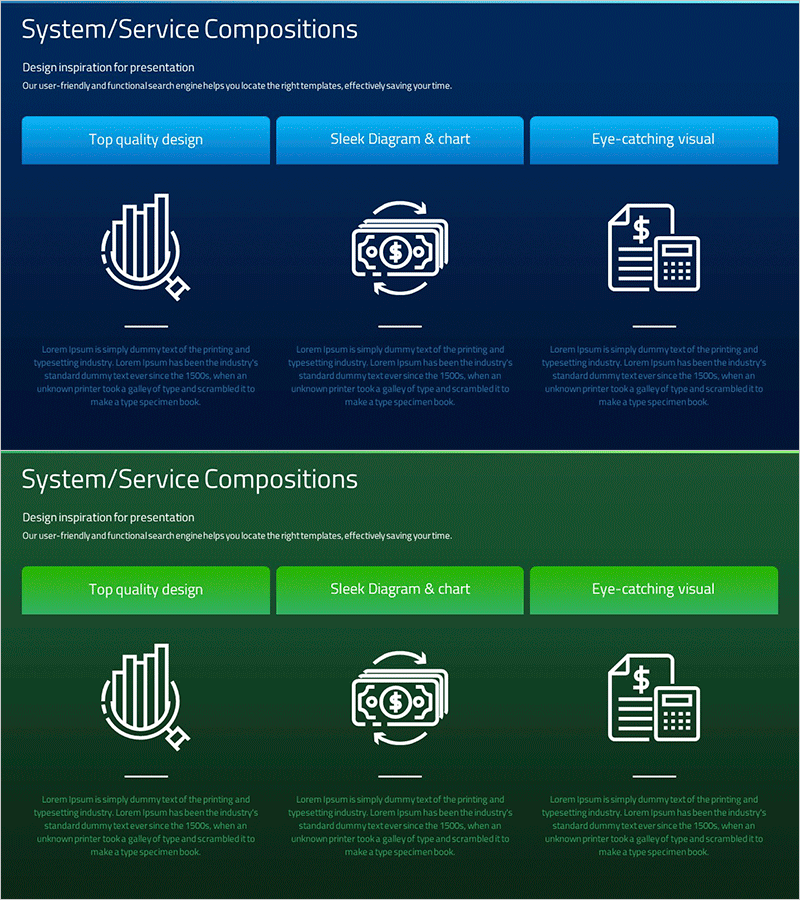
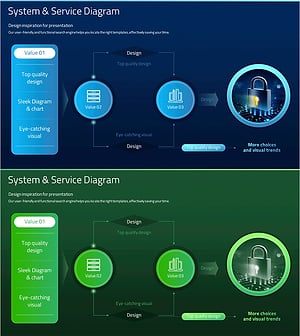
A PowerPoint slide that visualizes financial technology and business management systems across three core service areas using icons and infographic elements. The design features a dark blue background with bright cyan accent buttons and white icons representing banking, currency exchange, and financial management. Each section includes descriptive text areas below the icons, creating a clear hierarchical structure. The 16:9 widescreen format with 2-slide composition is ready for corporate presentations, product introductions, and technology briefings without additional editing.
Usage Points
-
Main Usage
Effectively communicates complex financial technology systems and business management frameworks by breaking them into three distinct service areas. The combination of bar graph elements and financial icons provides both data-driven clarity and visual impact for executive and investor audiences.
-
How to Use
Use in corporate presentations, investor briefings, and product launch decks to explain core service offerings or system architecture. Simply edit the text labels and icons to match your specific services or business divisions, then insert into your presentation.
-
Recommended For
Financial technology professionals, IT system architects, business development managers, and marketing teams presenting technology solutions, service portfolios, or business strategies. Ideal for startup pitches, corporate annual reports, and management consulting materials.
-
Slide Structure
Two-slide set with dark blue background. Each slide contains three independent service sections arranged horizontally. Layout includes bright cyan button headers at top, central icon and graph elements, and descriptive text zones below for customization.
Related Products
-
Tree Structure in Natural Background – System Diagram
#Technical Approach #Diagram #Service Architecture Diagram
-
Trial Tree Structure – Legal and Service Overview
#Technical Approach #Diagram #Service Architecture Diagram
-
Filming Planning Sequence Diagram – Efficient Business Management
#Business Management #Technical Approach #Diagram
-
Security Technology System Configuration Diagram – Circular Service Model
#Business Management #Technical Approach #Diagram
