



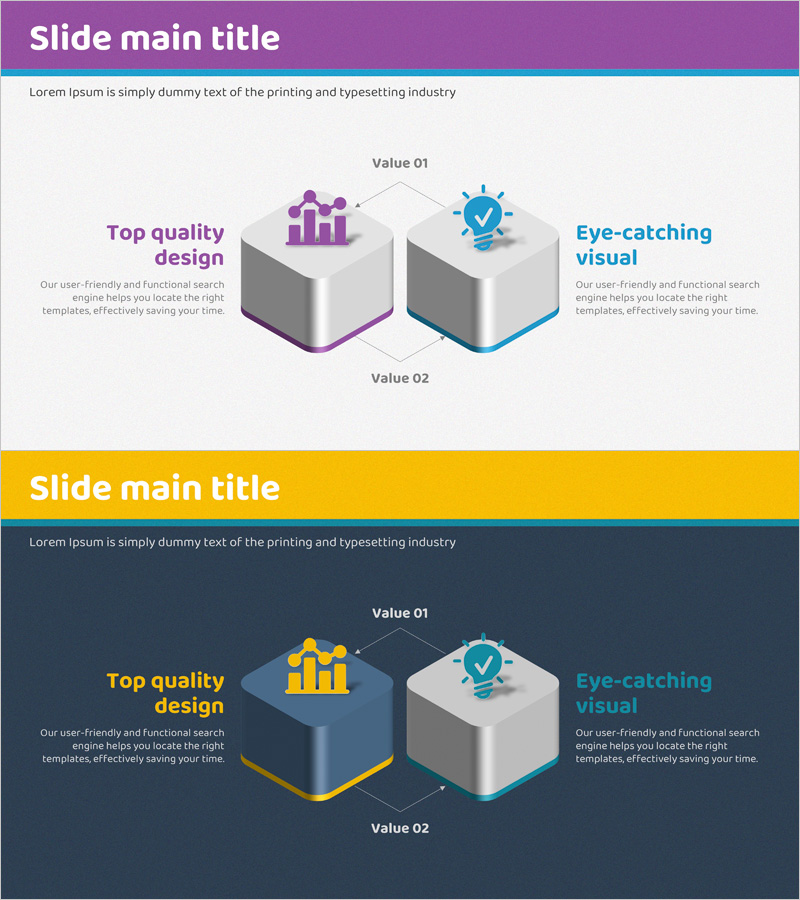
Mobile Service System Configuration Diagram - Technical Concept Introduction
RJ0400055_17
- Last Update 06/01/2025
- File Size 14.6MB
- # of Slides 2
- File Format PPTX
- Slide Ratio 16:9
- Color
Keywords
- #Content-Based Slides
- #Design-Based Slides
- #Product/Service Introduction
- #Technical Approach
- #Diagram
- #Composition
- #System Architecture Diagram
- #Flow
- #Cluster
- #Circular Flow
- #Chain Diagram
- #16:9
- #connection diagram PowerPoint
- #system architecture slide template
- #2-node diagram PPT
- #technical concept presentation
- #mobile service system diagram PowerPoint
About the Product
A 2-slide connection diagram PowerPoint template for visualizing mobile service system architecture. The design features two hexagonal nodes connected by directional arrows, with the left node in purple tones and the right node in cyan tones, clearly distinguishing each system component. Each node contains icon placeholders and text areas for describing technical concepts, functionalities, and features. Available in 16:9 widescreen PPTX format for immediate editing. Ideal for technology presentations, system architecture explanations, service structure introductions, and technical concept demonstrations across various business contexts.
Usage Points
-
Main Usage
Visualizes the relationship and data flow between two key system components in mobile services or technical architectures. Each node accommodates icons and descriptive text to clearly communicate technical concepts, functional features, and system roles to your audience.
-
How to Use
Place your first system element (e.g., user interface, client) in the left node and the second element (e.g., backend server, database) in the right node. Customize the icons within each node and modify the text labels to match your specific technical structure and requirements.
-
Recommended For
IT companies, software development teams, technical professionals, system architects, and mobile app developers presenting technology solutions, system explanations, and product introductions. Suitable for investor presentations, technical seminars, and internal training materials.
-
Slide Structure
Two-slide set with identical connection diagram layouts. Slide 1 features purple and cyan nodes on a light background; Slide 2 presents yellow and cyan nodes on a dark background for design variation. Each node includes dedicated icon and text description areas for flexible customization.
Related Products
-
Global Network Service Configuration Diagram – Product Differentiation Strategy
#Product/Service Introduction #Technical Approach #Diagram
-
Experimental Setup Diagram – Technology and Innovation
#Product/Service Introduction #Technical Approach #Diagram
-
Business Process Visualization Diagram Slide
#Operational Plan #Technical Approach #Diagram
-
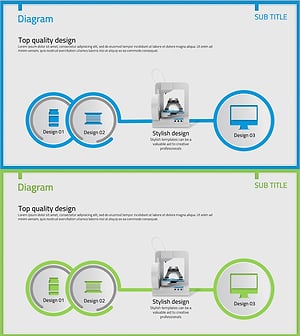
Insight into 3D Printer System Configuration Diagram
#Product/Service Introduction #Technical Approach #Diagram
