



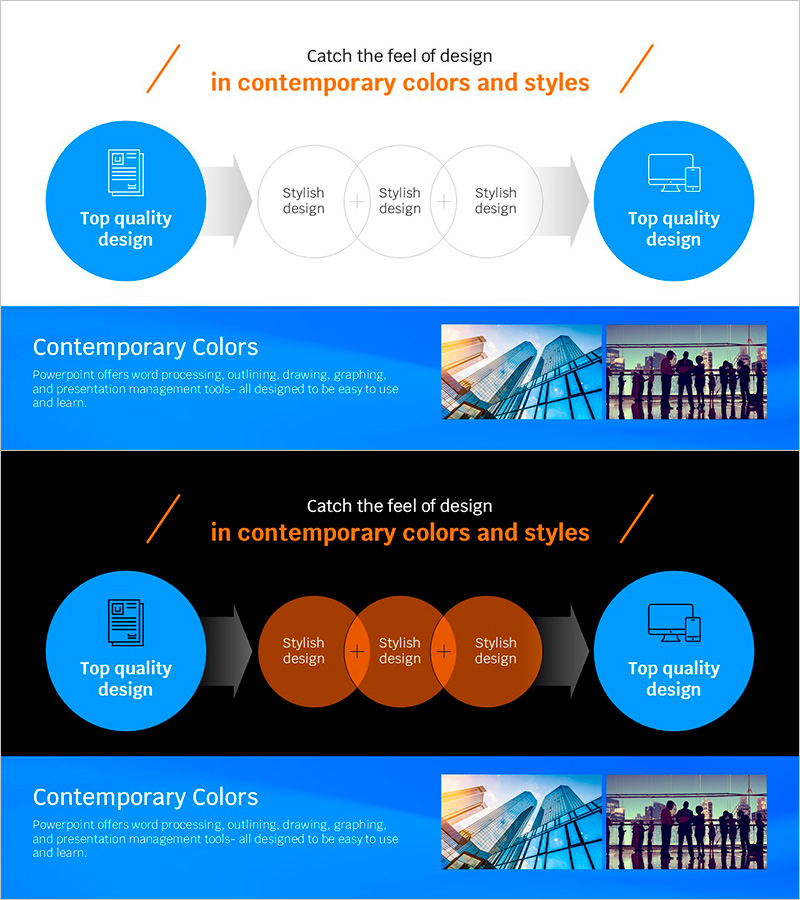
Blue Line Wide Template Directional Diagram
RJ0200066_22
- Last Update 04/18/2025
- File Size 2.2MB
- # of Slides 2
- File Format PPTX
- Slide Ratio 16:9
- Color
Keywords
- #Content-Based Slides
- #Design-Based Slides
- #Business Management
- #Technical Approach
- #Diagram
- #Quality Assurance Plan
- #Service Operation Plan
- #Flow
- #Cluster
- #Linear Flow
- #Chain Diagram
- #16:9
- #overlapping diagram PowerPoint
- #connection process flow slide
- #3-stage workflow diagram
- #business process diagram PowerPoint
- #directional diagram slide template
About the Product
A PowerPoint slide featuring an overlapping connection diagram that visualizes business processes and sequential workflows. The design flows from a left blue circular node through three overlapping circles in the center to a right blue circular node, connected by directional arrows. This structure effectively represents step-by-step progression, parallel processing, and quality assurance scenarios. The converging flow emphasizes final output delivery. Available in 16:9 widescreen format with 2 slides, ready for immediate use in presentations, business management, and service operation documentation.
Usage Points
-
Main Usage
Visually represent business process workflows and sequential progression stages, clearly communicating input-process-output structures or parallel task flows. Optimized for quality assurance, service operations, and project management scenarios requiring multi-stage workflow explanation.
-
How to Use
Enter stage names in the left blue circle, processing steps in the three overlapping center circles, and final outcomes in the right blue circle. The directional arrows automatically guide the process flow. Edit text and colors in each node to customize the diagram for your organization's specific workflow requirements.
-
Recommended For
Business managers, quality assurance specialists, service operations teams, and project leaders presenting complex workflows in team meetings, executive briefings, and client presentations. Particularly effective for explaining sequential processes with three or more stages.
-
Slide Structure
2-slide set featuring a title section with '3-Stage Process Flow' heading and orange slash decorative elements, central diagram with left blue circular node (with icon) connecting through three overlapping circles to right blue circular node via directional arrows, and bottom blue information panel with Contemporary Colors text and three reference images.
Related Products
-
Business Process Circular Diagram – Effective Service Operations
#Operational Plan #Technical Approach #Diagram
-
How to Measure Smart Health – Visualizing Effective Data Flow
#Operational Plan #Technical Approach #Diagram
-
Understanding Differences by Sofa Cushion Types – Arrow Linear Diagram
#Product/Service Introduction #Technical Approach #Diagram
-
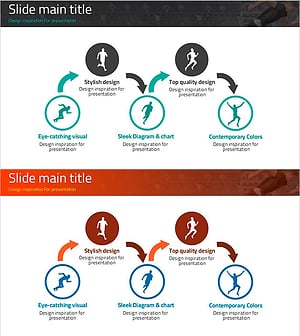
Diagram Slide Connecting Business Strategy
#Business Strategy #Diagram #Implementation Framework
