



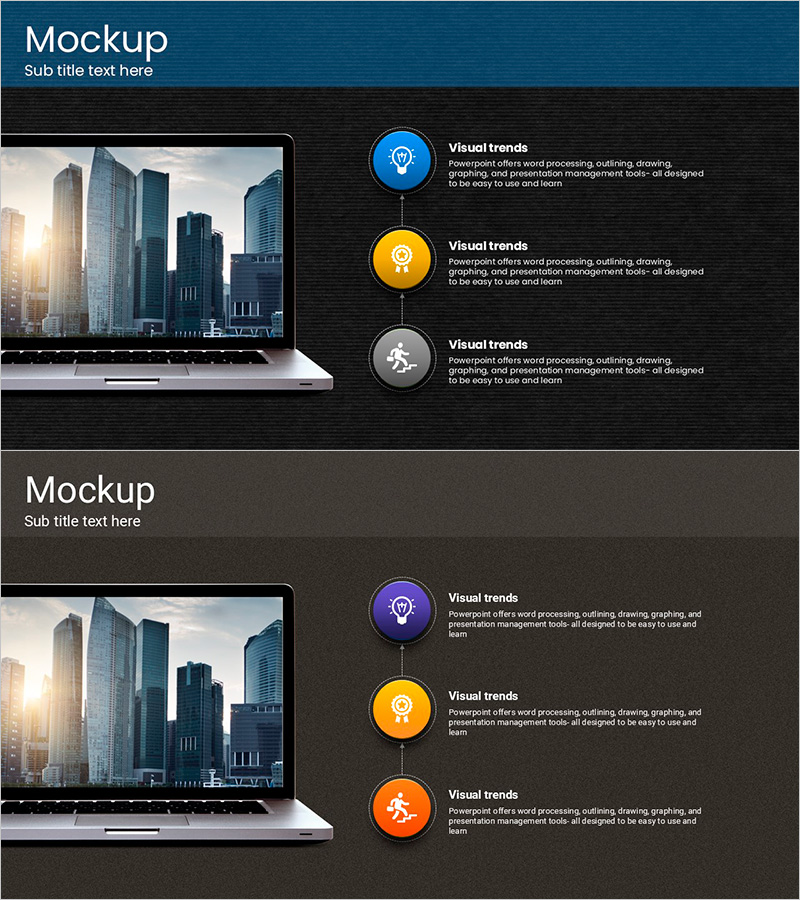
Touch Wide Slide Template - Modern Mockup Design
RJ0200008_26
- Last Update 03/30/2025
- File Size 4.1MB
- # of Slides 2
- File Format PPTX
- Slide Ratio 16:9
- Color
Keywords
- #Content-Based Slides
- #Design-Based Slides
- #Product/Service Introduction
- #Technical Approach
- #Diagram
- #Other
- #Development Status
- #Service Operation Plan
- #Flow
- #Linear Flow
- #Mockup
- #16:9
- #laptop mockup PowerPoint slide
- #device mockup presentation template
- #icon diagram PowerPoint
- #technology product slide
- #software feature presentation
About the Product
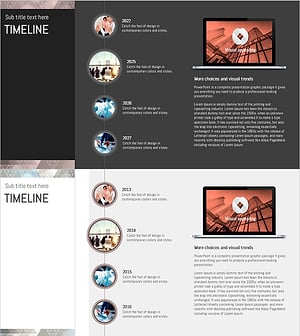
A PowerPoint slide featuring a laptop device mockup paired with three circular icons arranged vertically with connecting lines. The dark background displays blue, yellow, and gray icons with text areas beside each icon for content input. This 16:9 widescreen 2-slide set is ready for technology presentations, product demos, and business pitches. Customize by inserting product screenshots into the laptop screen or editing text descriptions for each feature point.
Usage Points
-
Main Usage
Designed for technology product introductions, software feature explanations, and digital solution presentations. The icon-and-text combination effectively highlights three key features or benefits in a visually organized manner.
-
How to Use
Insert product screenshots or images into the laptop screen area, then add feature names and descriptions in the text boxes beside each icon. Use the colored icons to differentiate categories or indicate priority levels. Ideal for tech presentations, investor pitches, product launches, and solution demonstrations.
-
Recommended For
Software and IT companies presenting product features, startups pitching to investors, technology consulting firms explaining solutions, digital marketing teams showcasing campaigns, and operations teams presenting technology infrastructure plans.
-
Slide Structure
2-slide set with consistent layout. Each slide features a laptop mockup on the left (16:9 widescreen display) and three circular icons (blue, yellow, gray) arranged vertically on the right with connecting lines. Text input areas are positioned beside each icon. Dark background (black and charcoal) with white text and colored icons ensures strong contrast and readability.
Related Products
-
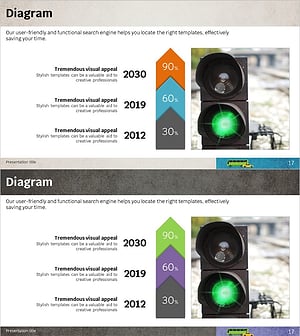
Business Progress Diagram Slide – Strategy for Efficient Progress
#Product/Service Introduction #Business Strategy #Diagram
-
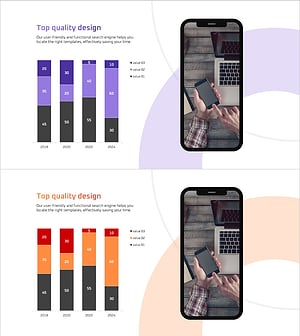
Social Network Market Analysis Bar Chart – Trends Insight
#Product/Service Introduction #Market and Competitor Analysis #Graph
-
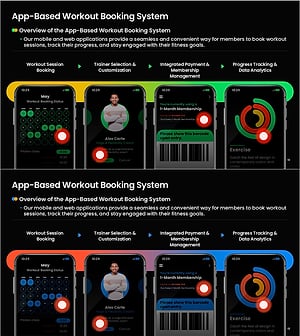
App-Based Personal Workout Booking System – Intuitive Diagram
#Product/Service Introduction #Diagram #Other
-
Triangular Pattern Timeline for Visualizing History and Achievements
#Company Introduction #Diagram #Other
