



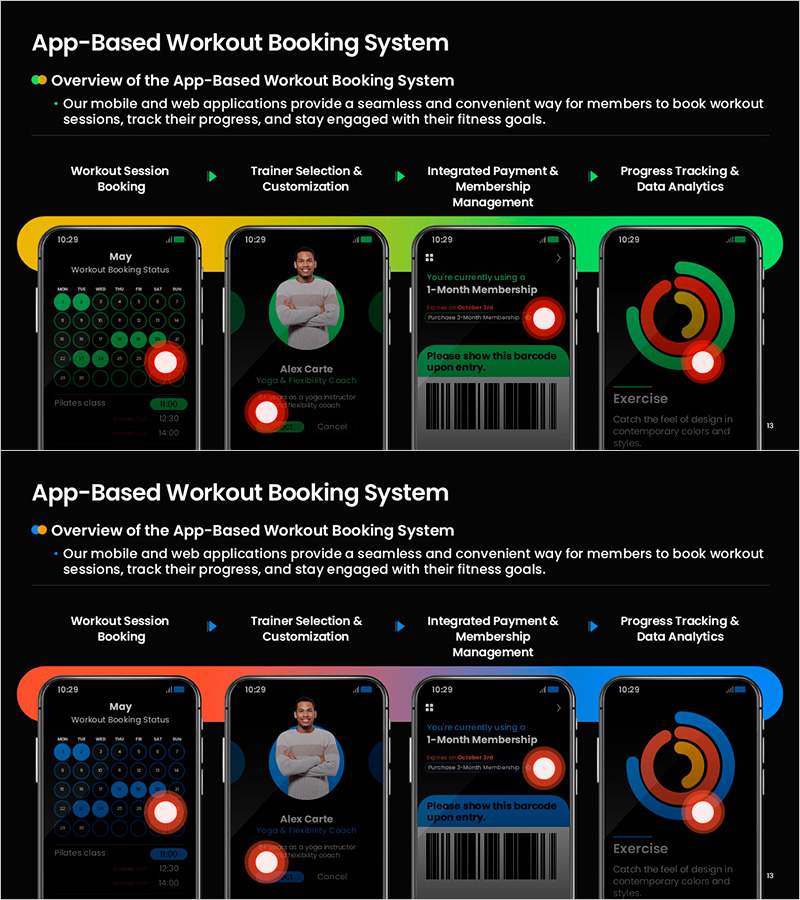
App-Based Personal Workout Booking System – Intuitive Diagram
RM0200019_9
- Last Update 02/06/2025
- File Size 0.8MB
- # of Slides 2
- File Format PPTX
- Slide Ratio 16:9
- Color
Keywords
- #Content-Based Slides
- #Design-Based Slides
- #Product/Service Introduction
- #Diagram
- #Other
- #Product/Service Introduction
- #Program Introduction
- #Flow
- #Linear Flow
- #Mockup
- #16:9
- #app mockup PowerPoint slide
- #fitness booking system presentation
- #4-step user flow diagram
- #mobile app UI slide
- #user journey map template
About the Product
A PowerPoint slide that visualizes the user journey of a fitness app booking system through a 4-step process flow. The slide illustrates the stages of workout session booking, trainer selection and customization, integrated payment and membership management, and progress tracking with data analytics. Each stage is paired with an actual mobile app screen mockup, creating an intuitive visual representation of the app's functionality. The design features gradient backgrounds in yellow, green, and blue tones that emphasize each step, with arrows and circular buttons clearly indicating the flow direction. This presentation slide is ready to use for fitness centers, personal training studios, and health app development companies.
Usage Points
-
Main Usage
This slide is designed to visually explain the core functionality flow of a mobile fitness app. It presents the 4-stage user journey—booking, selection, payment, and tracking—alongside corresponding app screen mockups, clearly communicating how the app works and the user experience it delivers.
-
How to Use
Use this slide in fitness app development presentations, investor pitch decks, and product launch meetings to explain the app's functional flow. You can click on each stage's mockup image to replace it with your actual app screenshots, or edit the text to match your specific app features and branding.
-
Recommended For
Ideal for health tech startup founders, fitness app development teams, personal training studio marketing managers, app product managers, and UX designers. Perfect for investor meetings, client demonstrations, and internal team planning sessions where you need to explain the app's user flow intuitively.
-
Slide Structure
2-slide set: The first slide features a yellow-to-green gradient background with 4 connected step boxes and arrows forming a process flow diagram, with 4 mobile app screen mockups positioned at each stage. The second slide uses a blue-to-green gradient background to present the same 4-step flow in an alternative color scheme, providing design variety. Both slides are formatted in 16:9 widescreen ratio, optimized for projector displays and online presentations.
Related Products
-
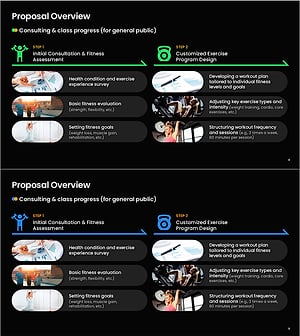
Overview of Health Fitness Expert Program Proposal – Tailored Fitness Class Guidance
#Product/Service Introduction #Diagram #Product/Service Introduction
-

Travel App Wide Mockup – Intuitive Service Introduction
#Product/Service Introduction #Other #Product/Service Introduction
-

Visually Appealing Slide Template
#Product/Service Introduction #Diagram #Product/Service Introduction
-
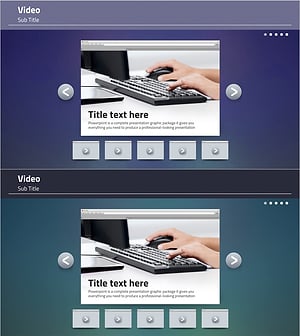
Video Presentation Template – Incorporating Professionalism and Trust
#Product/Service Introduction #Other #Product/Service Introduction
