



Business Stage Execution Plan PPT – Effective Execution Strategy STEP5
RM0900001_20
- Last Update 10/04/2025
- File Size 1.1MB
- # of Slides 2
- File Format PPTX
- Slide Ratio 16:9
- Color
Keywords
- #Content-Based Slides
- #Design-Based Slides
- #Business Strategy
- #Business Management
- #Diagram
- #Step-by-Step Schedule Plan
- #Execution Plan
- #Flow
- #Cluster
- #Linear Flow
- #Chain Diagram
- #16:9
- #5-step diagram PowerPoint
- #connector diagram slide template
- #business execution plan PPT
- #process flow diagram
- #how to create process flow in PowerPoint
About the Product
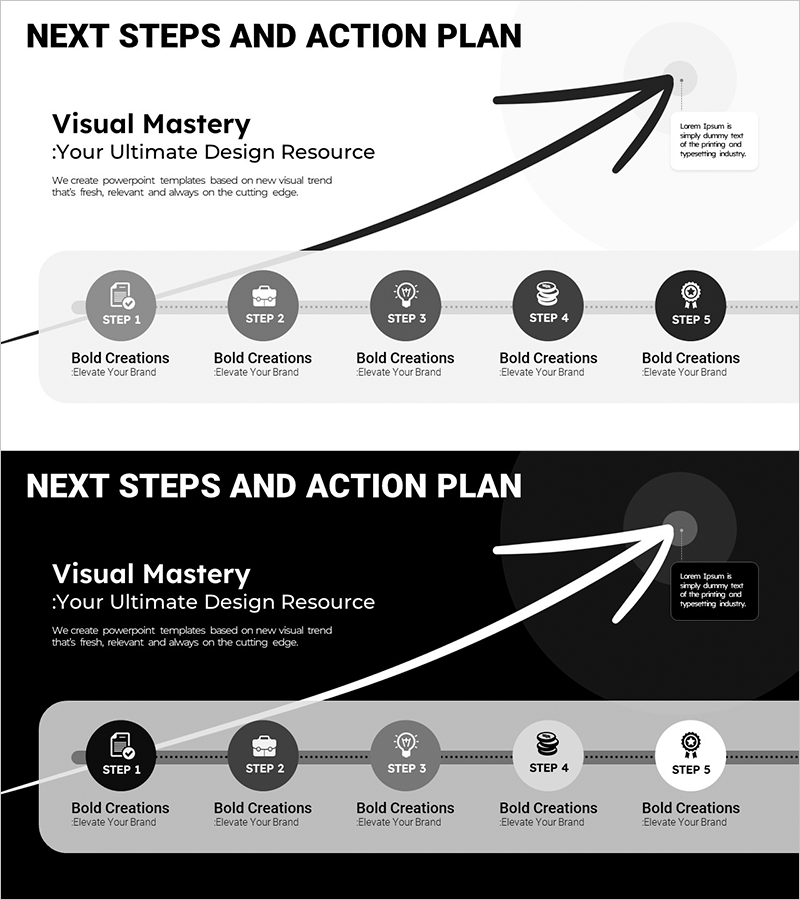
A PowerPoint slide that visualizes a five-stage business execution strategy using a connected node diagram. Each step is distinguished by icons and text labels, linked by directional arrows to clearly show process flow and progression. Two versions are provided—light background for print and dark background for screen presentations—both fully editable to match your brand colors. Ideal for business plans, strategy presentations, roadmap slides, and executive briefings.
Usage Points
-
Main Usage
Breaks down business initiatives into five distinct phases, clearly communicating the objective and execution strategy for each stage. Arrow connectors emphasize cause-and-effect relationships and sequential progression, enabling executives, team members, and investors to grasp the complete roadmap structure at a glance.
-
How to Use
Enter stage names (Step 1–5) and detailed execution details in each node's text area. Icons can be customized to reflect each stage's characteristics, and colors are fully adjustable to align with your corporate brand guidelines. Choose the light background version for printed materials and the dark background version for screen-based presentations.
-
Recommended For
Ideal for execution strategy sections in business plans, quarterly and annual goal presentations, project kickoff meetings, investment pitch decks and roadmap pages, and internal strategy alignment sessions. Commonly used by executives, project managers, marketing professionals, and business development teams.
-
Slide Structure
Two-slide set: Slide 1 features a light gray background with five circular nodes arranged horizontally and connected by dotted directional arrows; an upward-curving arrow in the upper right conveys growth trajectory. Slide 2 uses a dark background with white nodes and gray text in the same layout. Each node accommodates icon, stage label, and descriptive text.
Related Products
-
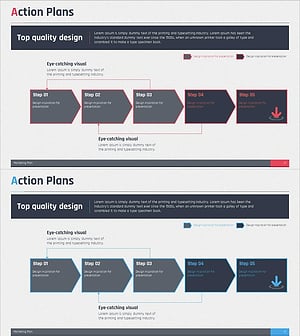
Step by Step Plan Linear Diagram – Effective Business Strategy
#Business Strategy #Business Management #Diagram
-
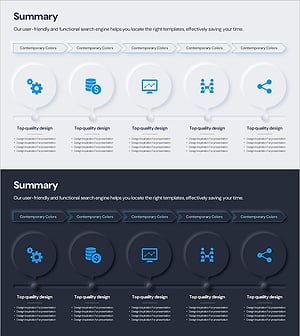
Flow Diagram for Key Takeaway Summary
#Business Strategy #Business Management #Diagram
-
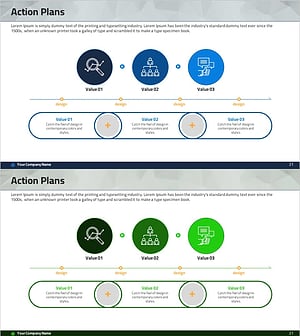
Activity Plan Sequence Diagram – Business Strategy Visualization
#Business Strategy #Business Management #Diagram
-
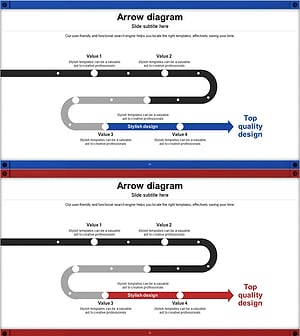
Conveyor Arrow Process Diagram
#Business Strategy #Business Management #Diagram
