



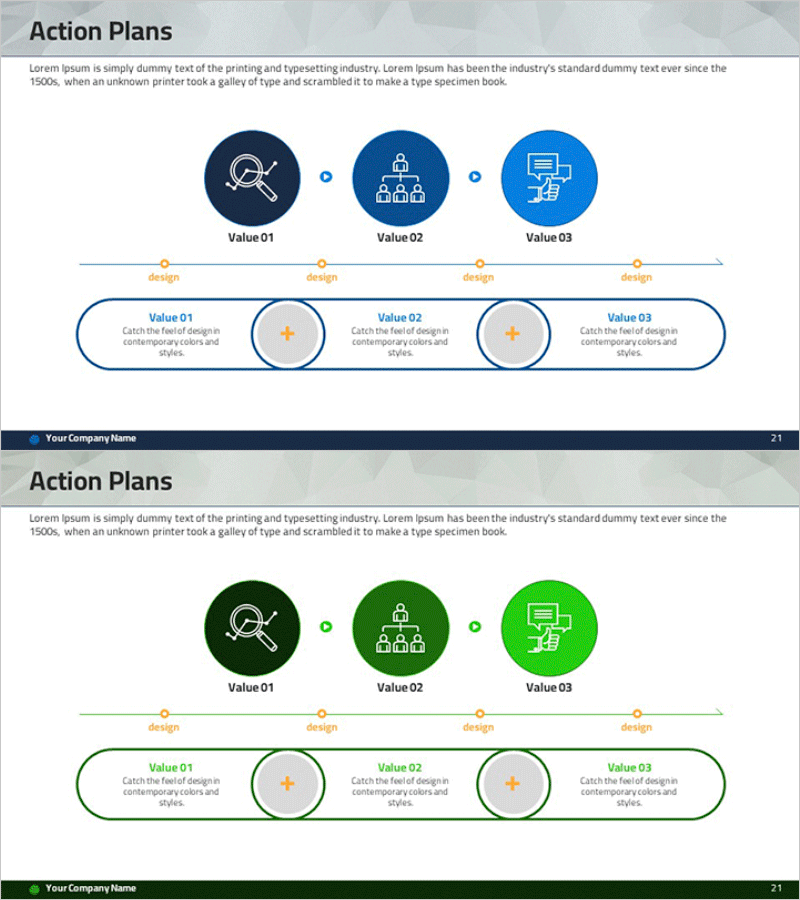
Activity Plan Sequence Diagram – Business Strategy Visualization
RM0400005_20
- Last Update 02/15/2025
- File Size 3MB
- # of Slides 2
- File Format PPTX
- Slide Ratio 16:9
- Color
Keywords
- #Content-Based Slides
- #Design-Based Slides
- #Business Strategy
- #Business Management
- #Diagram
- #Step-by-Step Schedule Plan
- #Execution Plan
- #Flow
- #Cluster
- #Linear Flow
- #Chain Diagram
- #16:9
- #circular diagram PowerPoint
- #activity plan presentation
- #3-step process slide
- #connection diagram template
- #business strategy PowerPoint slide
About the Product
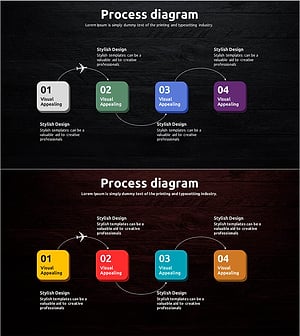
A 3-step circular connection diagram PowerPoint slide designed to visualize business strategy and activity planning. Icons and circular nodes are connected with directional arrows to clearly express process flow, with dedicated explanation areas for each stage. Available in three color versions—dark blue, green, and light blue—allowing you to match your corporate branding and presentation theme. This 2-slide template is ready for immediate use in strategic presentations and business communications.
Usage Points
-
Main Usage
Express business strategy, activity planning, and project phases through a circular flow diagram to enhance audience comprehension. Clearly distinguish each stage's objectives, actions, and outcomes, effectively communicating the continuity and cyclical nature of your strategy to stakeholders.
-
How to Use
Enter stage titles and descriptions in the three circular nodes, and add detailed content in the text areas below. Select a color version matching your corporate brand identity, or adjust colors based on stage priority. Use in executive briefings, strategy meetings, and project kickoff presentations.
-
Recommended For
Ideal for executives, strategy teams, project managers, and marketing professionals presenting business plans, organizational restructuring, or new business initiatives. The circular structure effectively represents continuous improvement processes and PDCA cycles.
-
Slide Structure
Slide 1: Title area + 3 circular nodes with icons + connecting arrows + 3 text boxes at bottom. Slide 2: Same structure in alternate color version (green palette). Each node is independently editable, and arrows and text areas can be freely adjusted to fit your content.
Related Products
-
Business Stage Execution Plan PPT – Effective Execution Strategy STEP5
#Business Strategy #Business Management #Diagram
-
Step by Step Plan Linear Diagram – Effective Business Strategy
#Business Strategy #Business Management #Diagram
-
Flow Diagram for Key Takeaway Summary
#Business Strategy #Business Management #Diagram
-
Travel guide business step-by-step itinerary planning connection diagram
#Business Strategy #Diagram #Step-by-Step Schedule Plan
