



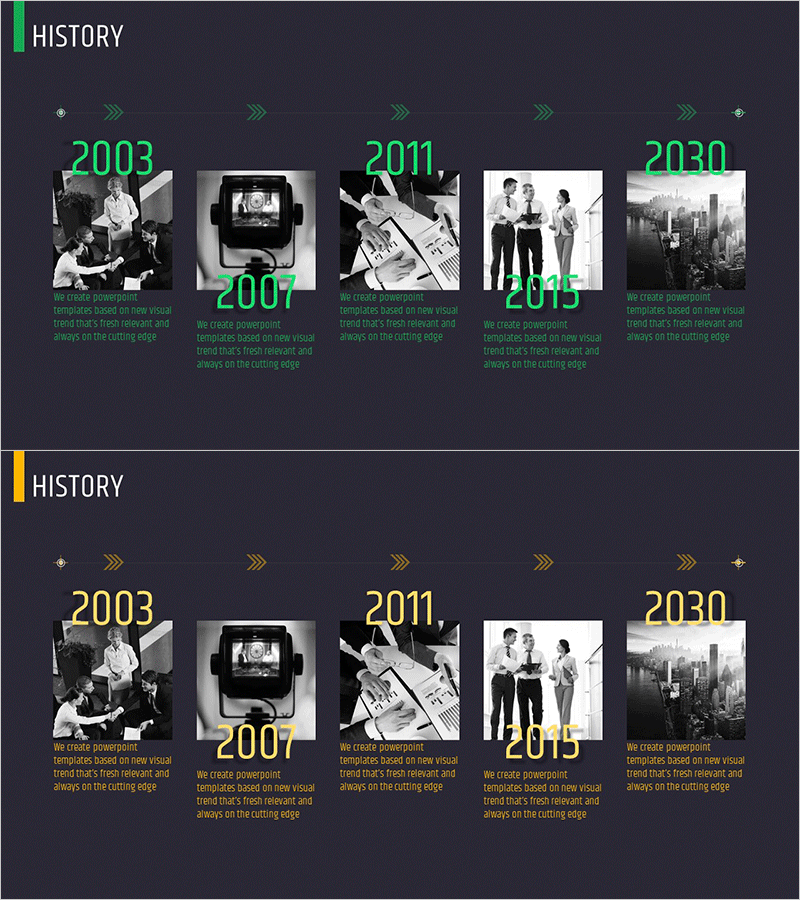
Company History Introduction Slide – Flow and Cluster
RM0200011_5
- Last Update 02/04/2025
- File Size 10.7MB
- # of Slides 2
- File Format PPTX
- Slide Ratio 16:9
- Color
Keywords
- #Content-Based Slides
- #Design-Based Slides
- #Company Introduction
- #Diagram
- #History
- #Flow
- #Cluster
- #Linear Flow
- #Closed Cluster Diagram
- #16:9
- #company history diagram PowerPoint
- #timeline slide presentation
- #corporate profile flowchart
- #5-stage linear diagram
- #business history template
- #company evolution slide
About the Product
A timeline diagram PowerPoint slide that presents your company's major development milestones in chronological order. This 2-slide set features a 5-stage linear flow layout with green accent color on the first slide and yellow accent color on the second. Each stage includes dedicated spaces for year labels, black-and-white photographs, and descriptive text, organized in a closed-cluster structure. Perfect for company profiles, corporate presentations, and investor pitches where you need to visually communicate your organization's growth journey and historical evolution.
Usage Points
-
Main Usage
Visualize your company's key development stages from founding to present day in chronological sequence, clearly communicating your organization's growth trajectory. The timeline structure allows you to highlight major events, product launches, organizational expansions, and milestones with corresponding years.
-
How to Use
Enter the year in each stage box, insert representative images from that period in the photo areas, and write descriptive text for each milestone. Use this slide in company overview sections of presentations, investor relations meetings, employee onboarding materials, and corporate profile documents to explain your company's history.
-
Recommended For
Corporate communications managers, marketing teams, HR departments, and investor relations professionals preparing company introductions, corporate profiles, and historical overviews. Suitable for startups through large enterprises that need to effectively communicate their organizational history and development milestones.
-
Slide Structure
Two-slide set with identical 5-stage timeline layouts in green and yellow color schemes. Each stage contains a year text field, photograph insertion area, and description text box arranged in a closed-cluster format with connecting arrows between stages to show progression.
Related Products
-
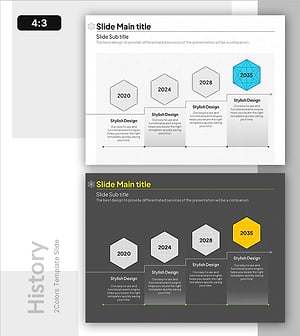
Molecular Graphics History – Business Vision and Goals
#Company Introduction #Business Vision and Strategy #Diagram
-
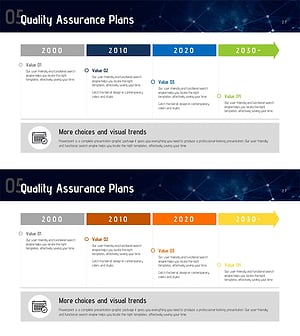
Yearly Plan Arrow Diagram – Quality Assurance Plans
#Company Introduction #Business Management #Diagram
-
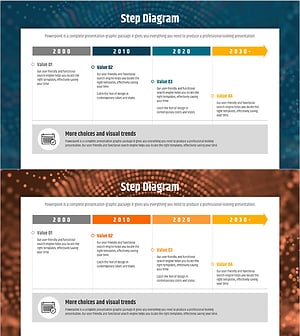
Business Promotion Schedule Diagram – A Stepwise Approach to Success
#Company Introduction #Operational Plan #Diagram
-
Security Service Business Promotion Schedule – Technical Sector
#Product/Service Introduction #Operational Plan #Technical Approach
