



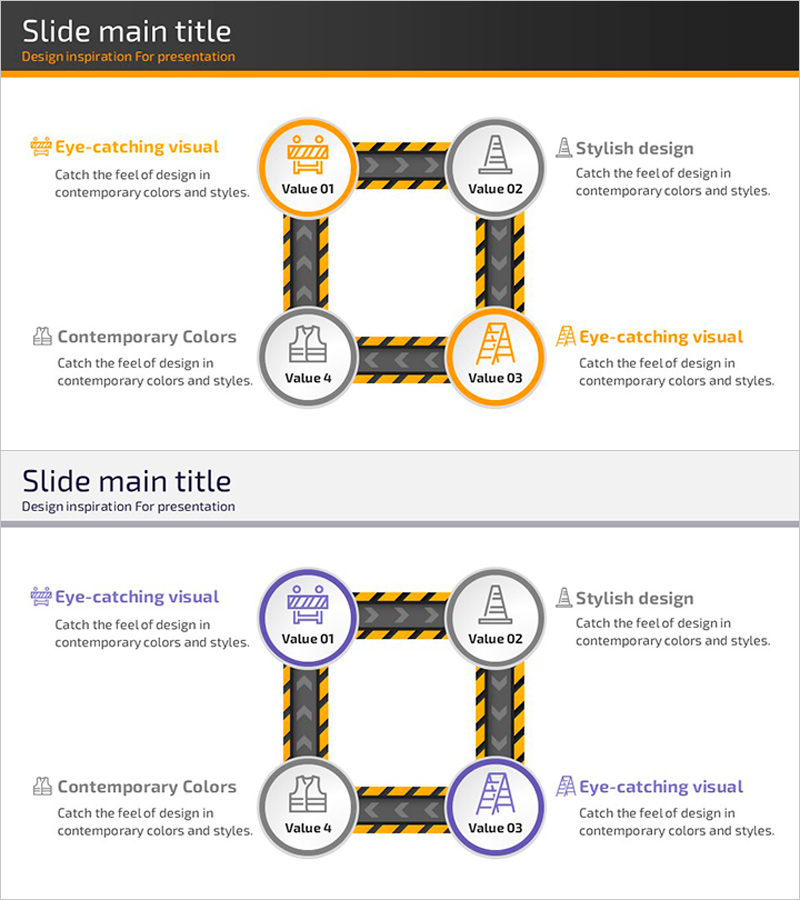
Safety Management System Process Slide – Efficient Operation and Management
RJ0900018_22
- Last Update 08/21/2025
- File Size 0.4MB
- # of Slides 2
- File Format PPTX
- Slide Ratio 16:9
- Color
Keywords
- #Content-Based Slides
- #Design-Based Slides
- #Operational Plan
- #Technical Approach
- #Diagram
- #Business Processes
- #Service Implementation Plan
- #Flow
- #Spread
- #Circular Flow
- #Decentralized Diagram
- #16:9
- #circular process diagram PowerPoint
- #4-stage cycle slide template
- #safety management process diagram
- #workflow PowerPoint slide
- #how to create process diagram in PowerPoint
About the Product
A 4-node circular process diagram PowerPoint slide designed to visualize safety management systems and operational workflows. Features orange and gray circular nodes connected by black striped connector lines, with icon placeholders and text areas in each stage. The 2-slide set includes one version with orange accent highlighting and another with purple accent, allowing flexibility for different presentation contexts. Optimized for safety management, operational planning, and business process explanations, ready to edit and deploy immediately.
Usage Points
-
Main Usage
Clearly illustrates safety management systems, operational processes, and business cycles using a 4-stage circular structure. Each node accommodates icons and text to show stage names, responsibilities, and interconnections, making it ideal for safety policy presentations, operational planning briefings, and process documentation.
-
How to Use
Enter stage names and descriptions in each circular node (e.g., Value 01–04). Add detailed explanations in the left and right text areas, and customize colors to match your organization's branding. The slide is optimized for 16:9 widescreen format and fully editable in all PowerPoint versions (PPTX format).
-
Recommended For
Safety managers, operations directors, project leaders, and training coordinators presenting organizational safety policies, operational procedures, and workflow processes to staff. Suitable for internal training sessions, safety management seminars, operational planning meetings, and process improvement workshops.
-
Slide Structure
2-slide set. Each slide features 4 circular nodes (approximately 80px diameter) arranged in a rectangular pattern and connected by black striped directional arrows. Nodes are color-coded (orange/gray or purple/gray) with icon placeholders and text input fields inside. Left and right text areas provide space for detailed explanations of each stage.
Related Products
-
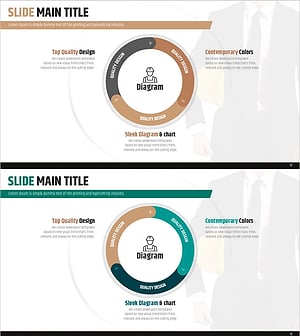
Safety Management System Diagram – Operational Planning and Technical Support
#Operational Plan #Technical Approach #Diagram
-

Online Shopping Mall Delivery Process Diagram – Visual Enhancement for Operational Efficiency
#Business Introduction #Operational Plan #Diagram
-
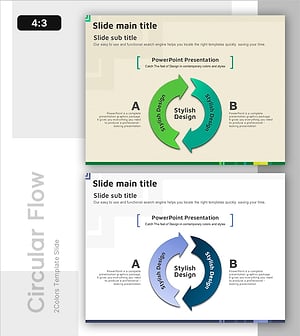
A Cyclical Process for Continuous Improvement
#Operational Plan #Technical Approach #Diagram
-
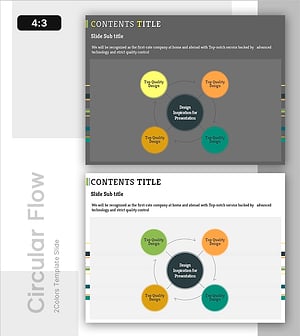
System Cycle Diagram - Effective Process Visualization for Operational Planning
#Operational Plan #Technical Approach #Diagram
