



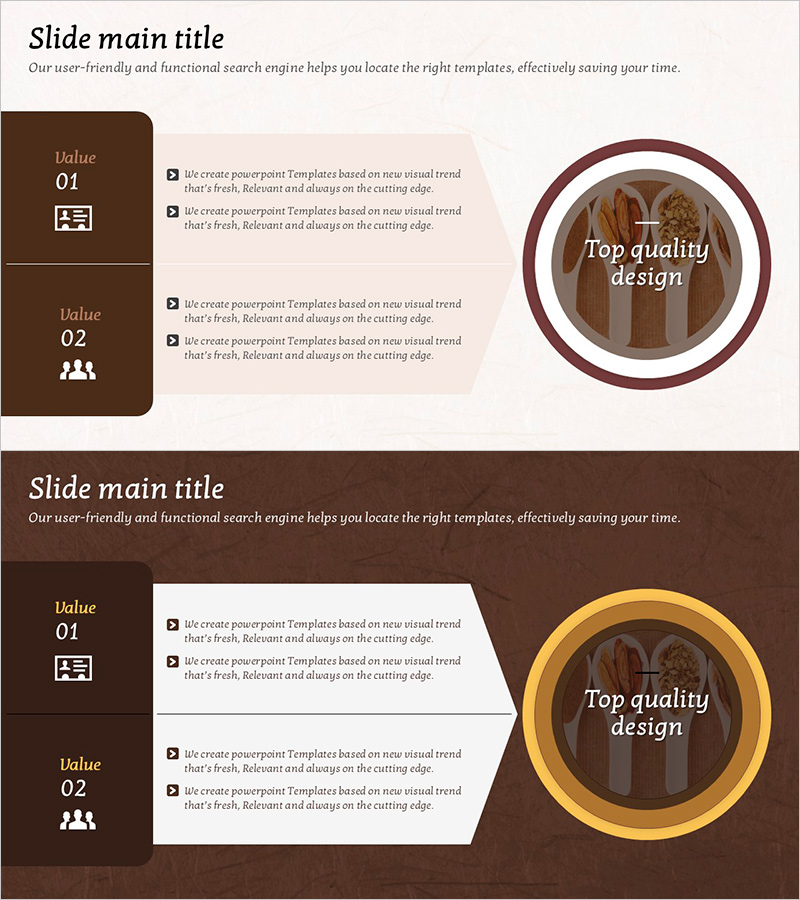
Goal and Strategy Arrow Diagram – Clarifying Business Objectives
RJ0800030_28
- Last Update 08/08/2025
- File Size 8.3MB
- # of Slides 2
- File Format PPTX
- Slide Ratio 16:9
- Color
Keywords
- #Content-Based Slides
- #Design-Based Slides
- #Business Vision and Strategy
- #Operational Plan
- #Diagram
- #Business Goals
- #Production and Technology Development Strategy
- #Flow
- #Cluster
- #Linear Flow
- #Closed Cluster Diagram
- #16:9
- #arrow diagram PowerPoint
- #goal setting presentation slides
- #strategy diagram template
- #business objectives PPT
- #operational planning PowerPoint slide
About the Product
A 2-slide PowerPoint presentation featuring arrow diagrams that clearly organize business goals and strategic initiatives. The warm brown-toned background combines circular accent elements with checkbox text areas to effectively communicate key messages. Each slide is structured with two Value sections (01 and 02), making it immediately applicable to business plans, strategy presentations, and operational planning phases. Delivered in 16:9 widescreen PPTX format for seamless compatibility across all presentation environments.
Usage Points
-
Main Usage
Visualizes business goals and execution strategies in sequential stages to build organizational alignment and clearly communicate core messages during goal-sharing meetings with executives and team members. Circular accent elements and checkbox text areas highlight critical points and increase audience engagement.
-
How to Use
Insert into the vision, goals, or operational planning sections of business plans, executive reports, or strategy presentations. Edit the Value items' text and icons to reflect your organization's actual goals and strategies, then distribute as a presentation or printed material. The brown-toned background conveys both professionalism and trustworthiness.
-
Recommended For
Ideal for executives, business planners, marketing managers, and project managers presenting organizational goals and strategies. Particularly effective for quarterly or annual business planning presentations, new business proposals, organizational restructuring explanations, and any business communication requiring goal alignment.
-
Slide Structure
2-slide layout. Each slide features a title area at the top, a brown-toned sidebar on the left (Value 01/02 labels with icons), a beige background text box in the center (4 checkbox items), and a circular accent element on the right (brown or gold border). 16:9 widescreen format ensures optimal display across all devices.
Related Products
-
Vehicle Production Plan Diagram – Business Vision and Implementation Strategy
#Business Vision and Strategy #Business Strategy #Diagram
-
Visualizing Product Development Planning Process with Diagram Slide
#Business Strategy #Operational Plan #Diagram
-
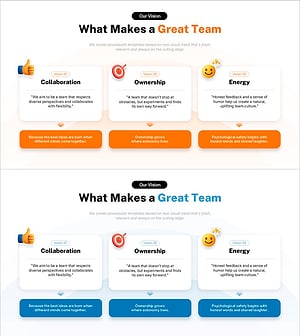
3 Key Elements of a Great Team – Collaboration, Ownership, Energy
#Business Vision and Strategy #Diagram #Business Goals
-
Molecular Graphics History – Business Vision and Goals
#Company Introduction #Business Vision and Strategy #Diagram
