



Blue Pink Circle Graph & Table Chart – Slide Highlighting Visual Appeal
RJ0700004_14
- Last Update 07/22/2025
- File Size 1MB
- # of Slides 2
- File Format PPTX
- Slide Ratio 16:9
- Color
Keywords
- #Content-Based Slides
- #Design-Based Slides
- #Product/Service Introduction
- #Operational Plan
- #Technical Approach
- #Diagram
- #Graph
- #Development Status
- #Research and Development
- #Table
- #Circles
- #Standard Table
- #Doughnut Chart
- #16:9
- #donut chart PowerPoint slide
- #pie chart template
- #ratio visualization slide
- #data chart PowerPoint
- #percentage graph template
About the Product
A 2-slide PowerPoint set featuring blue and pink donut charts for ratio visualization. This presentation template displays 60% and 20% proportions with a combined table layout on the left, making it ideal for product introductions, operational planning, and technical department presentations. The PPTX format allows full editing of data values and labels. The left section contains a data table with visual trends, while the right side showcases donut-shaped pie charts in contrasting colors. Perfect for business reports, investor pitches, and team meetings requiring proportion-based data representation.
Usage Points
-
Main Usage
Visualize proportional relationships between data categories using donut-shaped pie charts. The blue and pink color scheme distinguishes two data series, while the integrated table provides numerical context. Ideal for displaying market share, budget allocation, technology stack composition, and other ratio-based information in executive presentations and stakeholder communications.
-
How to Use
Both slides feature identical layouts for consistent multi-item ratio presentation. Input data into the left table section, then update the donut chart values to automatically reflect proportions. Colors can be customized from the theme palette to match your brand guidelines. The template supports quick data updates without affecting overall design integrity.
-
Recommended For
Product launch presentations, quarterly and annual operational reports, technology architecture explanations, market analysis briefings, budget allocation reviews, customer satisfaction survey results, executive dashboards, investor relations meetings, and team performance reviews. Particularly effective when comparing two primary metrics or categories requiring visual emphasis.
-
Slide Structure
Each slide features a 2-column layout with a dark background. The left section contains a 4-row by 3-column data table for item names, numerical values, and descriptions. The right section displays two donut charts in blue and pink, representing 60% and 20% proportions respectively. The 16:9 widescreen format ensures compatibility with modern presentation environments and large-screen displays.
Related Products
-
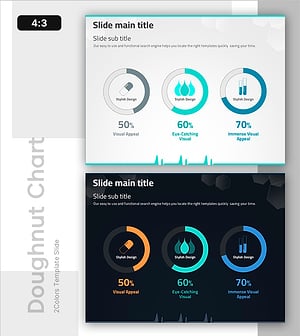
Donut Chart of Pharmaceutical Ingredient Composition
#Product/Service Introduction #Technical Approach #Graph
-
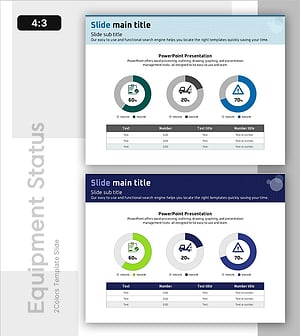
Facility Capacity and Utilization Chart – Emphasizing Operational Efficiency
#Business Introduction #Operational Plan #Diagram
-
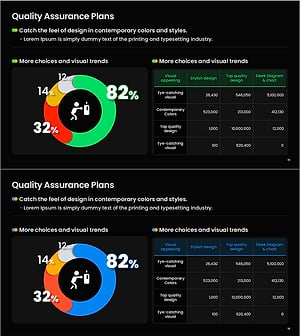
Quality Management of Health Fitness Expert Programs Slide Template
#Business Management #Operational Plan #Diagram
-
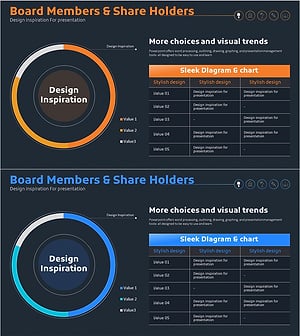
Development Status Analysis Chart - Visualization for Effective Market Analysis
#Product/Service Introduction #Market and Competitor Analysis #Diagram
