



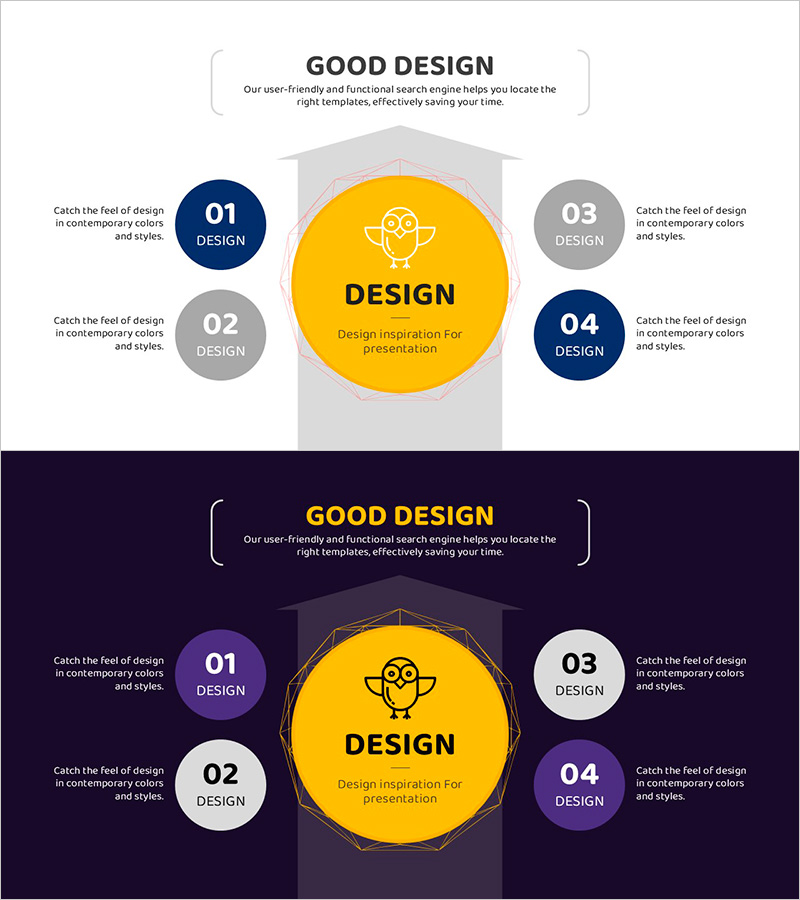
Technology Development Strategy Diagram – Presenting Sustainable Growth Directions
RJ0500048_8
- Last Update 06/20/2025
- File Size 0.7MB
- # of Slides 2
- File Format PPTX
- Slide Ratio 16:9
- Color
Keywords
- #Content-Based Slides
- #Design-Based Slides
- #Operational Plan
- #Technical Approach
- #Diagram
- #Production and Technology Development Strategy
- #Future Development Roadmap
- #Flow
- #Linear Flow
- #16:9
- #radial diagram PowerPoint
- #technology strategy slide
- #4-point diagram template
- #strategy visualization PPT
- #business strategy slide design
About the Product
A radial diagram PowerPoint slide with four directional nodes extending from a central concept, ideal for presenting technology development strategies, operational plans, and strategic visions. Features dark blue, gray, and yellow circular nodes connected by directional arrows. Two background versions are included: a light gray version for daytime presentations and a dark navy version for evening meetings and online conferences. Each node provides editable text areas for strategy directions, implementation tasks, and performance indicators. Delivered in 16:9 widescreen PPTX format for immediate customization.
Usage Points
-
Main Usage
Visualizes multi-layered strategies radiating from a central concept, such as technology development roadmaps, business directions, and operational initiatives. The four-directional layout simultaneously displays strategic pillars, implementation approaches, and performance targets, enhancing audience comprehension.
-
How to Use
Enter the core strategy name in the central yellow circle, then populate the four surrounding nodes with detailed strategies, implementation directions, and success metrics. Use the light background version for daytime presentations and printing; select the dark background version for evening sessions and virtual meetings.
-
Recommended For
Technology leaders, strategic planning teams, operations managers, and product development professionals presenting technology roadmaps, development strategies, and innovation directions. Suitable for executive briefings, team meetings, and client proposal presentations.
-
Slide Structure
Two-slide set. Slide 1 features a light gray background with four circular nodes (blue, gray, yellow) arranged radially around a central yellow circle. Slide 2 uses a dark navy background with the same structure, applying purple, white, and yellow node colors. Each node includes editable text input areas.
Related Products
-
Strategic System Design for Goal Setting – Effective Operational Planning
#Operational Plan #Technical Approach #Diagram
-
PowerPoint Template for Service Operation Strategy Presentation
#Business Management #Operational Plan #Technical Approach
-
Maple Leaf Arrow Future Plans Slide
#Operational Plan #Technical Approach #Diagram
-
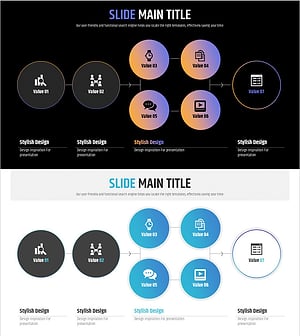
PowerPoint Template – 7-Step Value Process Diagram Slide
#Operational Plan #Technical Approach #Diagram
