



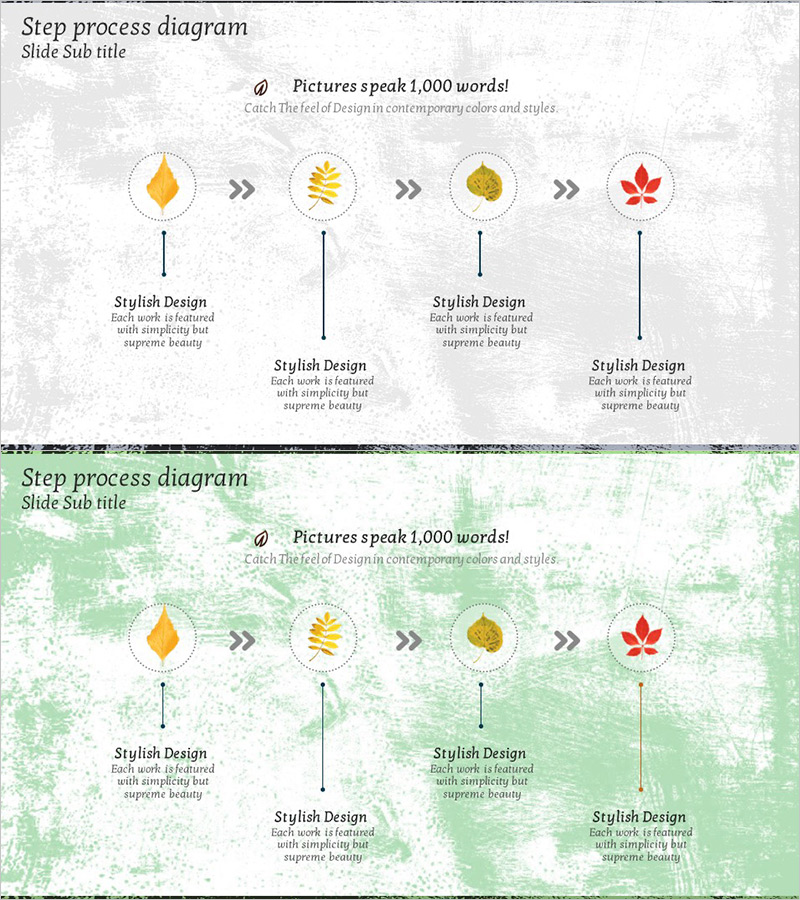
Maple Leaf Arrow Future Plans Slide
RJ0600028_23
- Last Update 06/28/2025
- File Size 4MB
- # of Slides 2
- File Format PPTX
- Slide Ratio 16:9
- Color
Keywords
- #Content-Based Slides
- #Design-Based Slides
- #Operational Plan
- #Technical Approach
- #Diagram
- #Production and Technology Development Strategy
- #Future Development Roadmap
- #Flow
- #Cluster
- #Linear Flow
- #Chain Diagram
- #16:9
- #circular diagram PowerPoint
- #4-step process slide
- #cycle flow chart PPT
- #process diagram template download
- #business plan presentation slide
About the Product
A circular process diagram PowerPoint slide featuring four maple leaf icons connected by directional arrows. Available in two background color options: gray and green, each with dedicated text areas for step descriptions. Ideal for presenting business plans, operational strategies, and future roadmaps with clear visual hierarchy. The slide set includes 2 slides in 16:9 widescreen format, fully editable in PPTX. Perfect for quarterly reviews, strategic planning presentations, and cycle-based process explanations.
Usage Points
-
Main Usage
Visualize four-step circular processes such as business planning cycles, operational workflows, or strategic initiatives. The diagram emphasizes repetition and continuous improvement, making it suitable for presentations on seasonal changes, quality cycles, or iterative processes. Each step includes dedicated space for descriptions and key metrics.
-
How to Use
Enter step-specific information (objectives, activities, outcomes) in the text areas below each maple leaf icon. The clockwise arrow flow indicates a continuous cycle, perfect for explaining recurring processes or feedback loops. Use the gray background for formal business reports and the green background for sustainability or environmental topics.
-
Recommended For
Planning teams, strategy departments, and operations managers presenting quarterly or annual plans. Suitable for business plans, operational plans, marketing strategies, project management, quality improvement cycles, and sustainability goal presentations. Works well in investor pitches and board-level strategic reviews.
-
Slide Structure
Four circular nodes (maple leaf icons) arranged in clockwise sequence, connected by directional arrows forming a complete cycle. Each node has a text input area below for step descriptions. The center area can accommodate a process title or main theme. Both slides share identical structure with different background colors (gray and green).
Related Products
-
Strategic System Design for Goal Setting – Effective Operational Planning
#Operational Plan #Technical Approach #Diagram
-
PowerPoint Template for Service Operation Strategy Presentation
#Business Management #Operational Plan #Technical Approach
-
Technology Development Strategy Diagram – Presenting Sustainable Growth Directions
#Operational Plan #Technical Approach #Diagram
-
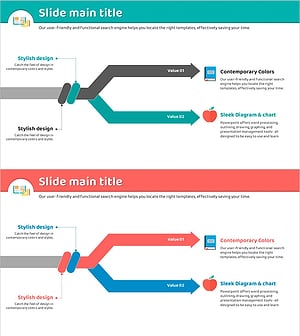
Arrow Bundle Diagram – Technology Sector and Service Differentiation Strategy
#Product/Service Introduction #Technical Approach #Diagram
