



Science Square Closed Diagram – Product and Service Introduction
RJ0500010_7
- Last Update 06/10/2025
- File Size 0.4MB
- # of Slides 2
- File Format PPTX
- Slide Ratio 16:9
- Color
Keywords
- #Content-Based Slides
- #Design-Based Slides
- #Product/Service Introduction
- #Business Introduction
- #Diagram
- #Features
- #Technological Status
- #Cluster
- #Closed Cluster Diagram
- #16:9
- #closed diagram PowerPoint
- #3-item box diagram
- #product introduction PowerPoint slide
- #service features diagram
- #business presentation diagram template
About the Product
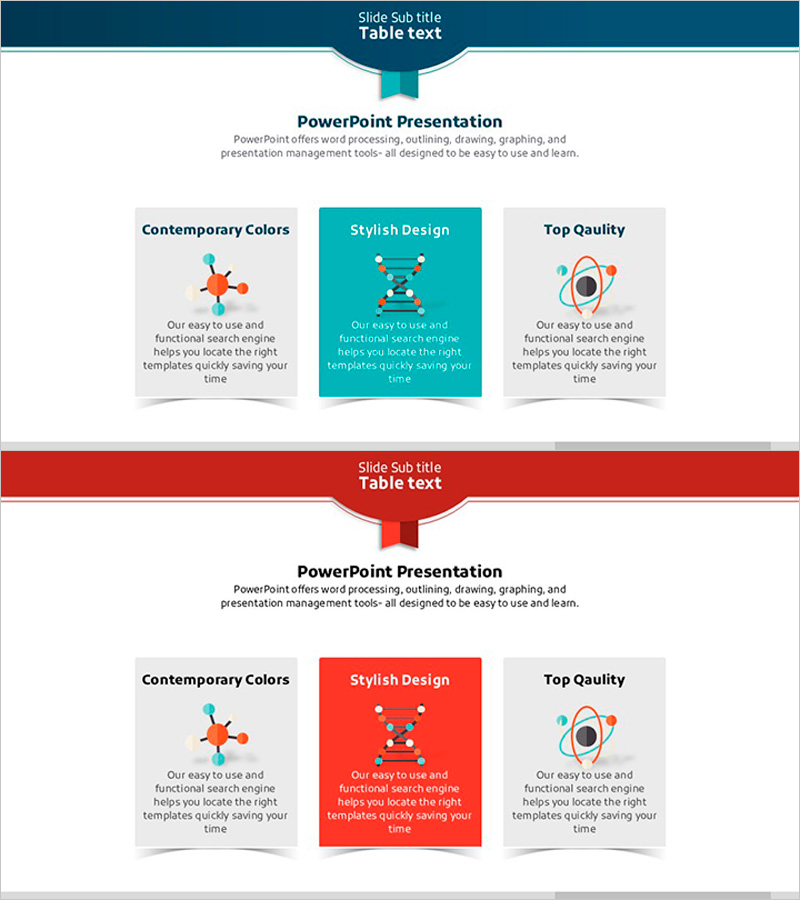
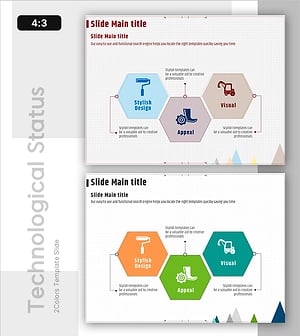
A PowerPoint slide deck featuring a closed diagram layout optimized for product and service introduction presentations. Three transparent box elements are arranged around a central banner, each accommodating an icon and descriptive text. The teal-colored accent box contrasts with gray boxes to visually distinguish key content, while the 2-slide composition effectively communicates multiple product features or service characteristics. Available in 16:9 widescreen PPTX format for immediate use in any presentation environment.
Usage Points
-
Main Usage
Presents three key features, advantages, or functions of a product or service simultaneously for comparison. The central accent box highlights the core message while side boxes organize supporting information in a structured manner.
-
How to Use
Enter feature names in each box title area, insert relevant images in the icon placeholder, and add descriptive text. Use color emphasis to position the most important item centrally, directing audience attention. The 2-slide format allows presentation of up to six items total.
-
Recommended For
Ideal for product marketing presentations, service introduction pitches, business meetings, client proposals, and corporate briefings where core value propositions must be clearly communicated. Particularly suited for scenarios requiring balanced comparison of 3–6 items.
-
Slide Structure
2-slide composition. Each slide contains three closed-form boxes (transparent background with borders) arranged horizontally, with the center box highlighted in teal. Each box includes an icon area (top), title field (middle), and descriptive text area (bottom). A banner-style title section at the top allows specification of the slide topic.
Related Products
-
Cluster Diagram Slide for Main Menu Strategies
#Product/Service Introduction #Business Introduction #Diagram
-
Square Frame Presentation Template – Business Introduction and Tech Status
#Product/Service Introduction #Business Introduction #Diagram
-
Work Life Icons Enhancing Slide Template
#Product/Service Introduction #Business Introduction #Diagram
-
Visual Overview of Key Architectural Concepts – Representation of Core Technologies
#Product/Service Introduction #Business Introduction #Diagram
