



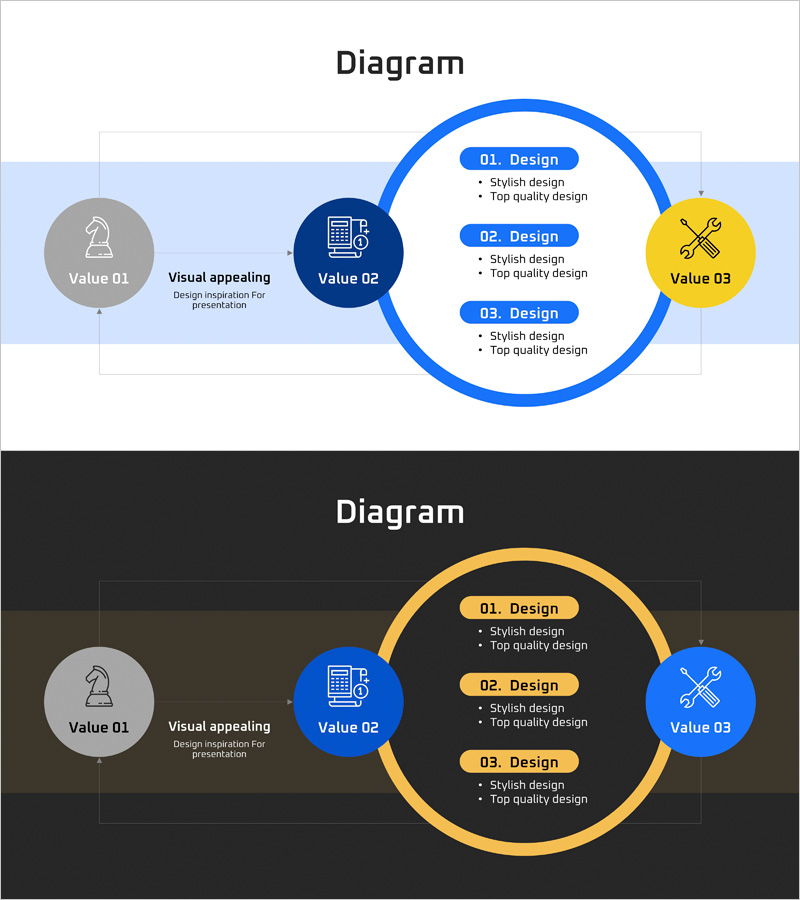
Global Network Service Configuration Diagram – Product Differentiation Strategy
RJ0400067_10
- Last Update 06/05/2025
- File Size 0.1MB
- # of Slides 2
- File Format PPTX
- Slide Ratio 16:9
- Color
Keywords
- #Content-Based Slides
- #Design-Based Slides
- #Product/Service Introduction
- #Technical Approach
- #Diagram
- #Differentiation Strategy for Products/Services
- #System Architecture Diagram
- #Flow
- #Cluster
- #Circular Flow
- #Chain Diagram
- #16:9
- #connection diagram PowerPoint
- #network configuration slide
- #3-node diagram template
- #global network PPT
- #product differentiation strategy diagram
- #how to create network diagram in PowerPoint
About the Product
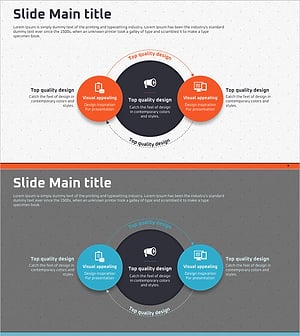
A 3-node connection diagram PowerPoint slide that visualizes global network service architecture and product differentiation strategy. The central value node (Value 02) connects to left and right value elements (Value 01 and Value 03) through directional arrows, clearly expressing technical relationships and service components. Designed with light background and dark background versions, featuring navy circular nodes and yellow accent elements for strong visual hierarchy. The 2-slide set includes editable PPTX format with customizable text, colors, and icon placement. Ideal for presenting product architecture, technology stack, and business model relationships in professional settings.
Usage Points
-
Main Usage
Effectively communicates the relationships between a core value or product and its connected elements. Ideal for explaining global network architecture, technology stacks, and business model interconnections to investors, clients, and team members with visual clarity.
-
How to Use
Place your core value or product name in the central node, then add differentiation factors or technology components in the left and right nodes. Use arrows and connecting lines to emphasize cause-and-effect relationships. Add icons and descriptive text to clarify each element's role. Apply the light background version for standard presentations and the dark background version for premium or formal settings.
-
Recommended For
Technology leaders, product managers, and business development teams explaining technical stacks, service configurations, and business models. Suitable for investor pitch decks, product launch presentations, technology seminars, and strategic planning meetings. Particularly effective for international business contexts requiring clear global network visualization.
-
Slide Structure
2-slide set with 3 circular nodes (Value 01, Value 02, Value 03) connected by directional arrows from the central node. Each node contains icon and text input areas. The right circular section includes 3 description items (Design 01, 02, 03) with bullet points. Light background version uses navy blue tones; dark background version features yellow accents for strong visual contrast and emphasis.
Related Products
-
Business Process Visualization Diagram Slide
#Operational Plan #Technical Approach #Diagram
-
Visualizing Product Service Differentiation Strategy with Circular Diagram
#Product/Service Introduction #Technical Approach #Diagram
-
Drone Main System Configuration Diagram – Visualization of Innovation
#Product/Service Introduction #Technical Approach #Diagram
-
Circular Diagram Slide for Product/Service Differentiation Strategy
#Product/Service Introduction #Technical Approach #Diagram
