



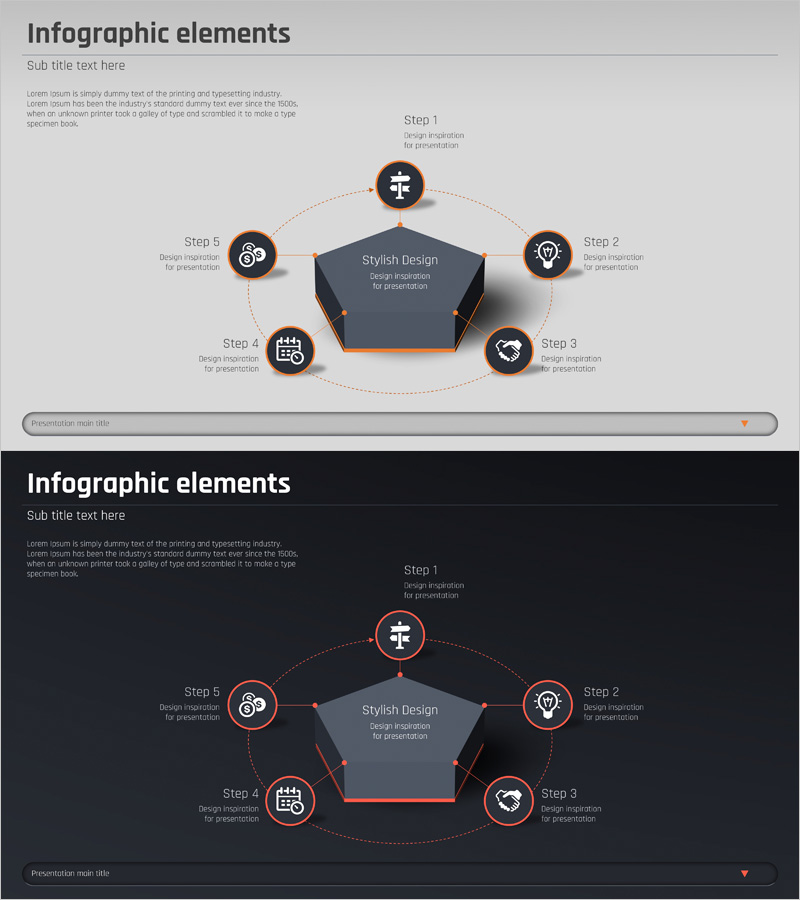
Business Process Pentagon 3D Diagram – Visualizing Operational Plans
RJ0400026_17
- Last Update 05/24/2025
- File Size 0.3MB
- # of Slides 2
- File Format PPTX
- Slide Ratio 16:9
- Color
Keywords
- #Content-Based Slides
- #Design-Based Slides
- #Operational Plan
- #Technical Approach
- #Diagram
- #Business Processes
- #System Architecture Diagram
- #Flow
- #Spread
- #Circular Flow
- #Centralized Diagram
- #16:9
- #5-step radial diagram PowerPoint
- #central pentagon slide template
- #operational planning process diagram
- #business process visualization PPT
- #how to create process flow in PowerPoint
About the Product
A PowerPoint slide featuring a central pentagon hub with five circular nodes arranged in a radial pattern around it. Each node contains an icon and text area, connected by dotted lines and orange accent lines that emphasize the process flow. The light gray background contrasts with the dark central pentagon, creating clear visual hierarchy. This presentation template is ready to use for explaining operational procedures, business processes, system architecture, and step-by-step workflows in professional settings.
Usage Points
-
Main Usage
Presents a central concept surrounded by five sequential steps or process phases in a radial layout. The diagram clearly shows relationships between the core idea and each stage, making complex workflows easy to understand at a glance.
-
How to Use
Enter your main topic in the central pentagon (e.g., Operational Plan, System Architecture). Add step titles and descriptions to each of the five circular nodes. Customize icons and colors to match your organization's branding. Use in meetings, reports, and strategic presentations.
-
Recommended For
Operations managers, project leads, and strategy planners explaining multi-stage processes. Ideal for business plans, operational reports, system architecture presentations, organizational restructuring proposals, and workflow documentation.
-
Slide Structure
Central pentagon hub + 5 circular nodes (Step 1–5) + dotted connecting lines + orange accent lines. Each node includes icon, title, and description text area. Light gray background with dark pentagon center creates visual contrast and hierarchy.
Related Products
-
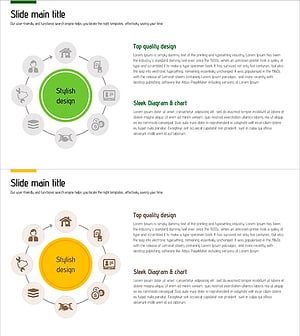
Interior Quotation and Construction System – Harmonizing Design and Operations
#Operational Plan #Diagram #Business Processes
-
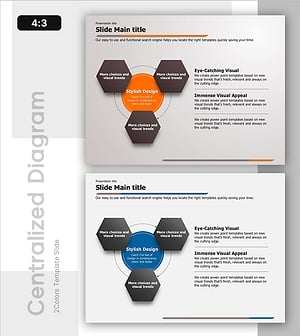
Circular Process Diagram – Designing Efficient Workflows
#Operational Plan #Technical Approach #Diagram
-
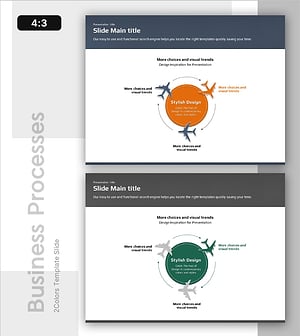
Air Operation Process – Understanding Operational Plans Through Diagrams
#Operational Plan #Technical Approach #Diagram
-
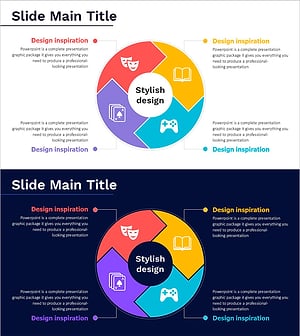
Game and Hobby Diagram – Visualizing Organization and Strategy
#Business Strategy #Operational Plan #Diagram
