



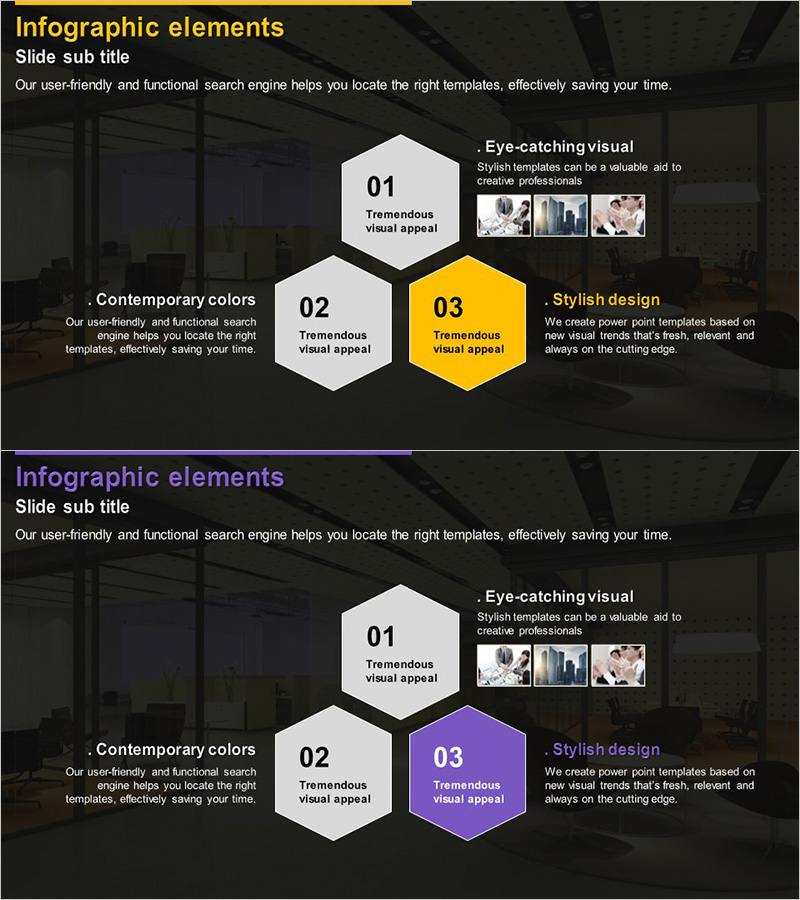
Hexagon Diagram for Service Operational Strategy – Visual Appeal
RJ0300013_18
- Last Update 04/21/2025
- File Size 2.7MB
- # of Slides 2
- File Format PPTX
- Slide Ratio 16:9
- Color
Keywords
- #Content-Based Slides
- #Design-Based Slides
- #Product/Service Introduction
- #Technical Approach
- #Diagram
- #Features
- #Service Operation Plan
- #Spread
- #Decentralized Diagram
- #16:9
- #hexagon diagram PowerPoint
- #hexagon slide template
- #3-node diagram
- #service strategy presentation
- #PowerPoint diagram slide design
About the Product
A PowerPoint slide featuring three hexagon nodes arranged to visualize service operational strategy, core values, and design approach. The dark background contrasts with white and yellow hexagons, with the yellow hexagon highlighting the primary focus point. Each hexagon contains editable title and description text, while the right side includes an image area for supporting visuals. This 16:9 widescreen 2-slide template is ready for immediate use in business presentations and strategic communications.
Usage Points
-
Main Usage
Visualize three key elements of service operations—operational approach, core value proposition, and design strategy—using hexagon nodes. The diagram structure clarifies relationships between components while the image area accommodates supporting photos, icons, or data visualizations.
-
How to Use
Replace hexagon titles with your topic headings and update description text accordingly. Insert relevant images or icons in the right-side image area to reinforce your message. Maintain the yellow hexagon for primary emphasis and white for secondary items to establish clear visual hierarchy.
-
Recommended For
Service managers, product strategists, and marketing professionals presenting operational plans, service offerings, or value propositions. Ideal for consulting reports, business proposals, and strategic presentations where three-part frameworks need visual emphasis.
-
Slide Structure
Two-slide set with identical hexagon layout but different color schemes. First slide uses yellow and white hexagons; second slide substitutes purple for yellow to provide design flexibility. Left side contains text areas; right side dedicated to image placement. 16:9 aspect ratio.
Related Products
-
Rhombus Infographic Template for Business Area Introduction – Efficient Flow
#Product/Service Introduction #Business Introduction #Diagram
-
Unlocking Insights with 3D Cubes – Cluster Diagram for Effective Information Delivery
#Product/Service Introduction #Diagram #Features
-
Hexagonal Diffusion Diagram – Business Area Introduction
#Product/Service Introduction #Business Introduction #Diagram
-
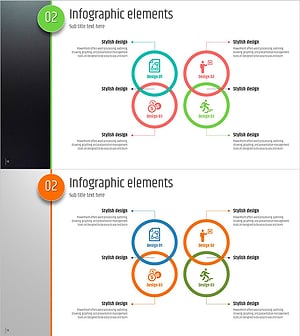
Five Color PowerPoint Template – Utilizing Infographic Elements
#Product/Service Introduction #Diagram #Features
