



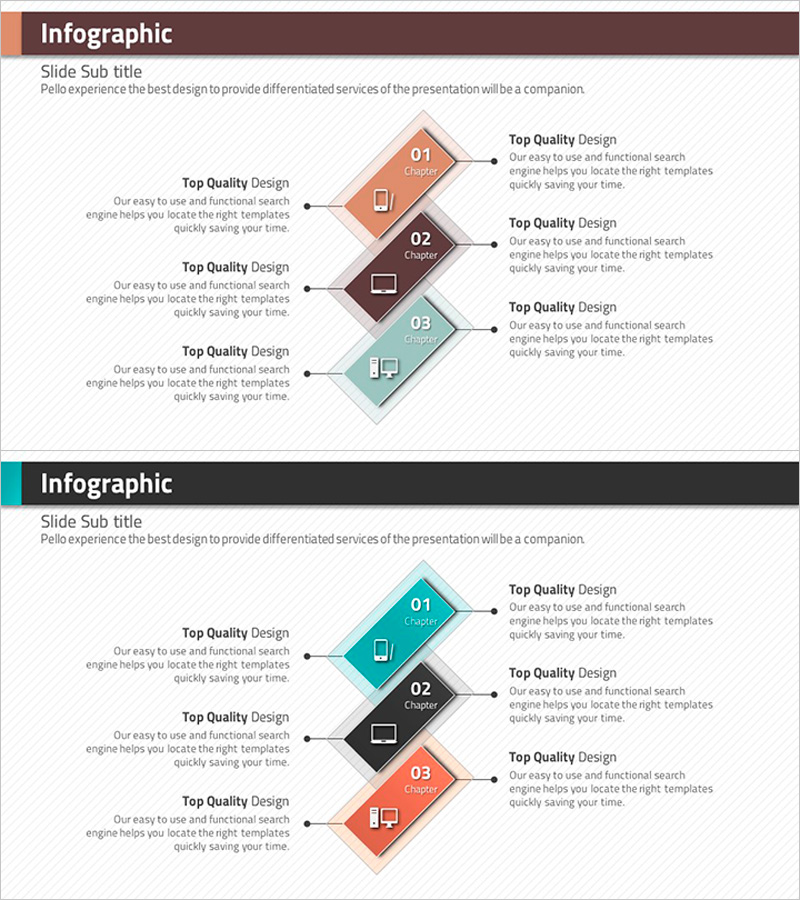
Rhombus Infographic Template for Business Area Introduction – Efficient Flow
RJ0200011_11
- Last Update 03/31/2025
- File Size 0.4MB
- # of Slides 2
- File Format PPTX
- Slide Ratio 16:9
- Color
Keywords
- #Content-Based Slides
- #Design-Based Slides
- #Product/Service Introduction
- #Business Introduction
- #Diagram
- #Features
- #Business Areas
- #Flow
- #Spread
- #Multidirectional Flow
- #Decentralized Diagram
- #16:9
- #rhombus diagram PowerPoint
- #business area infographic slide
- #3-stage flow chart template
- #rhombus infographic presentation
- #business introduction slide design
About the Product
A PowerPoint slide featuring a rhombus-shaped diagram for introducing business areas and organizational structures. Three rhombus nodes in orange, brown, and teal are arranged vertically with connecting arrows on the left side, creating a clear process flow. Each node includes an icon area and text input space, with detailed description areas on the right. This 2-slide template effectively visualizes business domains, organizational hierarchies, and project phases through color-coded shapes and structured layout, making it ideal for business presentations and strategic communications.
Usage Points
-
Main Usage
Communicate business areas, organizational structures, or project phases through a visually distinct rhombus diagram. The color-coded nodes (orange, brown, teal) represent different categories or priorities, while the left-side connecting arrows emphasize sequential flow and process continuity.
-
How to Use
Enter business area names, stage titles, or department names in each rhombus node. Add detailed descriptions in the right-side text areas. Customize colors to differentiate departments or priorities, and replace icons to highlight specific characteristics of each stage. Suitable for company introductions, business plans, and organizational presentations.
-
Recommended For
Ideal for executives, marketing teams, and strategic planning departments presenting business area overviews, organizational structures, or project roadmaps. Recommended for new business introductions, inter-departmental collaboration frameworks, and process improvement proposals where step-by-step flow visualization is essential.
-
Slide Structure
2-slide template with vertically arranged 3 rhombus nodes (orange, brown, teal) connected by left-side arrows. Each node contains an icon area and title/number input space. Three text description boxes on the right correspond to each stage, providing space for detailed explanations and supporting information.
Related Products
-
Hexagonal Diffusion Diagram – Business Area Introduction
#Product/Service Introduction #Business Introduction #Diagram
-
Product Feature Area Diagram - Highlighting Characteristics Through Non-Central Layout
#Product/Service Introduction #Business Introduction #Diagram
-
Pentagon Connection Star Diagram - Cluster and Performance Introduction
#Product/Service Introduction #Business Introduction #Diagram
-
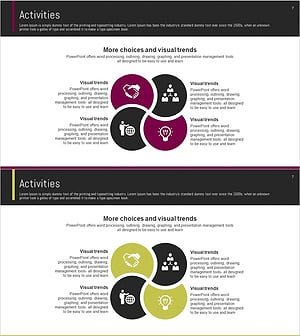
Flower Shape Connection Diagram – Product/Service Introduction
#Product/Service Introduction #Business Introduction #Diagram
