



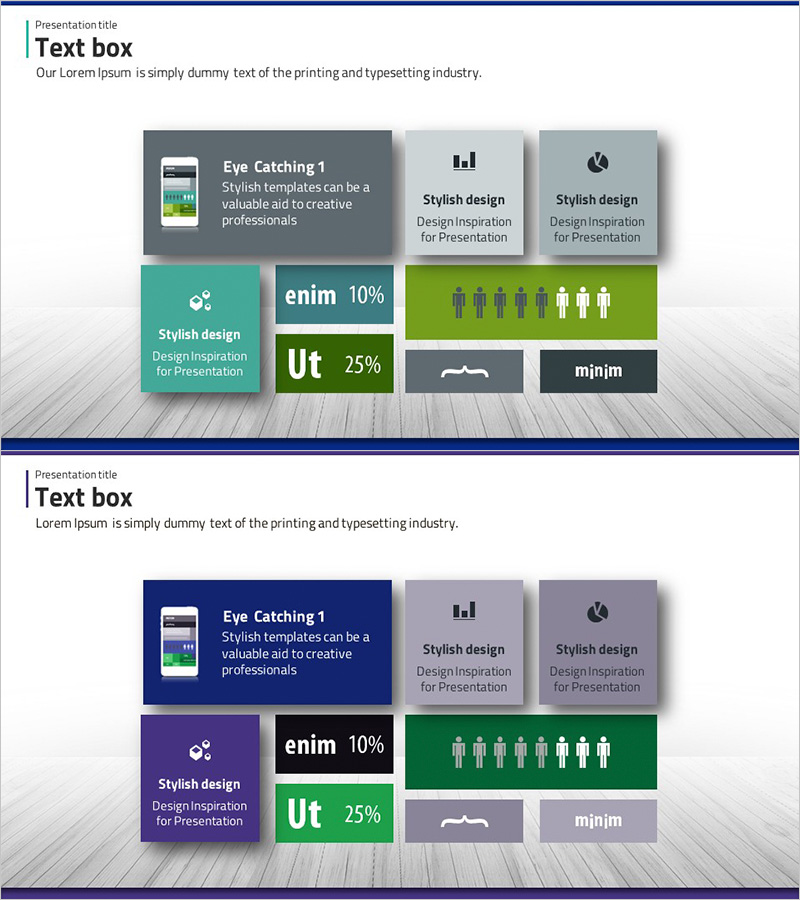
App Service System Configuration Diagram – Technical Insight
RJ0300010_13
- Last Update 04/20/2025
- File Size 1.8MB
- # of Slides 2
- File Format PPTX
- Slide Ratio 16:9
- Color
Keywords
- #Content-Based Slides
- #Design-Based Slides
- #Product/Service Introduction
- #Technical Approach
- #Diagram
- #Development Status
- #System Architecture Diagram
- #Cluster
- #Closed Cluster Diagram
- #16:9
- #app service system diagram PowerPoint
- #closed-loop architecture diagram
- #system configuration slide template
- #technical architecture PowerPoint
- #how to create system diagram in PowerPoint
About the Product
A closed-loop system architecture diagram PowerPoint slide that visualizes app service components and technical infrastructure. Six interconnected elements—smartphone icon, charts, text boxes, and infographics—illustrate data flow and system interactions with clarity. Delivered in 16:9 format across 2 slides, this presentation template is ready for technical proposals, system design documents, and IT project pitches. All shapes are fully editable, allowing you to customize colors, labels, and layout to match your project requirements and corporate branding.
Usage Points
-
Main Usage
Communicate complex app service architecture, technical components, and system interactions through a closed-loop diagram format. Six interconnected elements—smartphone, icons, charts, and text boxes—enable intuitive explanation of system design and data relationships to technical and non-technical audiences.
-
How to Use
Use in technical presentations, system architecture proposals, and IT project planning meetings to explain infrastructure design. Edit each element directly in PowerPoint to adjust colors, text, and sizing. Adapt the color scheme to match your corporate brand identity and create professional, cohesive presentation materials.
-
Recommended For
IT architects, system engineers, development team leads, technical project managers, and solution consultants preparing system design documents, technical proposals, and infrastructure presentations. Ideal for startup pitches, technology seminars, internal technical training, and enterprise IT strategy meetings.
-
Slide Structure
Two-slide set featuring a closed-loop diagram with 6 interconnected elements. First slide uses gray, teal, and blue tones; second slide applies navy, purple, and gray tones to the same structure, providing color variation options for different presentation contexts.
Related Products
-
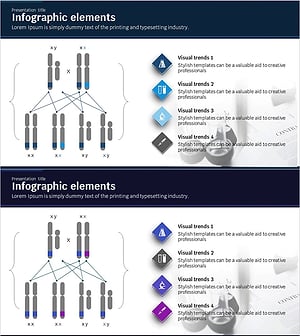
Chromosome Analysis Diagram – Visual Representation of Cluster Structures
#Technical Approach #Diagram #System Architecture Diagram
-

Joint Business Development Status - Visualized Data with Cluster
#Company Introduction #Product/Service Introduction #Diagram
-
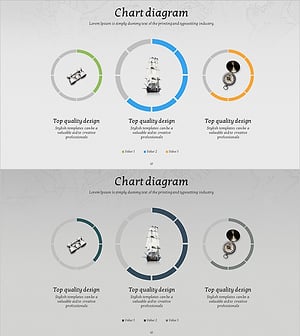
Adventure Business Goals Diagram – Key for Strategic Approach
#Product/Service Introduction #Marketing Plan and Strategy #Diagram
-
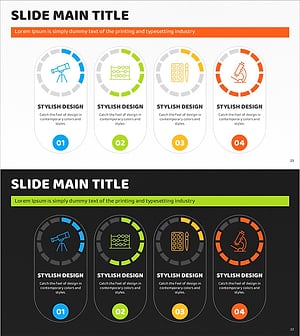
Art Science Closed Diagram – Creative Idea Gear
#Product/Service Introduction #Diagram #Graph
