



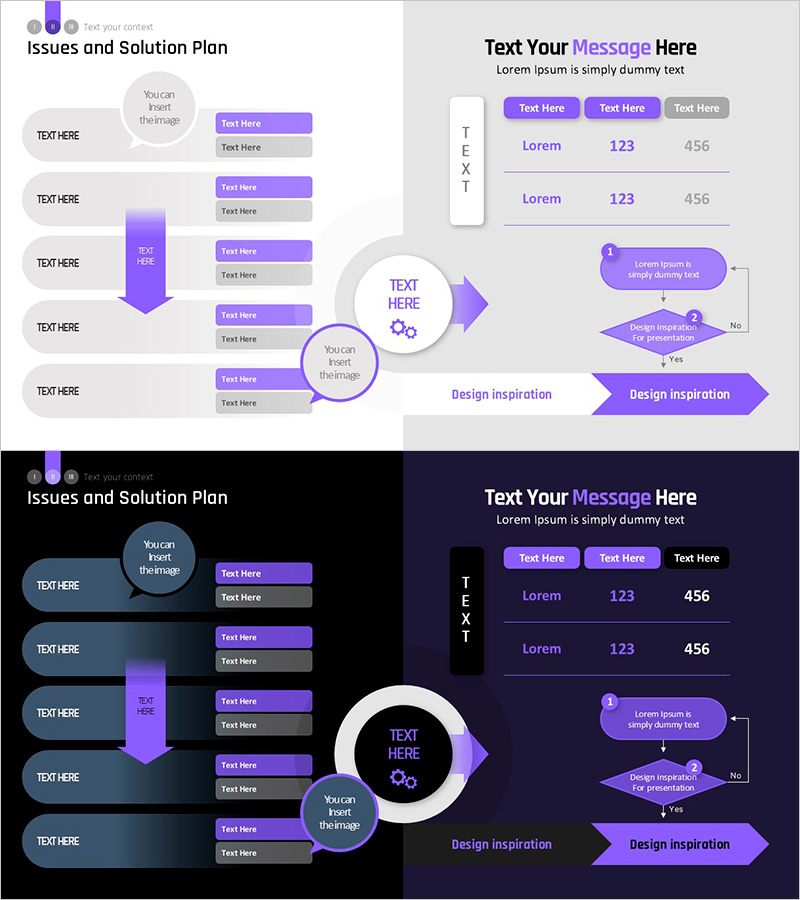
Infographic Template for Issue Resolution – Practical Guide
RM0200017_11
- Last Update 04/19/2025
- File Size 0.4MB
- # of Slides 2
- File Format PPTX
- Slide Ratio 16:9
- Color
Keywords
- #Content-Based Slides
- #Design-Based Slides
- #Operational Plan
- #Technical Approach
- #Diagram
- #Text Box
- #Mitigation Measures
- #Business Support Plan
- #System Architecture Diagram
- #Flow
- #Table
- #Linear Flow
- #Standard Table
- #Speech Bubble
- #Arrow
- #16:9
- #arrow infographic PowerPoint
- #issue resolution process slide
- #5-step flow diagram
- #decision-making diagram PowerPoint
- #business process flowchart template
About the Product
A PowerPoint slide deck that visualizes a 5-step problem-solving process using arrow-based flow design. The left section 'Issues and Solution Plan' organizes five key issues with text boxes and speech bubbles, while a central purple arrow guides toward the core message. The right section 'Text Your Message Here' features three tab buttons, a numerical data table with two rows, and a decision-making diagram with Yes/No branching logic. Delivered in 16:9 widescreen format across 2 slides, this presentation template is ready to use in business reports, proposals, strategy presentations, and executive briefings.
Usage Points
-
Main Usage
Simplifies complex problem-solving workflows into a visual arrow-based flow that enhances audience comprehension. The left section establishes current issues, the central arrow emphasizes the core solution, and the right decision diagram presents a logical path to resolution.
-
How to Use
Replace the five issue items on slide 1 with your organization's actual problems and insert your solution message in the central badge. On slide 2, customize the numerical data and Yes/No decision criteria to match your decision-making framework, then embed into reports or proposals.
-
Recommended For
Ideal for executive briefings, strategy meetings, consulting proposals, project kickoff presentations, and problem-solving workshops. Best suited for managers, project leads, consultants, business analysts, and strategic planners who need to present situation analysis and solution recommendations.
-
Slide Structure
Slide 1: Left side with 5 issue items (text boxes + speech bubbles), center purple arrow with core message badge, right side message section (3 tab buttons, 2-row data table). Slide 2: Decision diagram (box 1 → diamond 2 with Yes/No branches → final conclusion box), bottom 'Design Inspiration' banner. Overall color scheme: purple, gray, and white with minimal layout.
Related Products
-
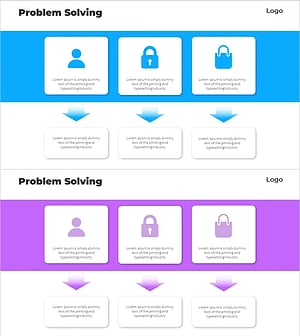
Service Launch Troubleshooting Diagram – Efficient Operational Planning
#Operational Plan #Diagram #Mitigation Measures
-
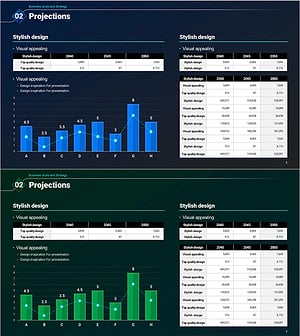
Bio Innovation Solutions – Effective Design for Operational Planning
#Operational Plan #Diagram #Graph
-
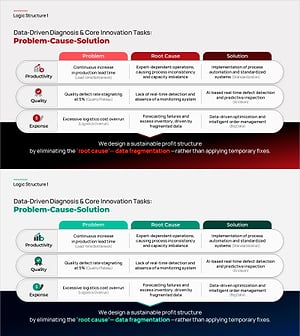
Problem-Cause-Solution PowerPoint Slide – Analysis Framework
#Operational Plan #Diagram #Mitigation Measures
-
Exercise to Build Muscles Slide – Change and Challenge
#Operational Plan #Diagram #Mitigation Measures
