



Modern Wide PowerPoint Template Numerical Square Boxes
RJ0200050_15
- Last Update 04/12/2025
- File Size 0.1MB
- # of Slides 2
- File Format PPTX
- Slide Ratio 16:9
- Color
Keywords
- #Content-Based Slides
- #Design-Based Slides
- #Business Strategy
- #Financial Plans and Performance
- #Text Box
- #Achievements
- #Sales and Revenue
- #Rectangle Text Box
- #16:9
- #numerical comparison PowerPoint slide
- #three-box layout template
- #data visualization slide
- #business metrics PPT
- #performance analysis presentation
About the Product
A professional PowerPoint slide designed for comparing three numerical data points side by side. Features a three-column box layout with 60%, 82% (red highlight), and 39% values, each with dedicated text areas below for descriptions. The color scheme uses gray, white, and red tones to create visual contrast and emphasize key metrics. Optimized for 16:9 widescreen presentations, this slide template is ready for immediate use in financial reports, performance analysis, and business presentations. Simply input your data and descriptions to create a polished, data-driven presentation.
Usage Points
-
Main Usage
Simultaneously display and compare three key metrics or performance indicators using a clear three-column box structure. The red center box automatically draws attention to your primary metric, while the gray side boxes provide supporting data for comprehensive analysis and decision-making.
-
How to Use
Enter your numerical values, titles, and descriptive text into each box section. Use both slides sequentially to show time-series comparisons, multiple quarters, or different business units. Ideal for investor presentations, executive briefings, quarterly earnings reports, and strategic planning sessions.
-
Recommended For
Finance directors, business analysts, marketing managers, and executives presenting performance data. Perfect for quarterly reviews, investor relations materials, board meetings, market analysis reports, and any presentation requiring side-by-side numerical comparison.
-
Slide Structure
Two-slide set. Each slide contains three independent boxes (left, center, right) with a three-tier structure: large numerical value area at top, title section in middle, and descriptive text area at bottom. Center box features red background for emphasis; left and right boxes use gray tones for supporting information.
Related Products
-
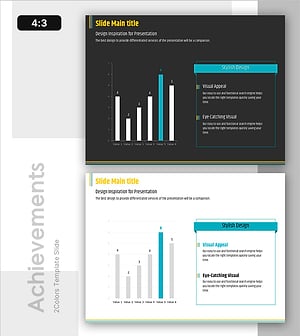
Analysis of Factors Contributing to Excellent Sales Performance – Visualizing Success
#Business Strategy #Financial Plans and Performance #Graph
-
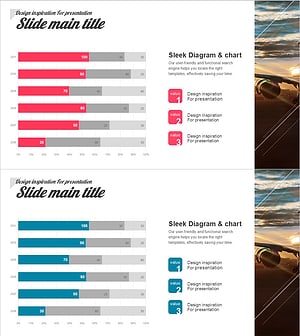
Horizontal Bar Chart Slide | Data Comparison & Analysis PPT
#Business Strategy #Financial Plans and Performance #Graph
-
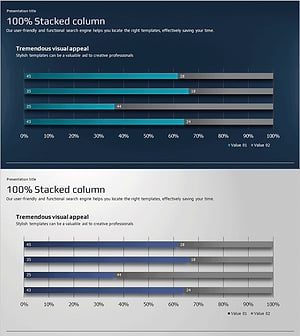
Horizontal Segmentation Bar Graph for Business Performance Analysis – Innovative Strategy
#Business Strategy #Financial Plans and Performance #Diagram
-
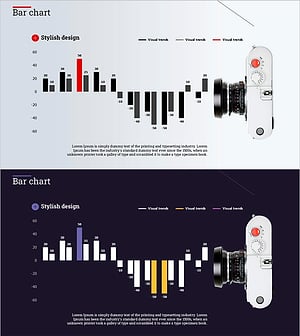
Camera and Vertical Stacked Charts Slide
#Business Strategy #Financial Plans and Performance #Graph
