




Typographic Wide Template Flow Diagram1 – Business Operational Strategy
RJ0200047_22
- Last Update 04/11/2025
- File Size 3.9MB
- # of Slides 2
- File Format PPTX
- Slide Ratio 16:9
- Color
Keywords
- #Content-Based Slides
- #Design-Based Slides
- #Operational Plan
- #Technical Approach
- #Diagram
- #Production and Technology Development Strategy
- #Service Implementation Plan
- #Flow
- #Cluster
- #Linear Flow
- #Inclusive Cluster Diagram
- #16:9
- #linear flow diagram PowerPoint
- #3-step process slide template
- #business operational strategy diagram
- #arrow-connected nodes
- #typographic PowerPoint slide
- #process flow presentation template
- #how to create flow diagram in PowerPoint
About the Product
A 3-step linear flow diagram PowerPoint slide designed to visualize business operational strategy and process progression. The layout features a clean two-column design with a white text area on the left showcasing typographic elements and an image placeholder on the right. The bottom section displays three circular nodes connected by directional arrows, with the first node in gray and the second highlighted in orange to emphasize progression stages. Provided in two versions—white background and black background—for flexible presentation environments. The 16:9 widescreen PPTX format is fully editable and ready to use for operational plans, strategic roadmaps, and project phase explanations.
Usage Points
-
Main Usage
Ideal for presenting business operational strategies, project phases, and process workflows in three distinct stages. The arrow-connected node structure clearly communicates sequential progression and cause-effect relationships, while the typographic-focused design emphasizes key messages and strategic milestones.
-
How to Use
Enter stage titles and descriptions in each node, and add relevant images or icons in the right-side image area to enhance presentation content. Use the white background version for bright conference room presentations and the black background version for large-scale events in darker environments.
-
Recommended For
Executives, strategy teams, project managers, and operations professionals presenting business plans, organizational restructuring, system implementations, or marketing campaign rollouts. Suitable for consulting reports, business proposals, and operational planning documents.
-
Slide Structure
Two-slide set with a two-column layout: left side for text content (titles and descriptions) and right side for image placement. Bottom section features three circular nodes connected sequentially by directional arrows, with color differentiation (gray and orange) to indicate progression stages.
Related Products
-
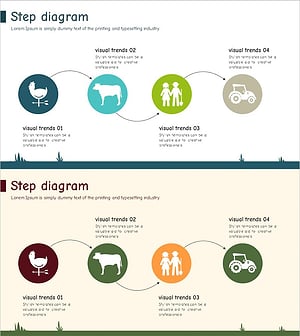
Farm Development Strategy Diagram – Sequential Steps for Business Execution
#Business Strategy #Operational Plan #Diagram
-
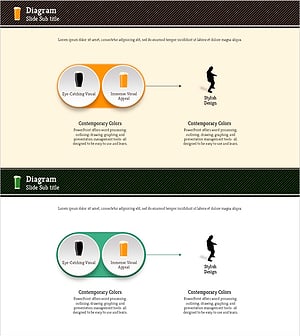
The Effects of Alcohol on the Human Body – Understanding Through Visual Flow
#Operational Plan #Risk Management and Regulatory Compliance #Diagram
-
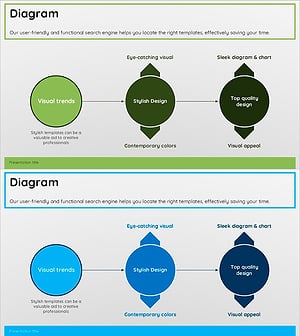
Green Blue Multidirectional Diagram
#Technical Approach #Diagram #Service Implementation Plan
-
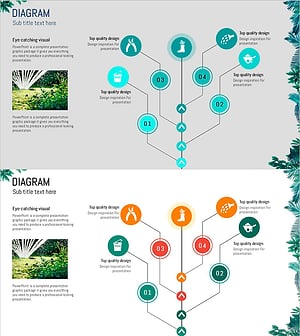
Gardening Flow Connection Diagram – Service Setup Plan
#Technical Approach #Diagram #Service Implementation Plan
