



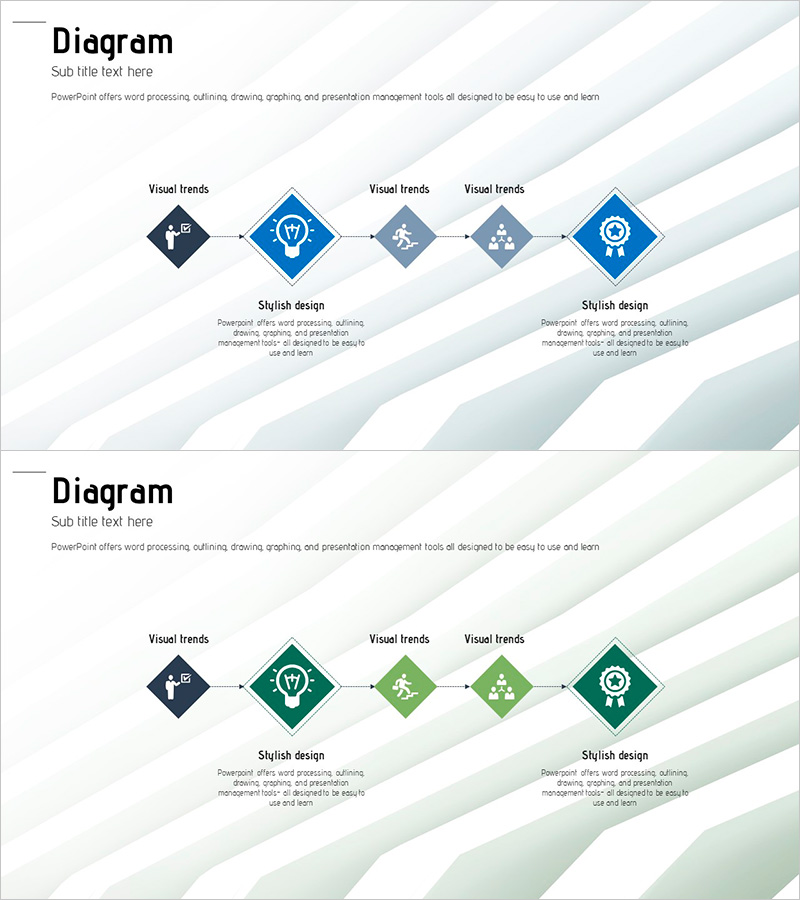
Structure Template Visualizing Business Strategy with Diagram
RJ0200018_18
- Last Update 04/02/2025
- File Size 1.4MB
- # of Slides 2
- File Format PPTX
- Slide Ratio 16:9
- Color
Keywords
About the Product
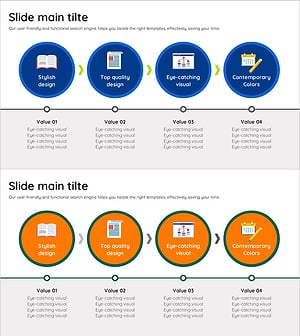
A 5-node linear diagram PowerPoint slide that visualizes business strategy execution in sequential stages. Diamond-shaped nodes are connected by arrows, with each stage featuring a distinct icon and text label for clear communication. Two color versions—blue and green—are included, allowing you to match your presentation theme and corporate branding. The diagonal striped background creates a modern, professional appearance, while description text areas below each node provide space for detailed explanations. This PowerPoint slide is ready to use for strategy presentations, project roadmaps, and business process documentation.
Usage Points
-
Main Usage
Visualize business strategy execution, project timelines, and process workflows in a clear, sequential format. The icon-based node design helps audiences quickly grasp each stage's purpose and deliverables, improving information retention and engagement.
-
How to Use
Enter strategy stage names and descriptions into the five nodes. Customize icons to reflect each stage's characteristics, and select the color version (blue or green) that matches your presentation theme. To add more stages, duplicate the node and arrow elements and arrange them horizontally.
-
Recommended For
Executives, strategy planners, project managers, and marketing professionals presenting business plans, product launch strategies, organizational restructuring, or digital transformation roadmaps. Suitable for board meetings, executive briefings, and team strategy sessions where clear visual communication is essential.
-
Slide Structure
Two slides featuring a left-to-right linear flow of five diamond-shaped nodes connected by arrows. Slide 1 uses blue color scheme; Slide 2 uses green. Each node includes a descriptive text area below for adding stage-specific details and explanations.
Related Products
-
Visual Diagram Slide for Legal Dispute Process
#Business Strategy #Diagram #Roadmap
-
Slide of Business Strategy Using Year and High School Student Images
#Business Strategy #Operational Plan #Diagram
-
Illustration Theme Step-by-Step Schedule Plan
#Business Strategy #Diagram #Step-by-Step Schedule Plan
-
Education Promotion System Slide – Effective Educational Strategy
#Product/Service Introduction #Business Strategy #Diagram
