



Create Financial Plans with a Simple Sky Table
RB0800002_7
- Last Update 03/17/2025
- File Size 0.1MB
- # of Slides 2
- File Format PPTX
- Slide Ratio 4:3
- Color
Keywords
About the Product
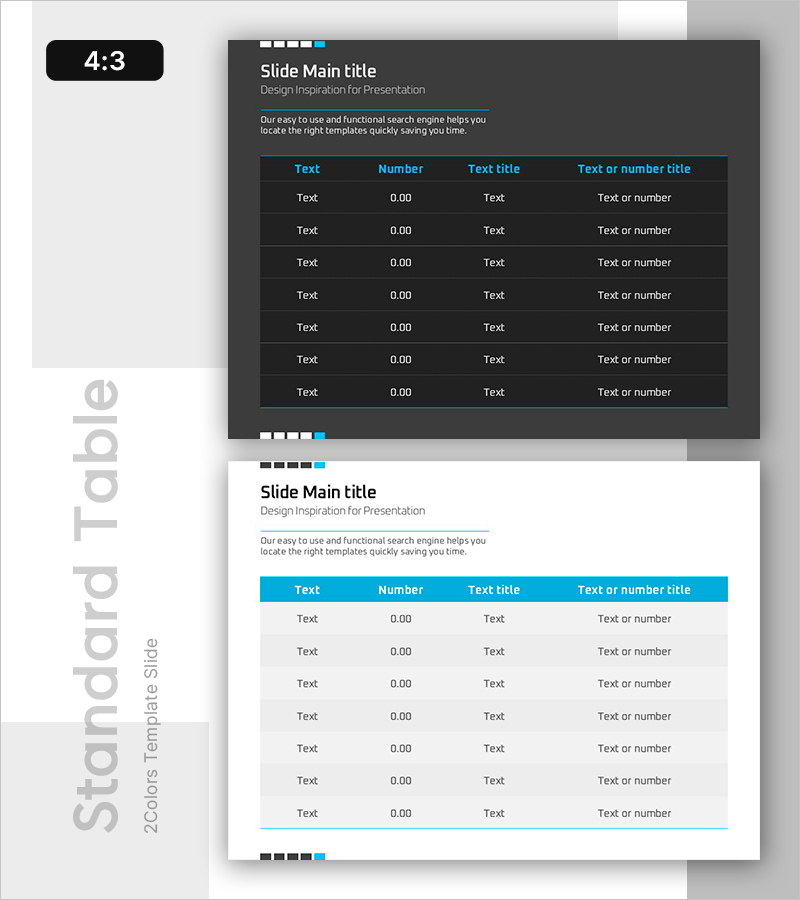
A professional PowerPoint table slide designed for organizing and comparing numerical data such as financial plans, sales performance, and performance metrics. This presentation template features two color versions (dark and light) with a sky blue header on a dark gray background, structured as a 7-row by 4-column table for displaying item names, numbers, titles, and descriptions at a glance. The clear text-to-number layout makes it ideal for reports, analysis documents, and financial presentations that require immediate implementation.
Usage Points
-
Main Usage
The primary goal is to present numerical data such as financial plans, sales results, performance indicators, and cost analysis in a structured format that is clear and easy for audiences to understand. The well-defined rows and columns facilitate data comparison and analysis, supporting credible information delivery in reports and analytical presentations.
-
How to Use
Simply input item names, numbers, titles, and descriptions into the table cells provided on the slide. The dark version offers superior readability in dimly lit presentation venues, while the light version works well in bright environments. You can customize the number of rows, adjust column widths, and modify the table structure to match your data volume and presentation needs.
-
Recommended For
Ideal for finance teams presenting quarterly and annual financial reports, sales teams analyzing performance metrics, executive-level performance presentations, investor financial briefings, and consulting firms preparing client analysis materials. Suitable for any business presentation requiring data-driven decision-making and numerical comparisons.
-
Slide Structure
Two-slide set: The first slide features a dark gray background with a sky blue header table (7 rows × 4 columns), and the second slide presents the same table structure on a light background. All cells are editable for text input, with the header row highlighted in a contrasting color for visual distinction.
Related Products
-
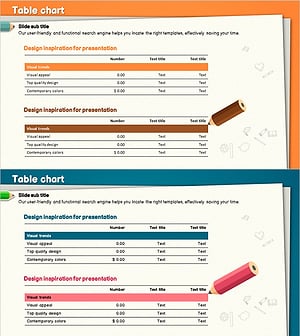
Colored Pencil Highlight Table Chart – Visualizing Financial Performance
#Financial Plans and Performance #Diagram #Balance Sheet
-
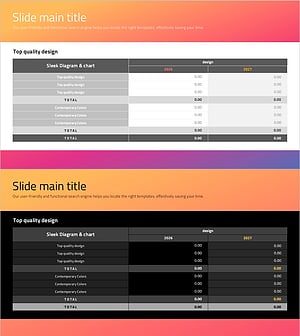
Social Network Strategy Visualization Table Slide
#Business Strategy #Financial Plans and Performance #Diagram
-
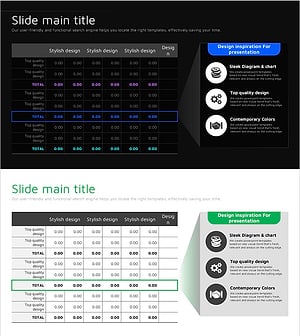
Infinite Energy Wide PPT Table Analysis – Core of Financial Planning
#Financial Plans and Performance #Diagram #Capital Requirements
-
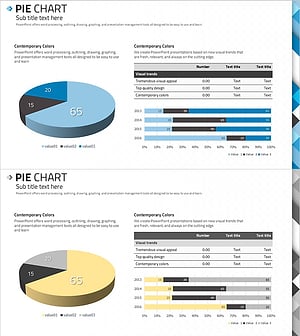
ABSTRACT PATTERN Presentation PIE CHART – Clearly Visualize Market Share
#Market and Competitor Analysis #Financial Plans and Performance #Diagram
