



Step-by-Step Climbing Preparation Guide – Designed for Seamless Execution
RB0600022_4
- Last Update 03/14/2025
- File Size 3.3MB
- # of Slides 2
- File Format PPTX
- Slide Ratio 4:3
- Color
Keywords
- #Content-Based Slides
- #Design-Based Slides
- #Business Management
- #Operational Plan
- #Diagram
- #Execution Plan
- #Business Processes
- #Flow
- #Cluster
- #Circular Flow
- #Closed Cluster Diagram
- #4:3
- #circular diagram PowerPoint
- #3-step cycle flow slide
- #process diagram template
- #business cycle diagram
- #operational flow presentation
About the Product
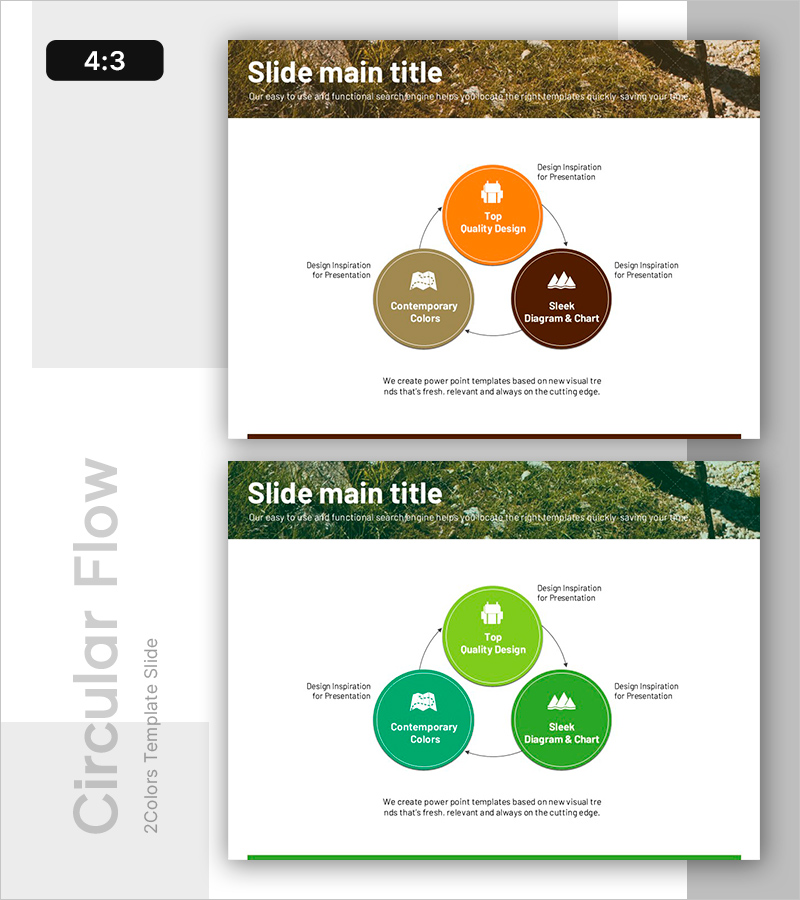
A circular flow diagram PowerPoint slide featuring three interconnected nodes arranged in a triangular layout with directional arrows. The design uses warm color tones—orange, tan, and dark brown—with icon placeholders and text fields in each node. This diagram slide is ideal for visualizing business processes, operational cycles, and step-by-step workflows in presentations. Provided in 4:3 aspect ratio with 2 slides in editable PPTX format.
Usage Points
-
Main Usage
Illustrates business processes, operational cycles, and three-stage workflows with clear visual hierarchy. Each node accommodates key concepts, departments, or roles, making circular relationships and interdependencies immediately apparent to your audience.
-
How to Use
Insert this diagram in company overview, business plan, or operational strategy sections to explain workflow sequences, improvement cycles, or interconnected processes. Double-click each circular node to edit text and background color; adjust arrow directions to customize the process flow direction.
-
Recommended For
Ideal for business management, operational planning, and process improvement presentations. Recommended for executives, team leaders, and consultants explaining cyclical workflows, continuous improvement frameworks, or interdependent strategic initiatives.
-
Slide Structure
Three circular nodes arranged in a triangular formation with connecting arrows indicating clockwise flow. Each node contains an icon placeholder and text input field. External space around nodes allows for supplementary explanatory text or labels.
Related Products
-
Strategic Roadmap for Action – Effective Business Implementation Plan
#Business Strategy #Business Management #Diagram
-
Slide Supporting Creative Work with Stylish Design
#Business Management #Operational Plan #Diagram
-
Operational Roadmap PowerPoint Slide – Circular Quarterly
#Business Strategy #Business Management #Operational Plan
-
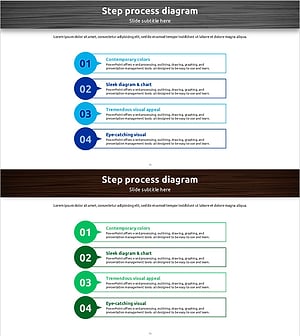
4-Step Process Diagram – Cluster-Based Workflow Presentation
#Business Management #Operational Plan #Diagram
