



Medicine Development Progress Plan Slide
RB0400002_7
- Last Update 03/11/2025
- File Size 0.4MB
- # of Slides 2
- File Format PPTX
- Slide Ratio 4:3
- Color
Keywords
- #Content-Based Slides
- #Design-Based Slides
- #Product/Service Introduction
- #Operational Plan
- #Diagram
- #Development Plan
- #Production and Technology Development Strategy
- #Cluster
- #Spread
- #Closed Cluster Diagram
- #4:3
- #cluster diagram PowerPoint
- #medicine development presentation slide
- #3-section diagram
- #healthcare PowerPoint template
- #progress plan slide
- #pharmaceutical presentation design
About the Product
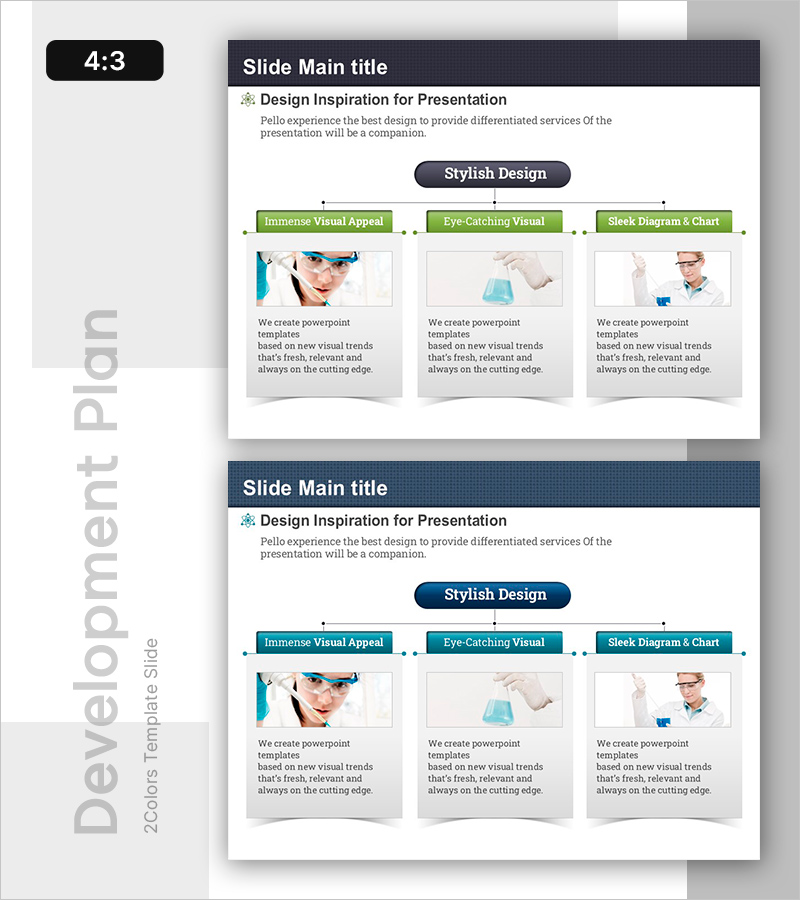
A PowerPoint slide that visualizes medicine development project progress by dividing information into three distinct areas with a cluster diagram structure. The central 'Stylish Design' message radiates outward to three sections (Immense Visual Appeal, Eye-Catching Visual, Sleek Diagram & Chart), each accommodating images and descriptive text. The green label backgrounds and dark header design convey professionalism for pharmaceutical and healthcare presentations. Delivered in 4:3 aspect ratio with 2 slides, ready for immediate use in progress reports, business proposals, and stakeholder briefings.
Usage Points
-
Main Usage
Communicate medicine development, clinical trial, and healthcare project progress by organizing complex information into three key areas (visual appeal, visual impact, diagram utilization). The radial structure from a central core message enables hierarchical information presentation and multi-dimensional project status visualization.
-
How to Use
Enter project phase names (e.g., basic research, clinical trials, approval preparation) in the green label boxes. Insert corresponding phase images in the image placeholders and add progress details, responsible teams, and timelines in the text boxes below each section to complete your project status report.
-
Recommended For
Pharmaceutical companies, healthcare institutions, and biotech startups presenting to executives and investors. Ideal for medicine development project status reports, clinical trial phase explanations, and medical technology development roadmap presentations. Suitable for R&D team weekly and monthly progress-sharing meetings.
-
Slide Structure
4:3 aspect ratio with 2 slides. Dark header contains main title. Central dark circular button (Stylish Design) serves as the hub with three green label boxes positioned left, center, and right. Each label connects to an image area (approximately 200×150px) and descriptive text box below, with dotted connector lines reinforcing visual flow and information hierarchy.
Related Products
-
Product Development Process Diagram - Visualization of Operations
#Product/Service Introduction #Operational Plan #Diagram
-
Slide for Product Development Plans – Cluster Design
#Product/Service Introduction #Operational Plan #Diagram
-
Visualizing Business Areas with Square Diffusion Diagram
#Business Introduction #Operational Plan #Diagram
-
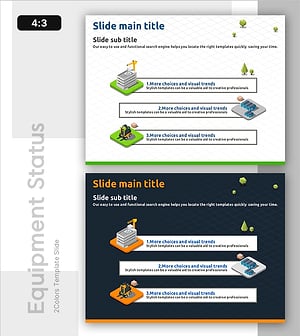
Facility Utilization Analysis on Site – A Tool for Operational Optimization
#Product/Service Introduction #Operational Plan #Diagram
