



Case Study Slides Using Diagrams and Charts
RM0900004_6
- Last Update 03/03/2025
- File Size 27.7MB
- # of Slides 2
- File Format PPTX
- Slide Ratio 16:9
- Color
Keywords
- #Content-Based Slides
- #Design-Based Slides
- #Market and Competitor Analysis
- #Marketing Plan and Strategy
- #Diagram
- #Graph
- #Market Analysis
- #Marketing Objectives
- #Column
- #Circles
- #Segmented Column
- #Pie Chart
- #16:9
- #pie chart PowerPoint slide
- #case study presentation template
- #data visualization slides
- #proportion chart design
- #bar graph PowerPoint template download
About the Product
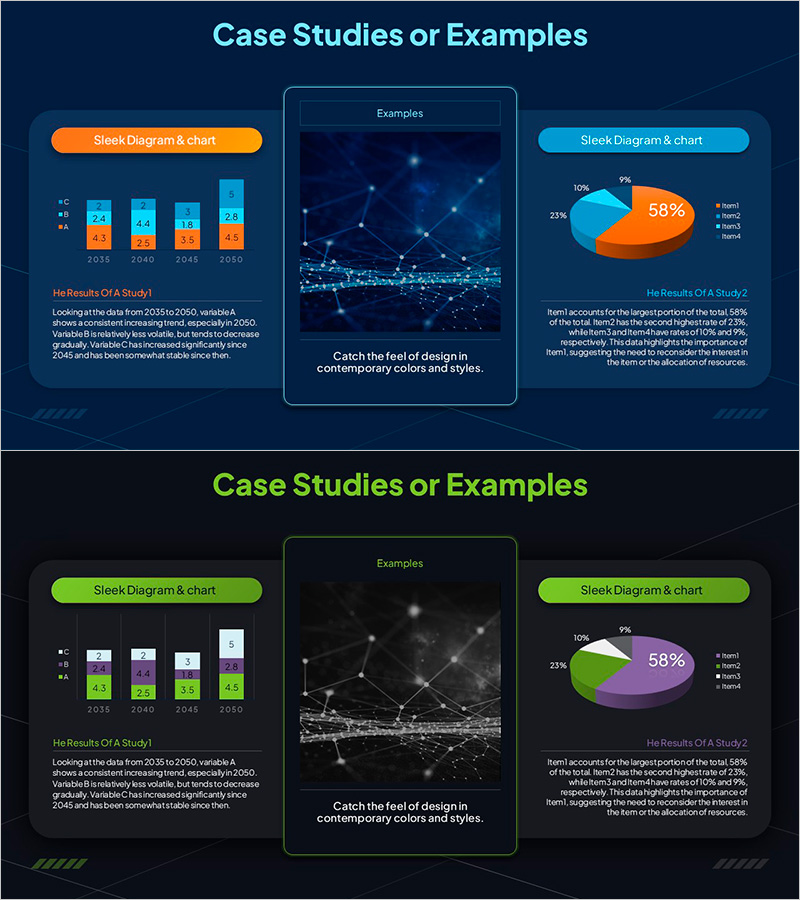
A professional case study presentation slide set featuring pie charts and bar graphs for effective data visualization. The first slide showcases an orange and blue pie chart emphasizing a 58% proportion, while the second slide combines a green and purple pie chart with a multi-item bar graph. Each slide includes a 'Case Study Results' title and detailed description area, ready for immediate use in business presentations. This 16:9 widescreen 2-slide template is ideal for marketing analysis, business performance reports, data-driven decision presentations, and customer case studies.
Usage Points
-
Main Usage
Visualize case study results using pie charts and bar graphs to communicate data-driven insights clearly. Simultaneously display proportion comparisons and item-level metrics to enhance audience comprehension and strengthen presentation credibility.
-
How to Use
Input actual proportion data into the first slide's pie chart and add comparison items to the second slide's bar graph. Customize the 'Case Study Results' title and description text for each project, then apply to marketing analysis, business performance reports, and customer case presentations.
-
Recommended For
Marketing professionals, data analysts, business development teams, consultants, and executive report presenters. Recommended for market research results, customer satisfaction analysis, sales performance comparisons, and project outcome evaluations.
-
Slide Structure
Slide 1: Orange-blue pie chart (58% emphasis) with title and description area. Slide 2: Green-purple pie chart with 4-item bar graph, title, and description area. 16:9 widescreen format, 2-slide set.
Related Products
-
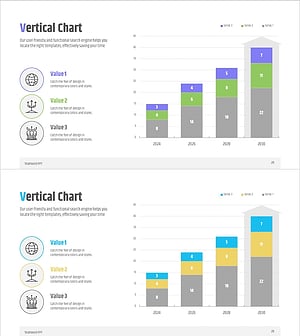
Analysis Graph of Future Prospects for Cooperative Business
#Market and Competitor Analysis #Diagram #Graph
-
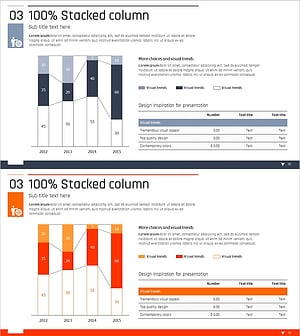
Subdivided Graphs and Tables Slide – Market Analysis and Performance Data
#Market and Competitor Analysis #Financial Plans and Performance #Diagram
-
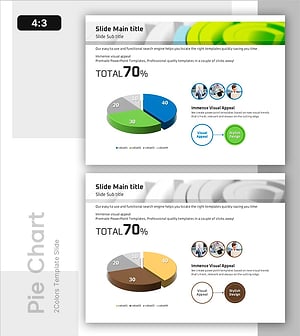
Pie Chart Performance Analysis – Visualizing Market Share
#Market and Competitor Analysis #Diagram #Graph
-
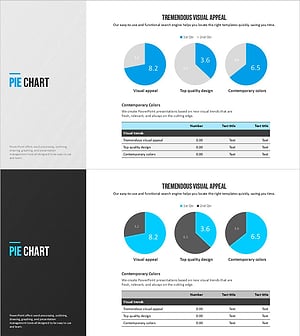
Modern Blue Pie Chart Template – Market Share Analysis
#Market and Competitor Analysis #Diagram #Graph
