



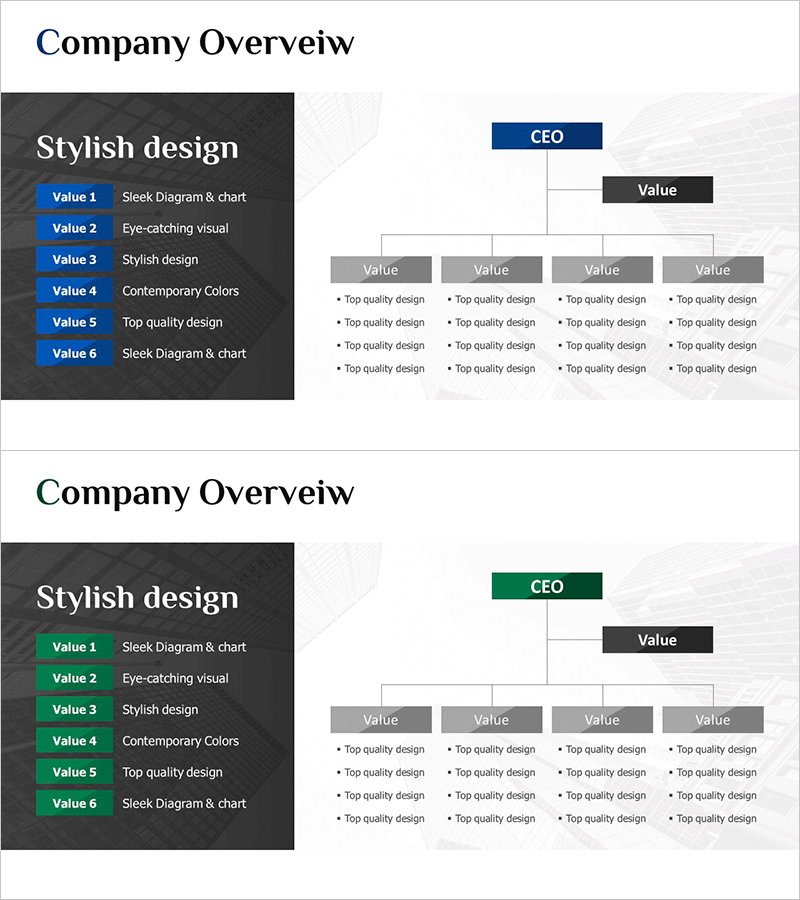
Company Organization Chart Diagram – Visualizing Company Overview
RM0600006_4
- Last Update 02/25/2025
- File Size 1.9MB
- # of Slides 2
- File Format PPTX
- Slide Ratio 16:9
- Color
Keywords
- #Content-Based Slides
- #Design-Based Slides
- #Company Introduction
- #Diagram
- #Company Overview
- #Organizational Chart
- #Structure
- #Tree Diagram
- #16:9
- #organization chart diagram PowerPoint
- #company organizational structure template
- #tree diagram slide
- #hierarchical organization chart
- #corporate structure presentation
- #company overview diagram
About the Product
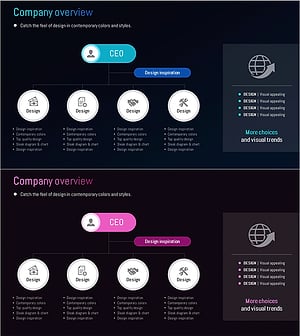
A tree diagram PowerPoint slide that clearly visualizes your company's organizational structure. This organizational chart template displays the CEO at the top with department heads, team leads, and team members across five hierarchical levels. The left panel features a dark background with six key values highlighted, while the right side presents the hierarchical tree structure with detailed information. Blue and green accent boxes distinguish job levels, with arrow connectors showing reporting relationships intuitively. The 2-slide set offers multiple color combinations (blue and green versions) so you can match your company's brand identity. This ready-to-edit PowerPoint presentation is ideal for organizational restructuring announcements, new employee onboarding, and company overview presentations.
Usage Points
-
Main Usage
Displays company organizational hierarchy and reporting relationships in a clear, hierarchical format for instant comprehension. The 5-level tree structure from CEO to team members clarifies job levels and departmental relationships, strengthening organizational credibility in new employee training, restructuring announcements, and company overview presentations.
-
How to Use
Insert into the organizational structure section of company overview slides or use as a dedicated organization chart explanation page. Edit each box with actual job titles, department names, and employee names, and add or remove nodes as needed to match your real organizational structure. Select either the blue or green version to align with your company's brand colors.
-
Recommended For
HR and personnel departments for organizational restructuring announcements, new employee onboarding training, executive reports, investor IR materials' company overview sections, recruitment presentation decks, and company introduction presentations to partners and clients.
-
Slide Structure
2-slide set. Each slide features a dark left panel with six key values text list and a right-side tree diagram with CEO at top, department heads at level 2, team leads at level 3, and team members at levels 4–5. Blue and green accent boxes distinguish job levels with gray boxes for additional hierarchy clarity.
Related Products
-
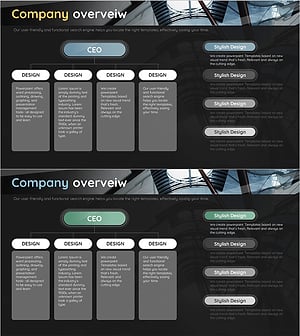
Company Overview Organization Chart Diagram
#Company Introduction #Diagram #Company Overview
-
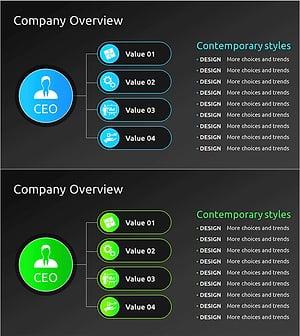
Organizational Structure & Team Roles – Visualizing Company Overview
#Company Introduction #Diagram #Company Overview
-
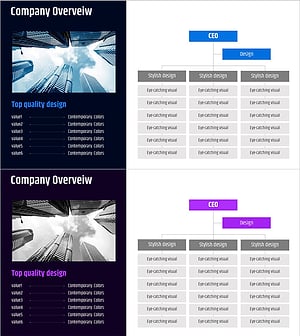
Corporate Core Structure Diagram – Effective Organization Chart
#Company Introduction #Diagram #Company Overview
-
Organizational Chart Slide – Global Company Overview
#Company Introduction #Diagram #Company Overview
