



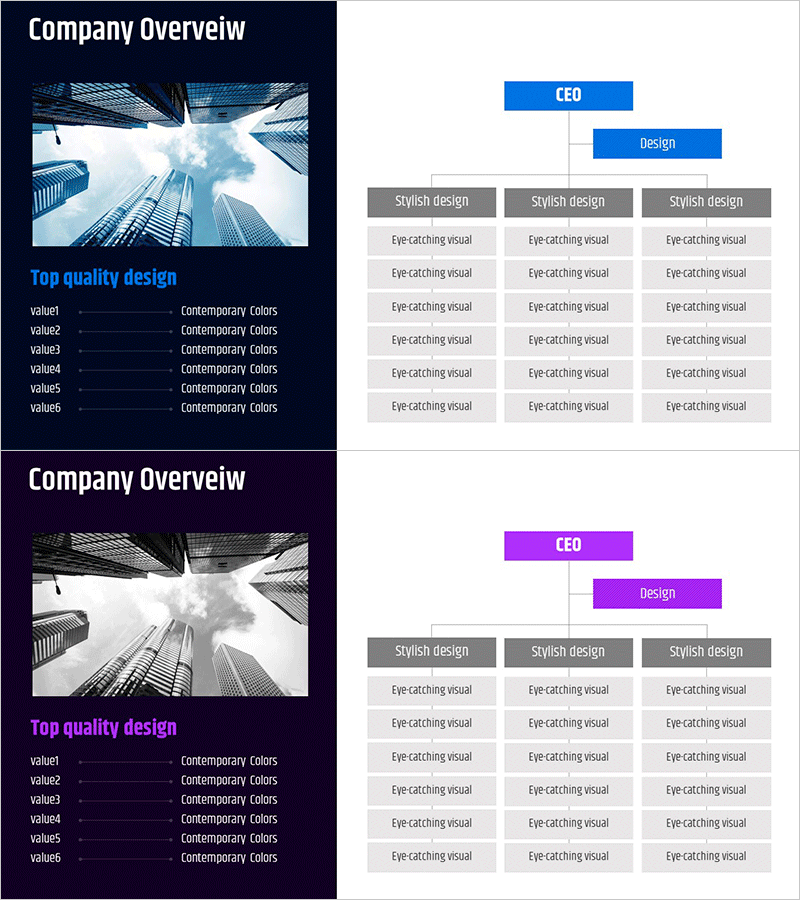
Corporate Core Structure Diagram – Effective Organization Chart
RM0600003_4
- Last Update 02/23/2025
- File Size 0.5MB
- # of Slides 2
- File Format PPTX
- Slide Ratio 16:9
- Color
Keywords
- #Content-Based Slides
- #Design-Based Slides
- #Company Introduction
- #Diagram
- #Company Overview
- #Organizational Chart
- #Structure
- #Tree Diagram
- #16:9
- #tree diagram PowerPoint
- #organizational chart slide template
- #hierarchical structure diagram
- #corporate organization PowerPoint
- #how to create org chart in PowerPoint
About the Product
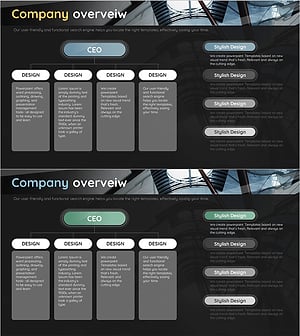
A three-tier tree diagram PowerPoint slide that clearly visualizes corporate organizational hierarchy. The structure branches from a CEO top node to a Design department, further dividing into three Stylish design teams with six Eye-catching visual elements beneath each node. This presentation slide features a blue header and gray boxes arranged in a hierarchical layout, making it ideal for company overview presentations, organizational charts, and departmental structure explanations. The PowerPoint template is ready to use and fully editable for customization.
Usage Points
-
Main Usage
This diagram is optimized for expressing corporate organizational structure and reporting relationships in a hierarchical manner. It clearly communicates how the organization branches from CEO level through departments to individual teams, allowing stakeholders to understand organizational scope and responsibility distribution at a glance.
-
How to Use
Use this slide in company overview presentations, new employee onboarding sessions, organizational restructuring explanations, and investor pitches. Simply edit the node text to reflect actual department and team names, and add or remove nodes as needed to match your organization's size and structure.
-
Recommended For
HR professionals, executives, employee training coordinators, corporate presentation leads, and organizational development managers who need to communicate clear hierarchical relationships. Particularly effective for large organizations where layered reporting structures are critical to understanding.
-
Slide Structure
Two-slide set. First slide features blue header with three-tier tree structure: CEO top node, Design middle node, and three Stylish design sub-nodes, each with six Eye-catching visual input areas. Second slide uses identical structure with magenta header color. All text fields are fully editable.
Related Products
-
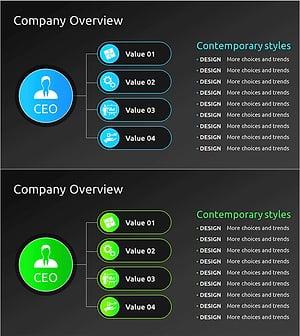
Organizational Structure & Team Roles – Visualizing Company Overview
#Company Introduction #Diagram #Company Overview
-
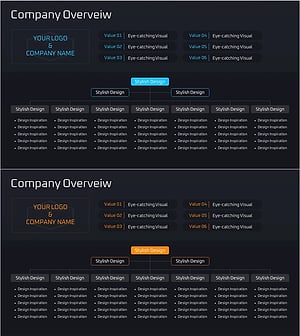
Management Organization Chart Diagram – Company Overview and Structure
#Company Introduction #Diagram #Company Overview
-
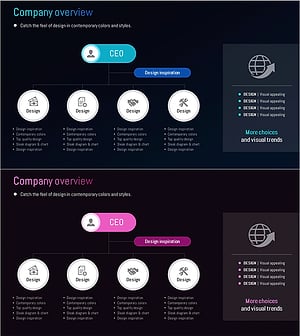
Organizational Chart Slide – Global Company Overview
#Company Introduction #Diagram #Company Overview
-
Company Overview Organization Chart Diagram
#Company Introduction #Diagram #Company Overview
