



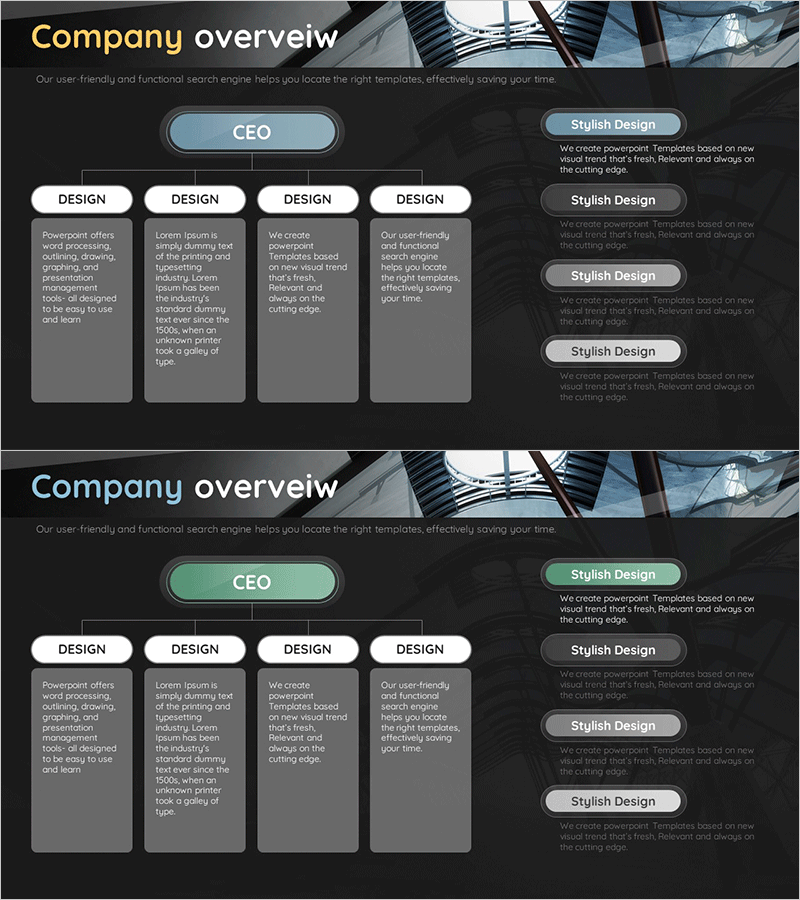
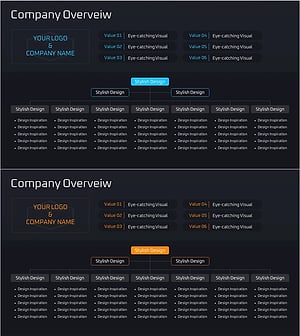
Company Overview Organization Chart Diagram
RM0500004_4
- Last Update 02/21/2025
- File Size 1.4MB
- # of Slides 2
- File Format PPTX
- Slide Ratio 16:9
- Color
Keywords
- #Content-Based Slides
- #Design-Based Slides
- #Company Introduction
- #Diagram
- #Company Overview
- #Organizational Chart
- #Structure
- #Cluster
- #Tree Diagram
- #Closed Cluster Diagram
- #16:9
- #organization chart diagram PowerPoint
- #company structure slide template
- #CEO organizational chart
- #cluster diagram template
- #hierarchy diagram PowerPoint
- #how to create organization chart in PowerPoint
About the Product
A cluster-based organizational diagram PowerPoint slide that visualizes company structure and reporting relationships at a glance. The design features a CEO node at the top with four departments hierarchically connected below, clearly showing organizational roles and departmental relationships. Built with blue-toned rounded boxes and white typography, this slide works effectively for company introductions, employee onboarding, organizational restructuring announcements, and executive presentations. The 2-slide set includes color variations in blue and green, with fully editable text and shapes that can be customized to match your organization's size and structure.
Usage Points
-
Main Usage
Designed to visually represent company organizational structure and departmental reporting relationships in a hierarchical format. The CEO serves as the top-level node with four departments branching below, making decision-making flow and responsibility scope immediately clear. Ideal for company introductions, employee onboarding sessions, organizational restructuring announcements, and executive briefings where organizational culture and hierarchy need clear visual communication.
-
How to Use
Place this slide early in your company introduction presentation to establish organizational context, or dedicate a separate 'Organization' section to explain departmental roles. Double-click text boxes to input department names and titles, and easily add or remove nodes to match your organization's actual structure. Use the two color variations to compare before-and-after structures during organizational change announcements or to differentiate sections within your presentation.
-
Recommended For
Recommended for company overview presentations, employee onboarding materials, organizational restructuring announcements, management reports, and investor briefings. Particularly suited for HR professionals, executives, and marketing teams in larger organizations who need to clearly communicate hierarchical structures and departmental relationships in formal presentations.
-
Slide Structure
Hierarchical layout with one CEO node at the top connected via vertical lines to four department boxes below. Each node uses rounded-corner boxes with blue-toned backgrounds and white text. The 2-slide set provides identical structure with green-tone variation, allowing color differentiation by presentation topic or section.
Related Products
-
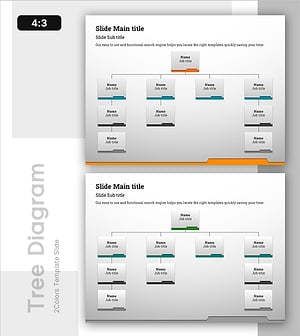
Folder Template Tree Structure – Effective Design for Visualizing Organization Charts
#Company Introduction #Diagram #Organizational Chart
-
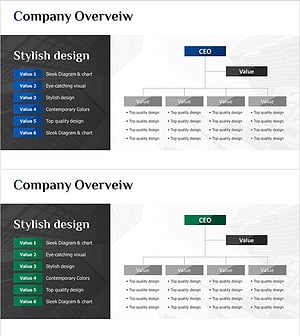
Company Organization Chart Diagram – Visualizing Company Overview
#Company Introduction #Diagram #Company Overview
-
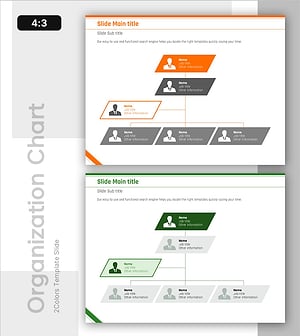
Diagonal Box-Shaped Organizational Chart for Structural Relationships
#Company Introduction #Diagram #Organizational Chart
-
Management Organization Chart Diagram – Company Overview and Structure
#Company Introduction #Diagram #Company Overview
